Best AI Customer Service Software in 2026: Reviewed for Every Team Size
TLDR:
AI customer service software automates ticket handling, chat, and voice — reducing manual work while keeping customers happier. Here are the 10 best platforms in 2026, plus how CloudTalk adds AI-powered voice intelligence to any stack:
- 01Intercom (Fin) — Best AI-first platform for SaaS and product-led teams (from $29/seat/mo)
- 02Zendesk AI — Best enterprise helpdesk with AI agents across every channel (from $55/agent/mo)
- 03Freshdesk — Best affordable helpdesk for SMB and mid-market teams (free; from $15/agent/mo)
- 04Help Scout — Best for teams wanting AI that assists agents without replacing them (from $25/user/mo)
- 05Tidio — Best live chat and AI chatbot for small businesses and ecommerce (free; from $29/mo)
- 06Gorgias — Best AI customer service platform built specifically for ecommerce brands (from $10/mo)
- 07Salesforce Agentforce — Best for enterprise teams running Salesforce as their CRM (custom pricing)
- 08Zoho Desk — Best value AI helpdesk for budget-conscious teams (free; from $7/agent/mo)
- 09Kustomer — Best for high-volume B2C teams needing CRM and helpdesk unified (from $89/user/mo)
- 10LiveAgent — Best all-in-one for teams wanting every channel including calls in one platform (from $15/agent/mo)
AI customer service software has moved well beyond simple chatbots. The best platforms in 2026 resolve tickets autonomously, coach agents in real time, and handle the phone — the channel that most AI tools still leave behind. This guide reviews 10 platforms across every team size and budget, with verified pricing and honest verdicts on who each tool actually fits.
What Is AI Customer Service Software?
AI customer service software uses machine learning, natural language processing, and generative AI to automate and improve customer support interactions. At the basic level, it suggests replies to agents. At the advanced level, it resolves entire customer conversations without human involvement — across chat, email, voice, and social channels — and routes complex issues to the right agent with full context intact.
AI-assisted vs. AI-autonomous vs. AI voice — the key distinctions
AI-assisted: The AI helps human agents — suggesting replies, summarizing tickets, detecting sentiment. The agent still sends every message.
AI-autonomous: The AI resolves conversations end-to-end without human involvement — answering questions, processing requests, escalating only when needed. This is what Intercom Fin, Zendesk AI agents, and Freshdesk Freddy do.
AI voice: The AI handles inbound phone calls — answering, qualifying, routing, and resolving — without a human picking up. This is the gap most helpdesk platforms leave behind, and where CloudTalk AI Voice Agents fill in.
In 2026, the defining divide in this market is between platforms that are truly AI-autonomous (resolving tickets without human escalation) and those that are AI-assisted (making agents faster). Most modern platforms offer both — the question is which capability they prioritize, and at what price. For a deeper look at how AI is reshaping contact center operations specifically, see our guide to AI in call centers. For most teams, the right AI customer service stack combines a helpdesk for tickets and chat with a dedicated voice AI layer for the phone channel.
CloudTalk — AI Voice Agents and Conversation Intelligence for Customer Service Teams
Every platform on this list handles chat, email, and tickets. None of them handle calls the way a dedicated voice platform does. Phone remains the highest-stakes customer service channel — the one customers reach for when a problem is urgent, emotional, or complex. Yet most AI customer service tools treat calling as an afterthought, offering basic VoIP with no intelligence layer.
CloudTalk fills that gap with two distinct AI capabilities that complement any helpdesk on this list.
CloudTalk AI Voice Agents — Autonomous Handling for the Phone Channel

AI Voice Agents

Nudge expiring offer
Riley, Sales Reminder Agent

Qualify a student lead
Avery, Course Inquiry Agent

Get a payment reminder
Casey, Payment Reminder Agent

Qualify a patient lead
Jordan, Healthcare Intake Agent

Qualify insurance lead
Taylor, Insurance Intake Agent

Accept updated terms
Quinn, T&C Acceptance Agent

Qualify legal inquiry
Drew, Legal Intake Agent

Get post-interview feedback
Jamie, Candidate Feedback Agent

Pre-screen a candidate
Skyler, Applicant Pre-screen Agent

Confirm account action
Morgan, Action Reminder Agent

Get a renewal reminder
Logan, Subscription Renewal Agent

Get CSAT after support
Morgan, CX Feedback Agent

Get NPS or demo feedback
Parker, Post-Sales Feedback Agent

Qualify a trial lead
Blake, Trial Signup Qualifier
Sales Reminder
Agent
Client
Sales / Marketing
Course Inquiry
Agent
Client
Education / EdTech
Payment Reminder
Agent
Client
Financial Services
Healthcare Intake
Agent
Client
Healthcare
Insurance Intake
Agent
Client
Insurance
T&C Acceptance
Agent
Client
Legal Services
Legal Intake
Agent
Client
Legal Services
Candidate Feedback
Agent
Client
Recruitment / HR
Applicant Pre-screen
Agent
Client
Recruitment / HR
Action Reminder
Agent
Client
SaaS / Software & Apps
Subscription Renewal
Agent
Client
SaaS / Software & Apps
CX Feedback
Agent
Client
SaaS / Software & Apps
Post-Sales Feedback
Agent
Client
SaaS / Software & Apps
Trial Signup
Qualifier
Client
SaaS / Software & Apps
CloudTalk AI Voice Agents do for phone calls what Intercom Fin does for chat: they answer inbound calls autonomously, 24/7, without a human picking up. Using natural language processing and integration with your knowledge base and CRM, AI Voice Agents handle the full conversation — answering questions, collecting information, scheduling appointments, qualifying leads, and routing complex issues to the right human agent with full context.
For customer service teams, this closes the gap that helpdesks leave open. A customer who can't reach you via chat at 2 AM can still get their question answered via phone — without waiting in a queue or leaving a voicemail. AI Voice Agents handle repetitive inbound volume so human agents focus on the calls that actually require empathy and judgment.
Key Use Cases for CloudTalk AI Voice Agents in Customer Service
- After-hours call handling: AI answers every call when your team is offline — resolves what it can, logs what it can't, and schedules callbacks for the morning.
- Appointment scheduling: Customers call, the AI checks availability, books the slot, and sends a confirmation — zero agent involvement required.
- Payment reminders and collections: Automated outbound voice campaigns that notify customers about outstanding payments and handle responses.
- FAQ resolution via voice: Customers calling about order status, return policies, or account information get instant answers without queue time.
CloudTalk AI Conversation Intelligence — Full Visibility Into Every Support Call
For calls that do reach human agents, CloudTalk AI Conversation Intelligence gives managers the same visibility into voice that helpdesks give into tickets. Every call is automatically transcribed, summarized, scored, and analyzed — without a manager needing to listen to recordings. Our guide to conversation intelligence software covers how this compares to other tools in the market.
This is the coaching and QA layer that most customer service teams are missing. Zendesk and Freshdesk tell you how many tickets were resolved and how fast. CloudTalk tells you what happened on every call — which agents are struggling with objections, which customers are expressing frustration, and which call outcomes are driving churn.
Key AI Conversation Intelligence Features
- AI Call Summaries: Every call automatically summarized and synced to your CRM or helpdesk the moment it ends. No post-call admin for agents.
- Sentiment Analysis: Every call scored for customer tone and agent engagement — flags frustrated customers and struggling agents before issues escalate. See our guide to call center sentiment analysis for how this works in practice.
- AI Call Scoring: Automatically scores agent calls against your criteria — quality assurance at scale without manual review.
- Talk/Listen Ratio: Tracks how much agents talk versus listen per call — surfaces coaching opportunities at the individual and team level.
- Topic Extraction: Automatically identifies what customers are calling about — product issues, billing questions, complaints — so managers can spot trends before they become systemic.
- Call Monitoring and Coaching: Managers whisper guidance to agents mid-call, or listen live without the customer knowing — real-time coaching without interruption.
What Are CloudTalk's Pros & Cons for Customer Service Teams?
| Pros | Cons |
|---|---|
| AI Voice Agents resolve inbound calls autonomously 24/7 — the phone channel equivalent of what Intercom Fin does for chat | Voice-only — CloudTalk does not replace a helpdesk; it complements the platforms listed below for chat, email, and ticketing |
| AI Conversation Intelligence covers every call automatically — summaries, sentiment, scoring, and topic extraction without manual review | CRM and helpdesk integrations from Essential tier — Lite and Starter plans do not include integration connectivity |
| Native integrations with Zendesk, Freshdesk, Intercom, HubSpot, and Salesforce — call data syncs automatically to your existing helpdesk | |
| 14-day free trial — full feature access, no credit card required |
What Is CloudTalk's Pricing?
Flexible Pricing Plans to Scale with You
Add AI Voice Agents and Conversation Intelligence to your existing helpdesk in minutes.
10 Best AI Customer Service Software Platforms in 2026
All pricing verified from official vendor sources as of June 2026. Use this comparison to match your team size, primary channels, and budget.
10 Best AI Customer Service Software Platforms in 2026
| Tool | Starting Price (Annual) | G2 Rating | Best For | Free Trial | Key Differentiator |
|---|---|---|---|---|---|
| CloudTalk ⭐ Editor’s Pick Recommended Voice AI Layer | From $29/user/mo | 4.4/5 | AI voice agents + conversation intelligence for any helpdesk | 14 days | Only platform with AI-autonomous voice + call coaching built in |
| 1. Intercom (Fin) | From $29/seat/mo | 4.5/5 | SaaS and product-led teams wanting AI-first support | 14 days | Fin AI resolves complex conversations end-to-end, not just FAQs |
| 2. Zendesk AI | Suite Team from $55/agent/mo | 4.3/5 | Enterprise teams needing AI across all channels | 14 days | Largest marketplace (1,200+ integrations) with outcome-based AI pricing |
| 3. Freshdesk | Free; Growth from $15/agent/mo | 4.4/5 | SMB and mid-market teams needing affordable AI helpdesk | 14 days | Most affordable full-featured AI helpdesk — Freddy AI on all paid plans |
| 4. Help Scout | Free (5 users); from $25/user/mo | 4.4/5 | Teams wanting human-first AI that assists rather than replaces | 15 days | AI Answers billed only per successful resolution — pay for outcomes |
| 5. Tidio | Free; Starter from $29/mo | 4.7/5 | Small businesses and ecommerce needing fast AI chat setup | 7 days | Lyro AI resolves up to 67% of queries — fastest setup of any platform on this list |
| 6. Gorgias | Starter $10/mo (50 tickets) | 4.6/5 | Shopify and ecommerce brands automating order-related support | 7 days | Deepest native Shopify integration — AI handles WISMO tickets autonomously |
| 7. Salesforce Agentforce | Custom (Service Cloud from $25/user/mo) | 4.4/5 | Enterprise teams already running Salesforce CRM | 30 days | Native Salesforce CRM context in every AI interaction — no connectors needed |
| 8. Zoho Desk | Free (3 agents); Express from $7/agent/mo | 4.4/5 | Budget-conscious teams in the Zoho ecosystem | 15 days | Most affordable AI helpdesk — 40–50% cheaper than Zendesk or Freshdesk at equivalent tiers |
| 9. Kustomer | Enterprise from $89/user/mo | 4.4/5 | High-volume B2C teams needing CRM + helpdesk unified | On request | Full customer timeline view — every channel, every interaction, one record |
| 10. LiveAgent | Small from $15/agent/mo | 4.5/5 | Teams wanting every channel — tickets, chat, calls, email — in one platform | 30 days | Fastest live chat widget on the market + all-in-one channel coverage |
1. Intercom (Fin) — Best AI-First Customer Service Platform for SaaS Teams
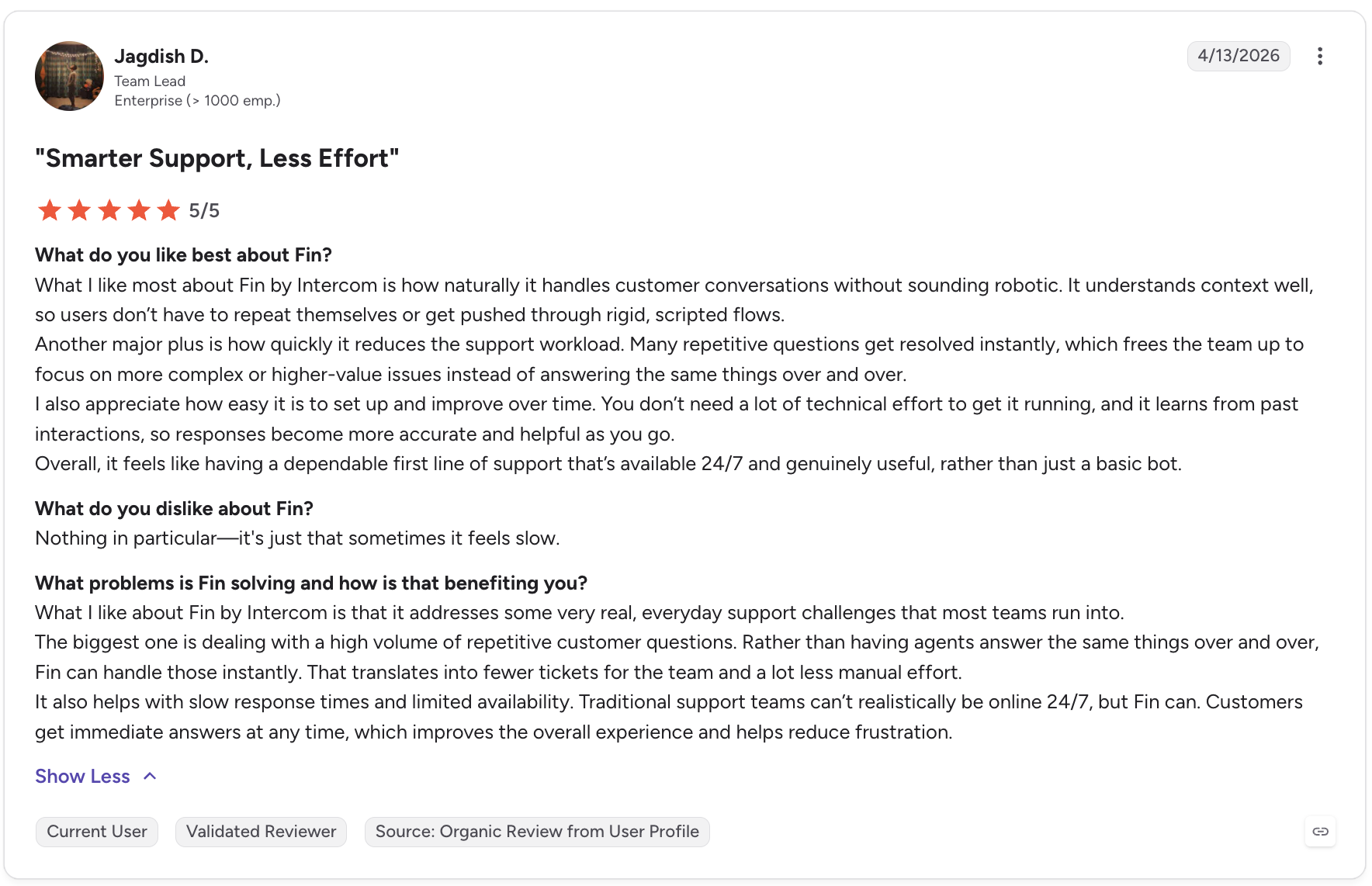
Intercom is the platform that has gone furthest in the AI-first direction. Fin, its AI agent, resolves complex customer conversations end-to-end — not just simple FAQs — across chat, email, voice, and social. Built on a proprietary model trained specifically for customer service, Fin understands nuanced questions, pulls real-time data from connected systems (CRM, billing, order management), and executes multi-step workflows like refund processing, account updates, and appointment scheduling autonomously.
Who Is Intercom Best For?
SaaS companies and product-led teams where support is embedded in the user experience — not a separate call center. Particularly strong for teams wanting to automate 60–70% of volume while keeping human agents available for complex cases. Fin's outcome-based pricing ($0.99 per resolution) means teams pay only when AI actually helps — not for bot interactions that don't resolve anything.
Key Features
- Fin AI Agent: Resolves complex multi-step conversations across chat, email, voice, SMS, and social — powered by a proprietary model trained for customer service, not a generic LLM.
- Fin AI Copilot: Whispers answers and suggested replies to human agents in real time — reducing handle time without removing the human from complex conversations. Included up to 10 conversations/month; unlimited at $29/agent/month.
- Omnichannel inbox: Chat, email, in-app messaging, social, WhatsApp, SMS, and phone all flow into one workspace — agents never switch tabs to respond.
- CloudTalk integration: Connect CloudTalk's AI Voice Agents and Conversation Intelligence to the Intercom workspace — call summaries and outcomes log automatically to Intercom conversations.
What Are Intercom's Pros & Cons?
| Pros | Cons |
|---|---|
| Most advanced AI resolution in the market — Fin resolves genuinely complex conversations, not just keyword-matched FAQs | AI costs scale with volume — $0.99 per Fin resolution adds up fast for high-volume teams; model your expected resolution count before committing |
| Outcome-based pricing is fair — you pay only when Fin actually resolves a conversation, not for every bot interaction | Not designed for ticket-heavy operations — teams managing large volumes of structured ticket queues may prefer Zendesk or Freshdesk |
| Strongest for SaaS — deeply integrated with product usage data, billing systems, and user lifecycle for contextual AI responses | Proactive outreach is an add-on — Proactive Support Plus costs $99/month on top of any plan |
What Is Intercom's Pricing?
Essential: $29/seat/month (annual) or $39/seat/month (monthly) — shared inbox, live chat, help center, basic automation, and 10 free Copilot conversations/agent/month.
Advanced: $85/seat/month (annual) — advanced automation, deeper reporting, and collaboration features.
Expert: $132/seat/month (annual) — multibrand support, advanced security controls, and workload management.
Fin AI Agent: $0.99 per resolution (pay only for resolved conversations). Copilot unlimited usage: $29/agent/month (annual). Source: intercom.com/pricing
2. Zendesk AI — Best Enterprise Helpdesk with AI Agents Across Every Channel
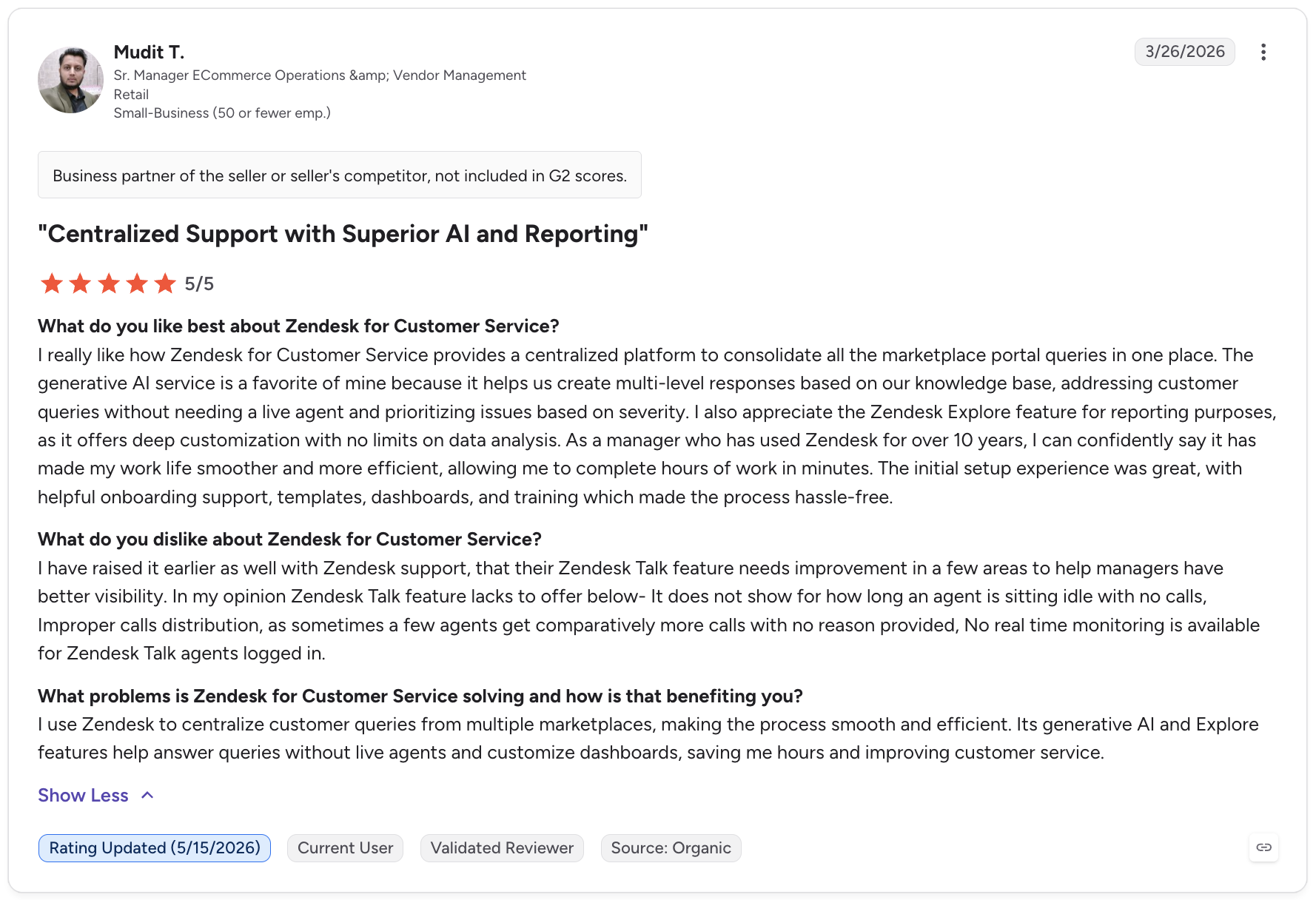
Zendesk is the most mature enterprise helpdesk in this list — serving teams from 5-agent startups to global enterprises handling millions of interactions monthly. Its AI agents are built into every Suite plan and resolve conversations using an outcome-based model (automated resolutions): you pay per successful AI resolution, not per bot interaction. With 1,200+ integrations and a marketplace that covers almost any workflow, Zendesk is the default choice for enterprise teams that need scale, compliance, and customization.
Who Is Zendesk Best For?
Mid-market and enterprise teams already invested in the Zendesk ecosystem, or those needing enterprise-grade security, compliance (HIPAA), and deep customization. Also strong for teams managing high ticket volumes across multiple channels (email, chat, social, voice) who need a single platform to unify everything. Less cost-effective for small teams — the add-on model (AI, WFM, QA) can push real costs well above the advertised base price.
Key Features
- AI Agents: Resolve customer conversations autonomously across all channels — included in every Suite plan, billed per automated resolution (5 free/agent/month on Suite Team, 10 on Professional).
- Copilot: AI assistant for human agents — suggests replies, summarizes tickets, and recommends next actions. Available as a $50/agent/month add-on on any Suite plan.
- Omnichannel suite: Email, chat, social messaging, voice, and help center all in one workspace — Suite Team covers all channels from $55/agent/month.
- CloudTalk integration: Connect CloudTalk for AI-powered call intelligence — call summaries, sentiment scores, and outcomes sync to Zendesk tickets via the Zendesk + CloudTalk integration.
What Are Zendesk's Pros & Cons?
| Pros | Cons |
|---|---|
| Largest integration marketplace — 1,200+ pre-built apps covering virtually any enterprise workflow | Add-on model inflates costs quickly — Copilot ($50/agent), WFM ($25/agent), QA ($35/agent) stack on top of base plan; a 10-agent team on Professional with all three pays $2,650/month |
| Outcome-based AI pricing is fair — you pay only for conversations that AI fully resolves, not for bot interactions that escalate | Steep onboarding — complex workflows, admin interface, and deep customization have a significant learning curve for smaller teams |
| Enterprise-grade compliance — HIPAA compliance from Suite Professional, advanced security on Enterprise | AI costs are uncapped — per-resolution fees for AI agents auto-bill with no pause; traffic spikes during peak periods can create surprise charges |
What Is Zendesk's Pricing?
Suite Team: $55/agent/month (annual) — ticketing, chat, social messaging, help center, voice. 5 free AI resolutions/agent/month.
Suite Growth: $89/agent/month — adds self-service portal, SLA management, multilingual support, customer satisfaction ratings.
Suite Professional: $115/agent/month — skills-based routing, HIPAA compliance, advanced analytics, IVR. 10 free AI resolutions/agent/month.
Suite Enterprise: $169/agent/month — custom roles, sandbox, advanced data privacy, dedicated success manager.
AI Copilot: $50/agent/month add-on. Additional AI resolutions beyond plan allowance: $1.50 each (volume commitment) or $2.00 pay-as-you-go. Source: zendesk.com/pricing
CloudTalk integrates natively with Intercom, Zendesk, Freshdesk, HubSpot, and Salesforce. Add AI voice intelligence to your existing helpdesk in minutes.

3. Freshdesk — Best Affordable AI Helpdesk for SMB and Mid-Market Teams
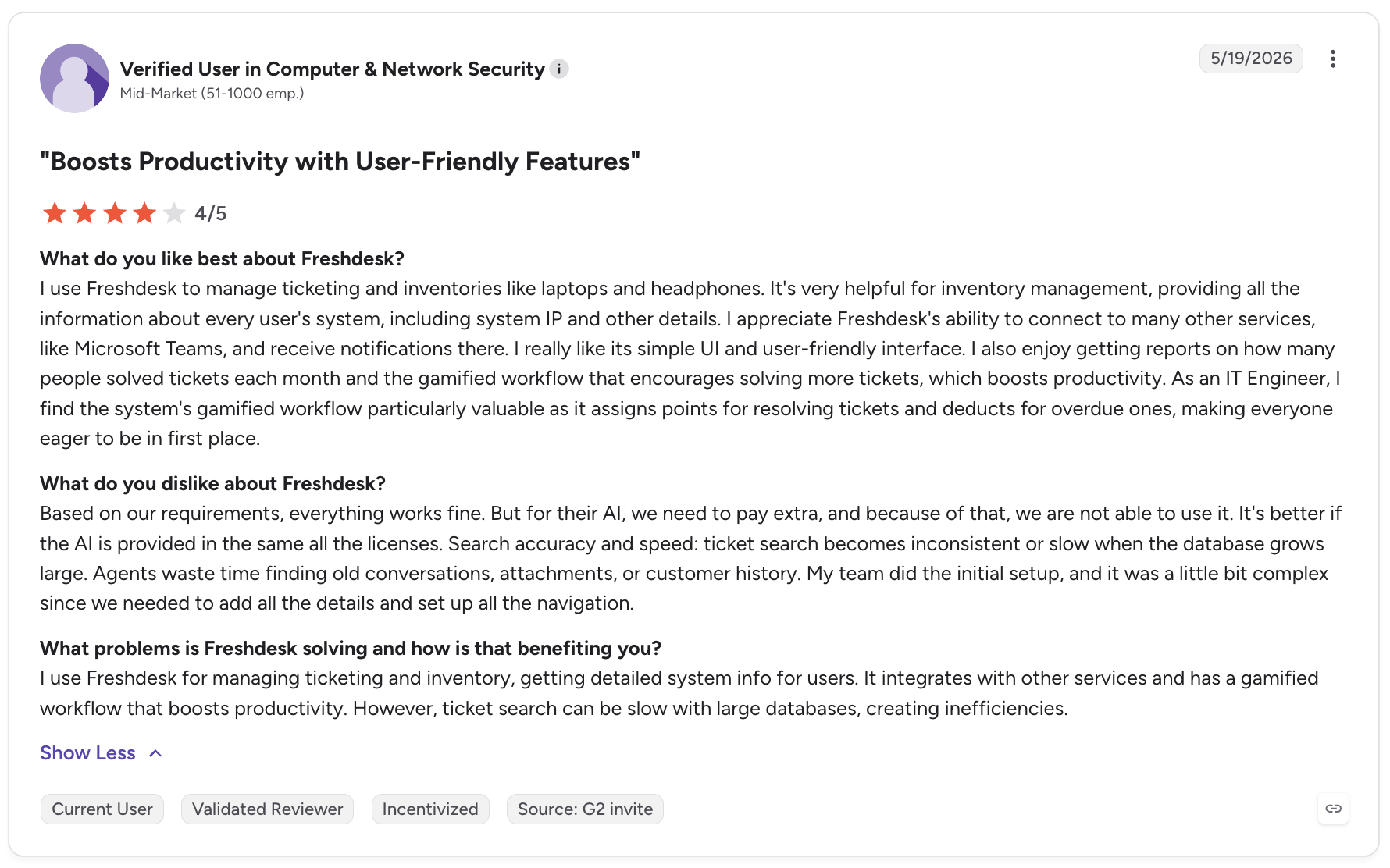
Freshdesk is the most affordable full-featured AI helpdesk on this list. Starting at $15/agent/month for Growth and going up to $79/agent/month for Enterprise, it delivers ticketing, multichannel support, automation, and Freddy AI — Freshworks' AI suite — at price points that consistently undercut Zendesk by 30–50%. For SMB and mid-market teams that need a real helpdesk without enterprise pricing, Freshdesk is the strongest value play in this category.
Who Is Freshdesk Best For?
SMB and mid-market support teams handling email, chat, social, and phone who want automation and AI at an affordable price point. Particularly strong for teams already using other Freshworks products (Freshsales, Freshcaller) where unified billing and native integrations reduce tool sprawl. Less compelling for teams that need the deepest AI autonomy — Freddy AI Agent is capable, but Intercom Fin and Zendesk AI agents go further for complex multi-step resolutions.
Key Features
- Freddy AI Agent: Autonomous AI that handles customer queries on chat and email using your knowledge base — resolves routine questions without agent involvement. 500 free sessions on Pro and Enterprise plans.
- Freddy AI Copilot: In-inbox AI assistant that drafts replies, summarizes tickets, and suggests next steps for agents — $29/agent/month add-on on all plans.
- Omnichannel inbox: Email, chat, phone, social, and WhatsApp all flow into a single workspace — Freshdesk Omni bundles everything from $29/agent/month.
- CloudTalk integration: Full call intelligence sync — call summaries, sentiment scores, and outcomes log to Freshdesk tickets via the Freshdesk + CloudTalk integration.
What Are Freshdesk's Pros & Cons?
| Pros | Cons |
|---|---|
| Best price-to-feature ratio in this list — Growth at $15/agent delivers automation, SLA management, and multichannel support that competitors charge $55+ for | Freddy AI is an add-on, not included — Copilot costs $29/agent/month extra on all plans; Freddy AI Agent sessions expire monthly with no rollover |
| Freshworks ecosystem advantage — native integrations with Freshsales, Freshcaller, Freshmarketer reduce stack complexity for teams going all-in on Freshworks | Sequencing gated by plan — custom roles, CSAT surveys, and multilingual support require Pro at $49/agent; skill-based routing requires Enterprise at $79/agent |
| Generously functional free tier — 6-month free program for up to 2 agents is a genuine testing ground before committing to paid plans | 60-day cancellation notice required — confirmed by multiple user reviews; factor this into evaluation timelines before signing up |
What Is Freshdesk's Pricing?
Free Program: Up to 2 agents for 6 months — email ticketing, basic knowledge base, pre-built reports.
Growth: $15/agent/month (annual) — automation, SLA management, custom email server, basic analytics.
Pro: $49/agent/month (annual) — custom reports, CSAT surveys, multilingual support, custom agent roles, round-robin routing. 500 free Freddy AI Agent sessions included.
Enterprise: $79/agent/month (annual) — skill-based routing, sandbox, audit logs, advanced AI. Freddy AI Copilot: $29/agent/month add-on on all plans. Source: freshdesk.com/pricing
4. Help Scout — Best for Teams Wanting Human-First AI
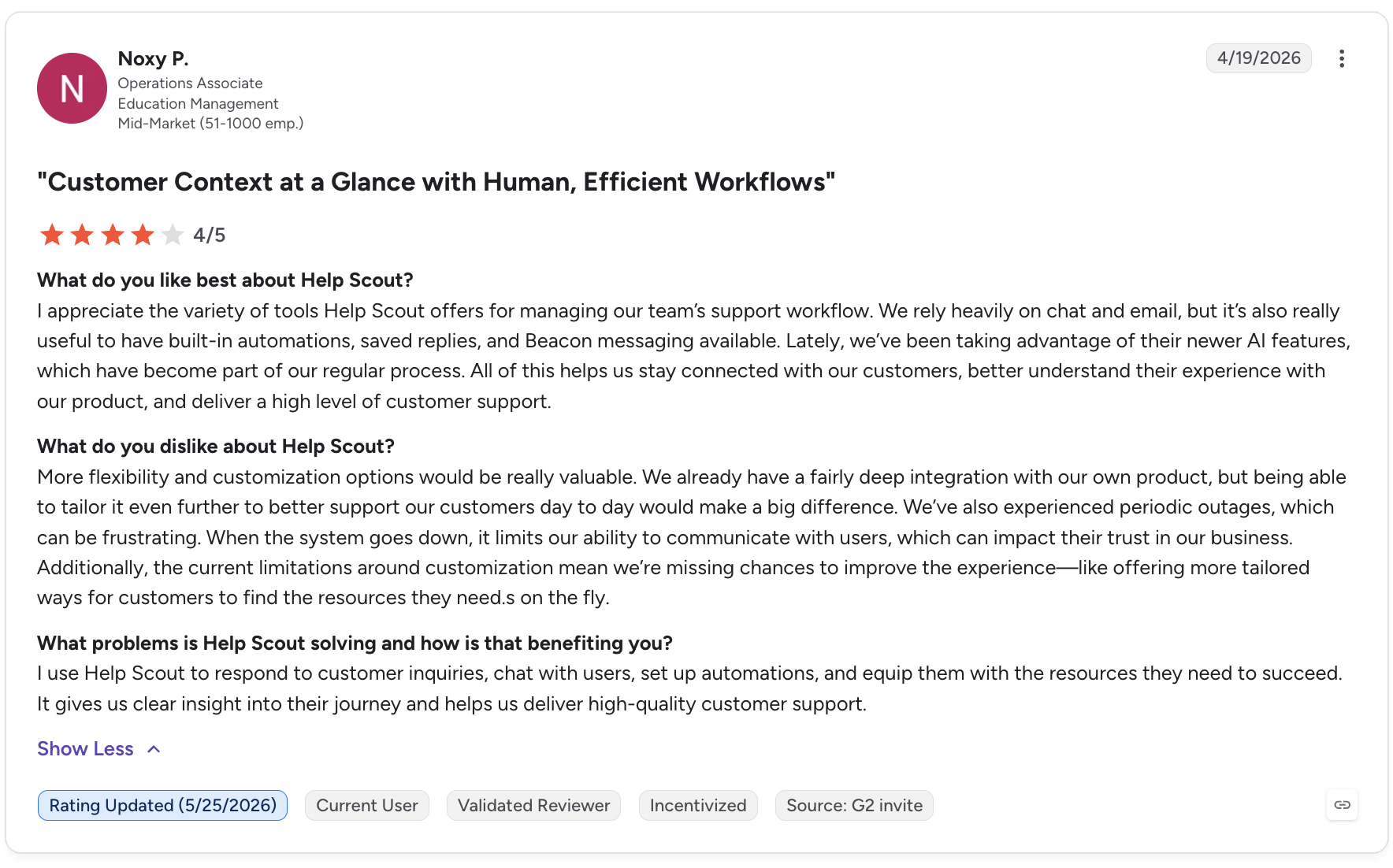
Help Scout takes a deliberately human-first approach to AI customer service — adding intelligence to help agents work faster, rather than replacing agents with autonomous bots. Its AI features (AI Drafts, AI Summarize, AI Answers) are designed to support the team without making customers feel like they're talking to a machine. For teams where the human connection is a brand differentiator, Help Scout is the platform that best preserves it.
Who Is Help Scout Best For?
Small and mid-market teams in the 5–50 agent range where support is a brand differentiator and customer relationships matter — SaaS, professional services, and agencies particularly. Also strong for teams migrating away from overcomplicated enterprise platforms who want something that feels like Gmail but works like a proper helpdesk. Less suitable for teams that want maximum AI automation at scale.
Key Features
- AI Answers: Autonomous AI agent that resolves customer questions instantly using your knowledge base — charged at $0.75 per successful resolution only. First 3 months free for new accounts.
- AI Drafts and AI Summarize: Drafts replies based on conversation history and suggests edits; summarizes long threads for agents picking up conversations mid-flow.
- Shared inbox: Collaborative email management with collision detection, private notes, assignments, and tags — feels natural for teams already living in email.
- CloudTalk integration: Connect CloudTalk's AI Voice Agents and Conversation Intelligence to Help Scout via the Help Scout + CloudTalk integration — call summaries and sentiment scores log automatically to Help Scout conversations.
What Are Help Scout's Pros & Cons?
| Pros | Cons |
|---|---|
| Fairest AI pricing model on this list — AI Answers at $0.75 per resolution means you pay only when AI actually helps; 3-month free trial gives real data before committing | AI autonomy is limited by design — if your goal is maximum AI deflection, Intercom or Zendesk go further |
| Simplest onboarding in this category — most teams are fully live in under an hour; no dedicated admin required | Standard plan gaps — Docs (knowledge base) costs $10/user/month extra on Standard; upgrading to Plus at $45/user adds 80% to the base price |
| Clean, Gmail-like interface — highest agent adoption rate among tested platforms; reps get productive within minutes | Pro plan has 10-user minimum — smaller teams can't access HIPAA compliance or enterprise security even if willing to pay |
What Is Help Scout's Pricing?
Free: Up to 5 users, 1 inbox, 1 Docs site — basic email support and knowledge base.
Standard: $25/user/month (annual) — 2 inboxes, basic workflows, standard integrations. Docs add-on: $10/user/month extra.
Plus: $45/user/month (annual) — 5 inboxes, Docs included, AI Drafts, advanced workflows, CRM integrations (Salesforce, HubSpot, Jira).
Pro: $75/user/month (annual, 10-user minimum) — advanced security, HIPAA compliance, SSO, audit logs, priority support.
AI Answers: $0.75 per successful resolution. 3-month free trial of AI Answers for new accounts. Source: helpscout.com/pricing
Already using a helpdesk? Add AI Voice Agents and call intelligence in minutes.
5. Tidio — Best AI Chatbot for Small Businesses and Ecommerce
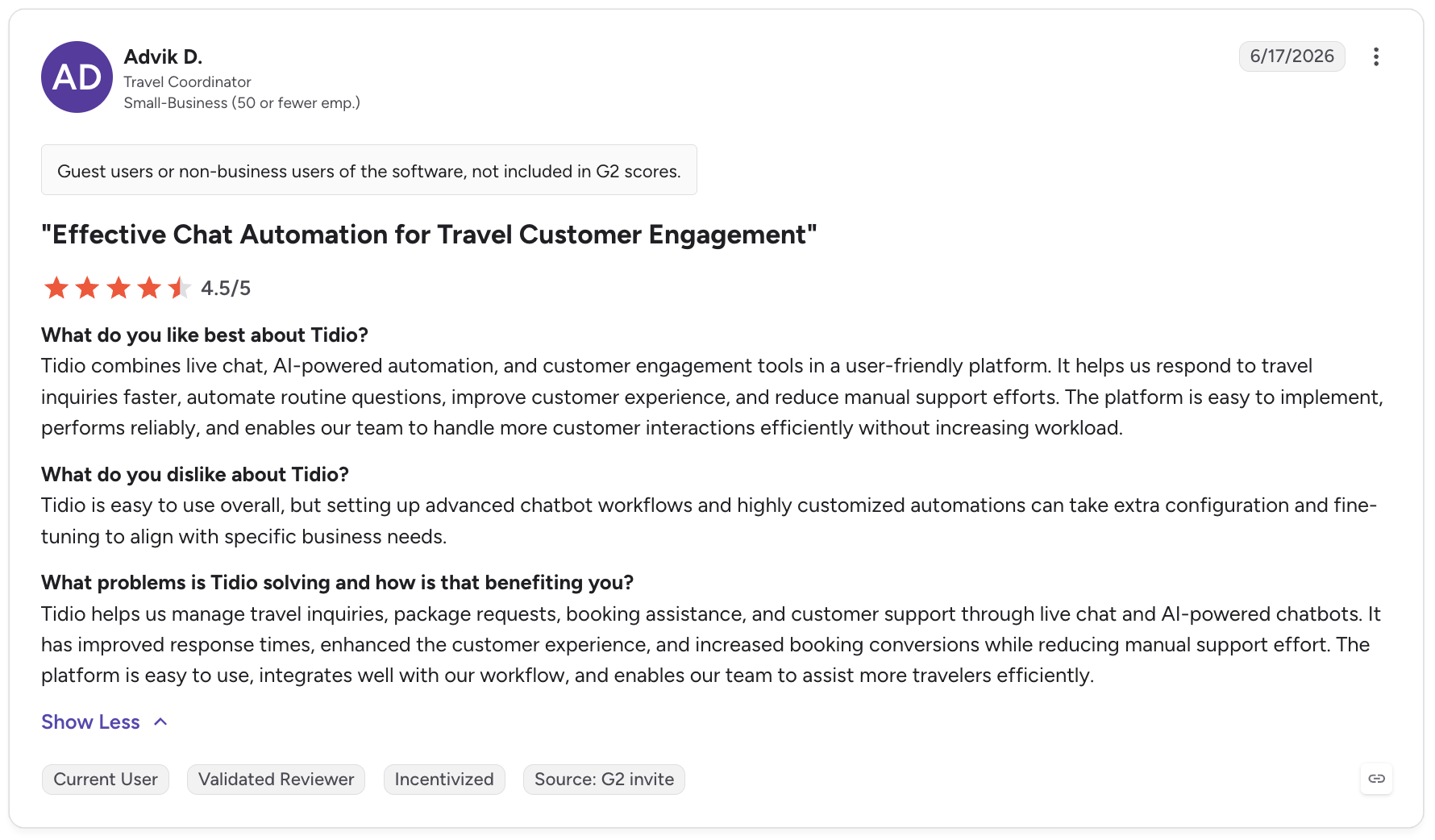
Tidio combines live chat, AI chatbot automation, and a help desk in one platform built specifically for small and medium businesses. Lyro, its AI agent running on Anthropic's Claude model, learns from your support content and resolves customer questions without human involvement. Tidio is the fastest platform to get live on this list — most teams have the AI chatbot running on their website within minutes, not days.
Who Is Tidio Best For?
Small businesses and ecommerce stores that want AI-powered chat automation quickly and affordably — Shopify and WooCommerce stores in particular benefit from Tidio's native ecommerce integrations. Teams under 10 agents get the best value, as all self-service plans are capped at 10 seats. Larger teams will hit the Plus plan wall ($749/month), making Tidio less cost-effective at scale.
Key Features
- Lyro AI Agent: Resolves up to 67% of common customer questions automatically using your knowledge base and support content — runs on Claude (Anthropic) for high-quality natural language understanding.
- Flows builder: Drag-and-drop automation builder for creating custom chatbot journeys, lead capture flows, and proactive messaging — no coding required.
- Ecommerce integrations: Native Shopify, WooCommerce, and BigCommerce integrations — AI can check order status, process returns, and answer product questions with real-time data.
- Unified inbox: Live chat, email, Instagram, Facebook Messenger, and WhatsApp all managed from one interface.
What Are Tidio's Pros & Cons?
| Pros | Cons |
|---|---|
| Fastest setup on this list — live chat and Lyro AI running on your website in under 30 minutes; no technical knowledge required | Lyro AI is an add-on, not included — base plans include only 50 one-time Lyro conversations; ongoing AI requires the Lyro add-on from $39/month |
| Strongest G2 rating on this list at 4.7/5 — across 1,500+ reviews from real small business and ecommerce users | 10-agent cap on self-service plans — teams needing more than 10 agents jump directly to Plus at $749/month with no mid-tier option |
| Native ecommerce integrations — Shopify, WooCommerce, and BigCommerce data available in real time during Lyro conversations | Conversation limits create unpredictable costs — at 95% of monthly quota, Tidio auto-upgrades your plan; disable this or monitor usage closely |
What Is Tidio's Pricing?
Free: 50 billable conversations/month, 50 one-time Lyro AI conversations, 100 flow triggers. Up to 10 agents.
Starter: $29/month — 100 conversations, basic analytics, live visitor tracking, up to 3 agents.
Growth: $59/month — 250–2,000 conversations (scales by volume), advanced analytics, social integrations, up to 10 agents.
Plus: $749/month — custom conversation quota, unlimited agents, dedicated success manager, API access.
Lyro AI add-on: from $39/month for 50 AI conversations. Annual billing saves ~17%. Source: tidio.com/pricing
6. Gorgias — Best AI Customer Service Platform for Ecommerce Brands
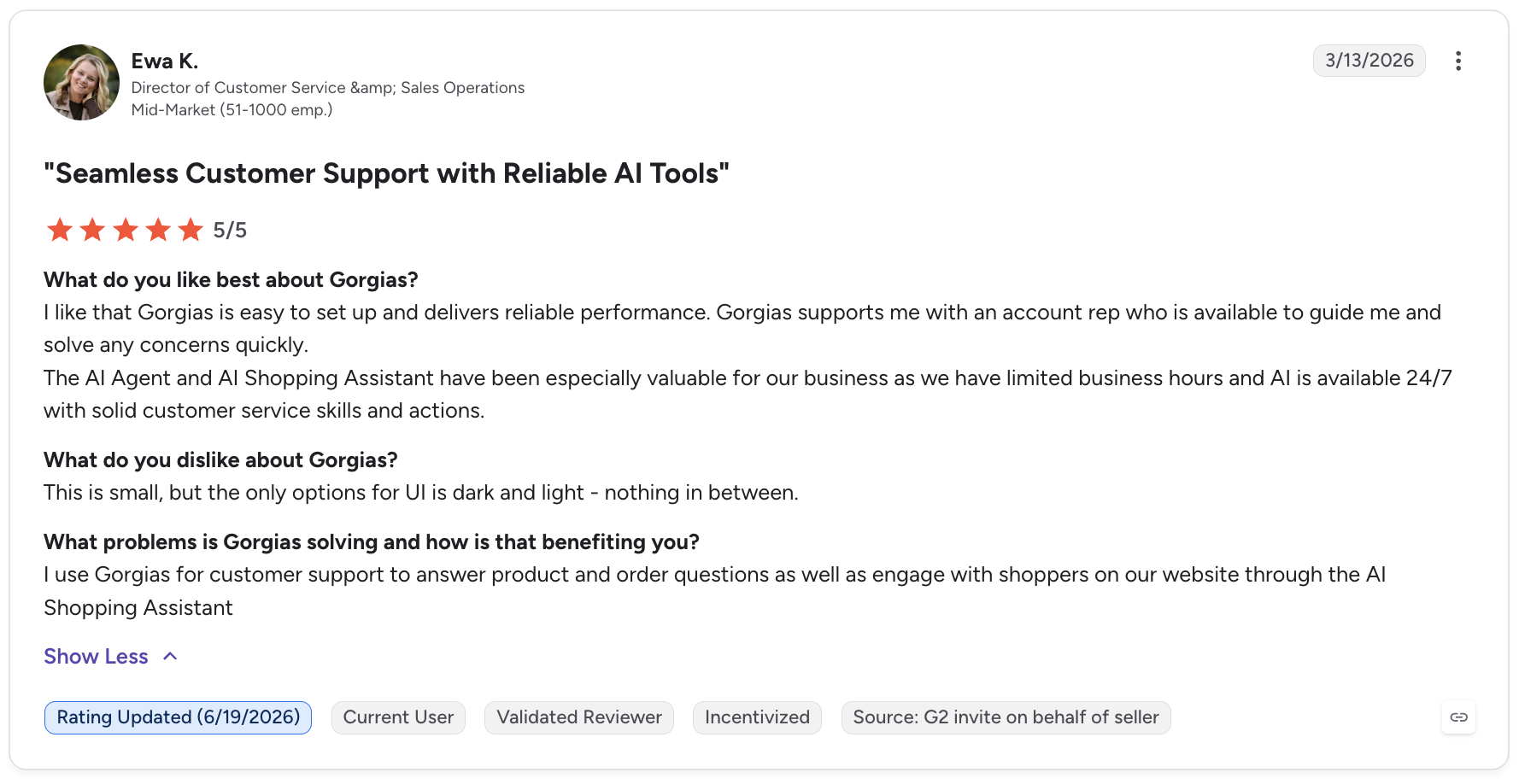
Gorgias is purpose-built for Shopify and ecommerce brands. Where other helpdesks require custom integrations to pull order data into support tickets, Gorgias does it natively — agents and AI agents see order history, shipping status, subscription details, and Shopify actions (issue refunds, edit orders, cancel subscriptions) directly in the ticket without switching tabs. Its AI Agent handles the most common ecommerce query — "where is my order?" — autonomously at scale.
Who Is Gorgias Best For?
DTC and ecommerce brands on Shopify, WooCommerce, Magento, or BigCommerce with predictable monthly ticket volumes. The ticket-based pricing model (not per-agent) works well for stores with many seasonal staff or agencies managing multiple client accounts. Less suitable for teams with volatile ticket volumes — Black Friday spikes can easily double or triple the monthly bill through overages.
Key Features
- Shopify-native AI Agent: Resolves order inquiries, processes refunds, updates shipping addresses, and cancels subscriptions directly from the ticket — without agent involvement.
- Unlimited agent seats: All paid plans (Basic and above) include up to 500 agent seats — no per-seat cost makes scaling teams affordable.
- Revenue statistics: Tracks the revenue impact of customer service conversations — available from the Pro plan, giving support teams a metric that boards understand.
- Omnichannel inbox: Email, live chat, Facebook, Instagram, TikTok, voice, and SMS all flow into one workspace with Shopify order data visible on every conversation.
What Are Gorgias's Pros & Cons?
| Pros | Cons |
|---|---|
| Deepest ecommerce integration on this list — Shopify data, order actions, and AI resolution in one interface; no middleware required | Ticket-based pricing is unpredictable — overages at $0.36–$0.40/ticket stack fast during promotions or seasonal spikes |
| Unlimited agent seats — add seasonal staff, BPO agents, or new hires without any increase to your base subscription | AI Agent is double-billed — each AI resolution counts as both a helpdesk ticket and an AI resolution ($0.90–$1.00 each); this is a significant cost driver at volume |
| Revenue statistics from Pro plan — ties customer service activity directly to revenue, making ROI easy to demonstrate | Not suitable for non-ecommerce — the platform's value is almost entirely dependent on Shopify/ecommerce integrations |
What Is Gorgias's Pricing?
Gorgias prices by monthly ticket volume, not by agent seat.
Starter: $10/month — 50 tickets, 3 agent seats, basic email and chat.
Basic: $60/month — 300 tickets, unlimited agents, all channels, core Shopify integrations.
Pro: $360/month — 2,000 tickets, revenue statistics, advanced automation. Gorgias's recommended plan.
Advanced: $900/month — 5,000 tickets, dedicated email server, priority support.
Overage tickets: $0.36–$0.40 per ticket. AI Agent resolutions: $0.90/resolution (annual) or $1.00 (monthly) — also counts as a helpdesk ticket. Annual billing saves ~16%. Source: gorgias.com/pricing
Ready to add AI voice agents to your customer service stack?
7. Salesforce Agentforce — Best for Enterprise Teams Running Salesforce CRM
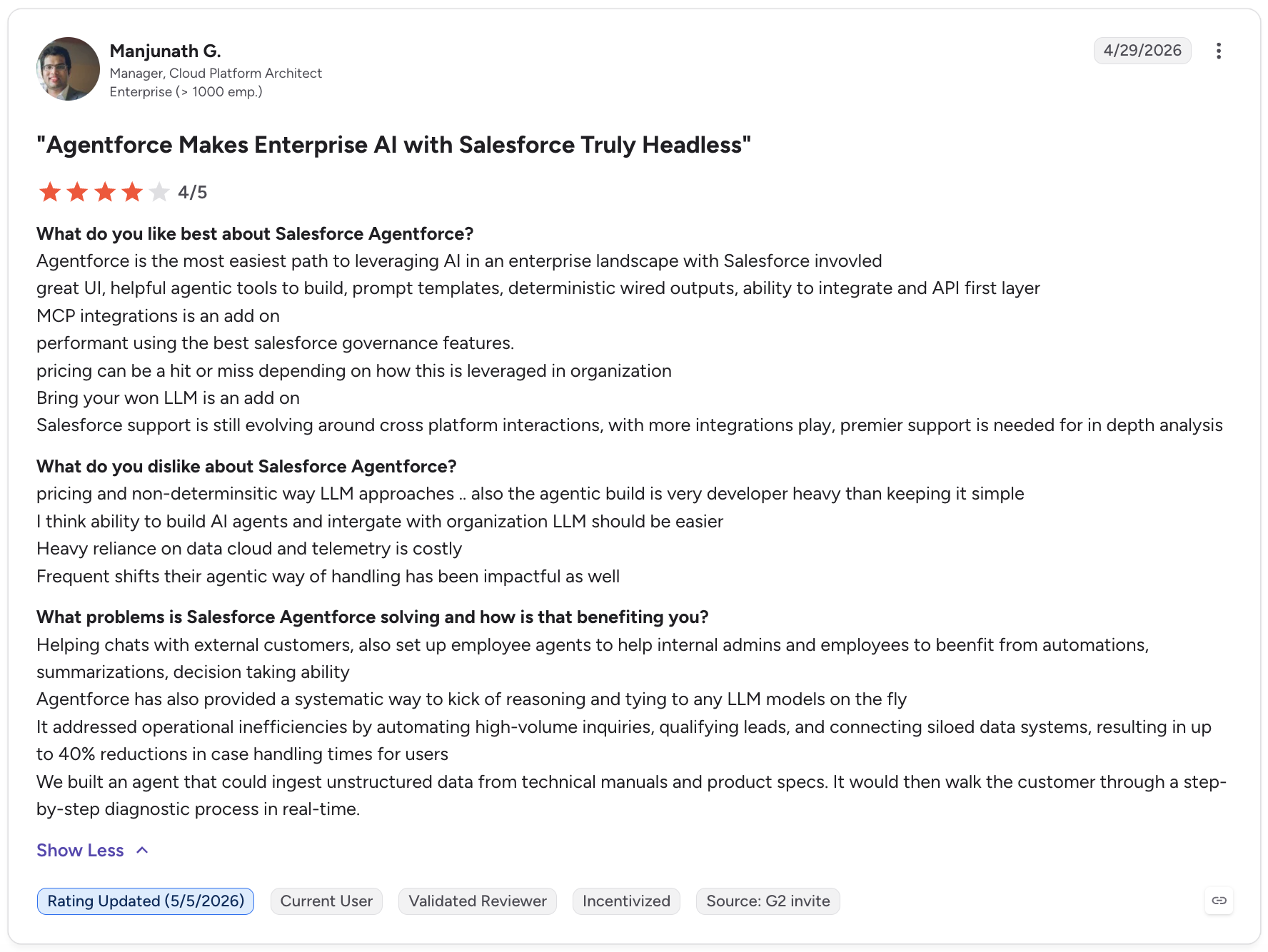
Salesforce Agentforce is Salesforce's AI agent platform built into Service Cloud. Where other AI customer service tools need connectors to access CRM data, Agentforce operates natively inside Salesforce — every AI interaction draws on the complete Salesforce data model: customer records, purchase history, case history, contract terms, and account health. For enterprises where Salesforce is the system of record, this means AI that actually understands the customer rather than just their most recent message.
Who Is Salesforce Agentforce Best For?
Large enterprise teams already running Salesforce CRM where deep CRM integration is non-negotiable. Particularly strong for organizations managing complex, multi-stakeholder customer relationships where context from sales, marketing, and support history all inform how a support case should be handled. Not suitable for teams without Salesforce — the platform's value depends entirely on the CRM data it draws from.
Key Features
- Agentforce AI agents: Autonomous AI that handles customer inquiries across email, chat, voice, and portals — accessing Salesforce CRM records, executing multi-step workflows, and escalating with full context.
- Atlas Reasoning Engine: Salesforce's AI decision-making framework that handles complex, multi-step customer issues — goes beyond simple FAQ matching to execute actions based on full account context.
- Low-code agent builder: Build and configure AI agents using natural language descriptions rather than code — available for Salesforce admins without deep technical resources.
- Einstein AI features: Predictive case routing, sentiment analysis, conversation summaries, and next-best-action recommendations — built into Service Cloud across all tiers.
What Are Salesforce Agentforce's Pros & Cons?
| Pros | Cons |
|---|---|
| Deepest CRM integration on this list — AI draws on the complete Salesforce data model without connectors or middleware | Highest total cost of ownership — Enterprise ($165/user/month) or Unlimited ($330/user/month) required for meaningful AI; implementation often runs $50,000+ |
| Native cross-cloud intelligence — support, sales, and marketing data inform every AI interaction — no sync delays or context gaps | Requires dedicated Salesforce admin — the platform's complexity demands ongoing administration expertise; not suitable for lean teams |
| Enterprise-grade governance — SOC 2, GDPR, HIPAA compliance, custom permissions, and audit logs built into the platform | Salesforce-dependent — zero value for teams not on Salesforce CRM |
What Is Salesforce Service Cloud's Pricing?
Starter Suite: $25/user/month — basic case management, email, chat, and knowledge base.
Pro Suite: $100/user/month — full omnichannel, advanced automation, and AI features.
Enterprise: $165/user/month — custom objects, advanced AI, and Agentforce capabilities.
Unlimited: $330/user/month — full Einstein AI suite, unlimited storage, and premier support.
Agentforce 1 Service: $550/user/month — full autonomous AI agent suite. Pricing from salesforce.com/service-cloud/pricing/
8. Zoho Desk — Best Value AI Helpdesk for Budget-Conscious Teams
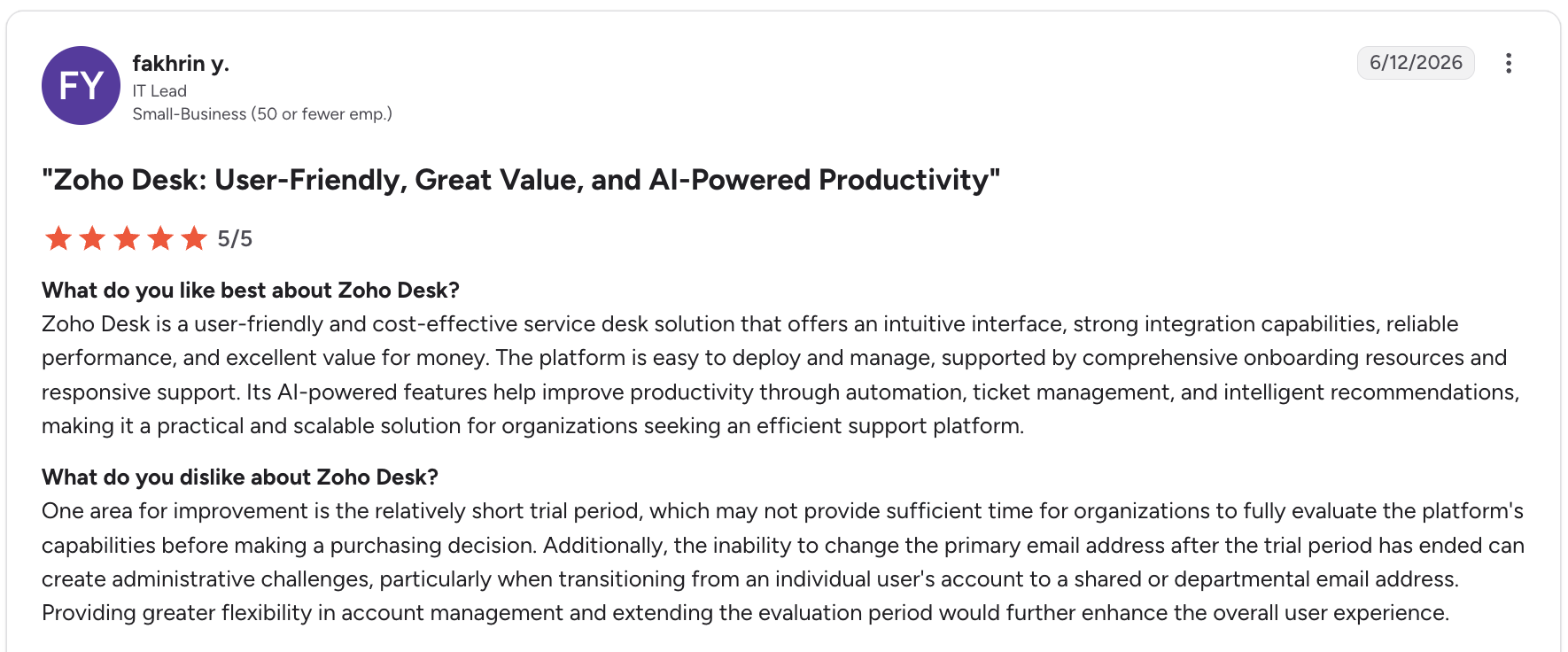
Zoho Desk is consistently 40–50% cheaper than equivalent Zendesk or Freshdesk tiers, while delivering a comparable feature set including ticketing, multichannel support, automation, SLA management, and Zia — Zoho's AI assistant. For teams already in the Zoho ecosystem (Zoho CRM, Zoho Analytics, Zoho SalesIQ), the native integrations eliminate the tool sprawl that typically inflates costs with other platforms.
Who Is Zoho Desk Best For?
Budget-conscious SMB and mid-market teams, particularly those already using Zoho CRM or other Zoho products. Zoho Desk at $23/agent/month (Professional) delivers features comparable to Zendesk Suite Team at $55/agent/month — the value gap is real and consistent. Note that Zia AI (Zoho's AI assistant) is only available on the Enterprise plan at $40/agent/month.
Key Features
- Zia AI assistant: Sentiment analysis, response suggestions, anomaly detection, and Answer Bot — available on the Enterprise plan; flags frustrated customers and suggests knowledge base articles to agents in real time.
- Blueprint automation: Low-code process builder that creates step-by-step ticket workflows — available from Professional, enforces consistent handling without manual management.
- Multichannel inbox: Email, chat, social media, phone, and web forms all route into one queue with SLA management from Standard plan.
- Zoho ecosystem integration: Native connections to Zoho CRM, Zoho Analytics, Zoho SalesIQ (live chat), and 50+ other Zoho products — no middleware or connectors required. CloudTalk also integrates natively with Zoho Desk via the Zoho Desk + CloudTalk integration for AI-powered call intelligence alongside your tickets.
What Are Zoho Desk's Pros & Cons?
| Pros | Cons |
|---|---|
| Best price-to-value ratio on this list — Professional at $23/agent/month delivers features that Zendesk and Freshdesk charge $55–$79 for | Zia AI locked to Enterprise tier — teams wanting AI assistance need the $40/agent/month plan; lower tiers have no meaningful AI features |
| Strongest value for Zoho ecosystem teams — native integrations with Zoho CRM, Analytics, and SalesIQ create a complete customer intelligence stack at low cost | Setup complexity — Zoho Desk is powerful but configuration-heavy; expect 1–2 weeks to set up properly, especially for Blueprint automation |
| Free plan for 3 agents — genuine free tier, not a trial; good for very small teams testing structured ticketing before committing to paid plans | Dated UI — functional but less modern than Intercom, Help Scout, or Freshdesk; can impact agent experience and onboarding speed |
What Is Zoho Desk's Pricing?
Free: Up to 3 agents — basic email ticketing and help center only.
Express: $7/agent/month (annual) — social media ticket capture, basic workflows, CSAT ratings, 5-agent limit.
Standard: $14/agent/month (annual) — SLA management, automation rules, knowledge base, unlimited agents.
Professional: $23/agent/month (annual) — Blueprint automation, multilingual support, round-robin routing, custom dashboards.
Enterprise: $40/agent/month (annual) — Zia AI, live chat (Zoho SalesIQ), multi-brand portals, skill-based routing. Source: zoho.com/desk/pricing.html
9. Kustomer — Best for High-Volume B2C Teams Needing CRM and Helpdesk Unified
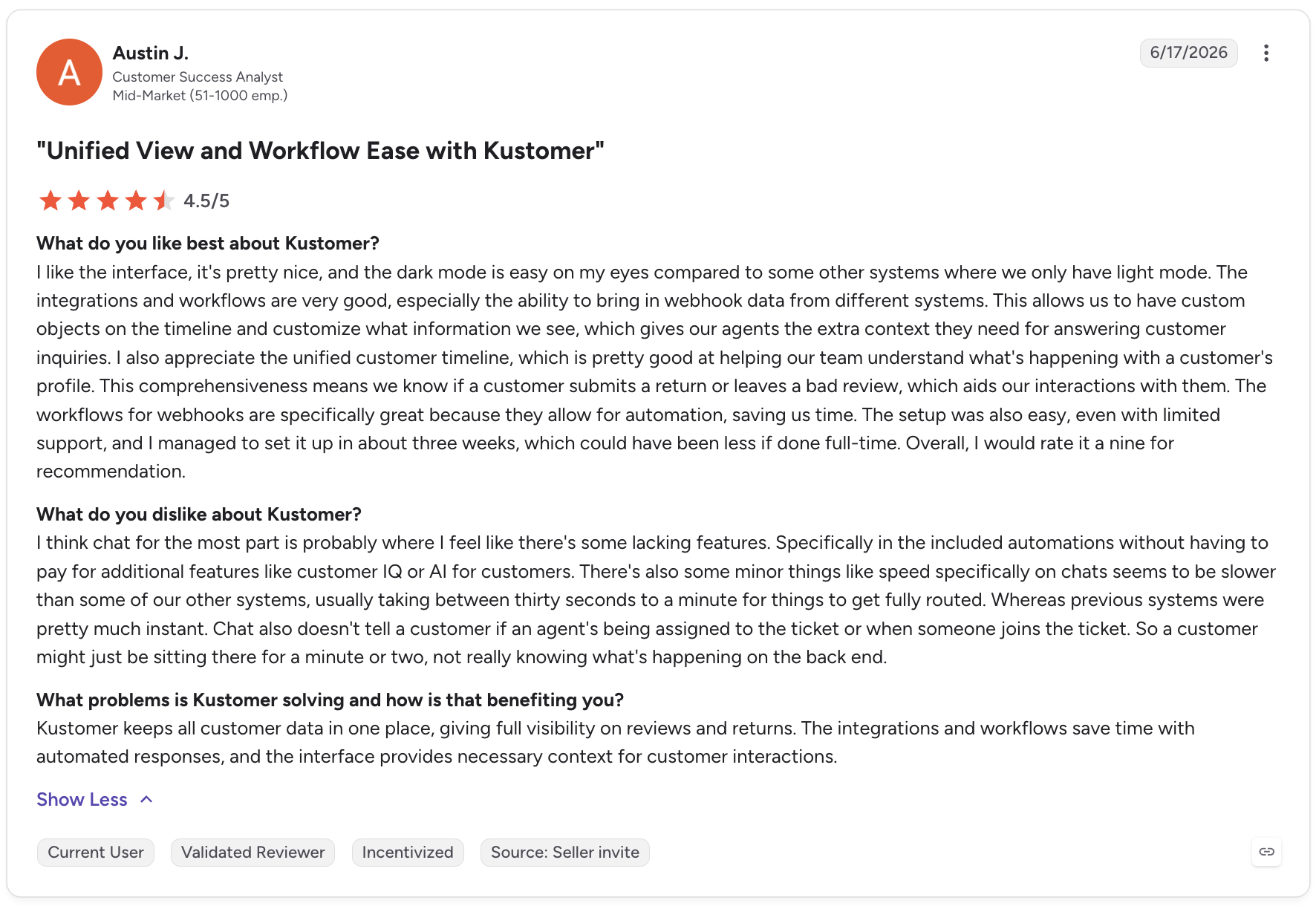
Kustomer unifies CRM and helpdesk into a single platform — eliminating the disconnect between customer data and support operations. Every conversation in Kustomer shows the complete customer timeline: every purchase, every previous support interaction, every email, every chat, every call — across all channels in one unified view. For high-volume B2C teams where context is the key to fast, empathetic resolution, Kustomer removes the data silos that slow agents down.
Who Is Kustomer Best For?
High-volume B2C brands in retail, ecommerce, and consumer services where agents handle complex, multi-touch customer relationships and context from previous interactions matters for every conversation. Also strong for teams that need a fully omnichannel customer service operation — handling email, chat, voice, SMS, and social from a single platform without stitching separate systems together.
Key Features
- Unified customer timeline: Every channel — email, chat, voice, SMS, social — displayed in a single chronological view per customer; agents see the full relationship, not just the latest ticket.
- Kustomer AI (Autopilot): Autonomous AI agent that resolves routine conversations — billed at $0.60 per engaged conversation as an add-on to seat-based pricing.
- AI Copilot: In-conversation AI assistant for human agents — suggests replies, summarizes history, and recommends next actions; $40/agent/month add-on.
- Business rules and workflows: Highly flexible automation engine that routes, escalates, and manages conversations based on customer attributes, not just ticket properties.
What Are Kustomer's Pros & Cons?
| Pros | Cons |
|---|---|
| Unified customer timeline is genuinely differentiated — agents see the complete relationship history across all channels in one view; no tab-switching or ticket-hunting | Enterprise-only pricing — $89/user/month minimum means Kustomer is not viable for small teams or early-stage companies |
| CRM-native support — customer data, purchase history, and support history all live in one record without separate CRM integration | AI costs add to an already-expensive base — Autopilot ($0.60/conversation) and Copilot ($40/agent/month) are separate; a 10-agent team with Copilot pays $1,290/month before AI resolution fees |
| Strongest for high-volume B2C — the platform is built for teams handling thousands of conversations/month where customer context determines service quality | Trial only available on request — no self-serve trial; all evaluation requires a sales conversation first |
What Is Kustomer's Pricing?
Kustomer uses seat-based annual pricing.
Enterprise: $89/user/month (annual) — omnichannel inbox, business rules, customer timeline, and core automation.
Ultimate: $139/user/month (annual) — advanced AI features, custom reporting, sandbox, and priority support.
AI add-ons: Autopilot (AI for customers) $0.60/engaged conversation. Copilot (AI for agents) $40/agent/month. Source: kustomer.com/pricing
10. LiveAgent — Best All-in-One for Teams Wanting Every Channel in One Platform
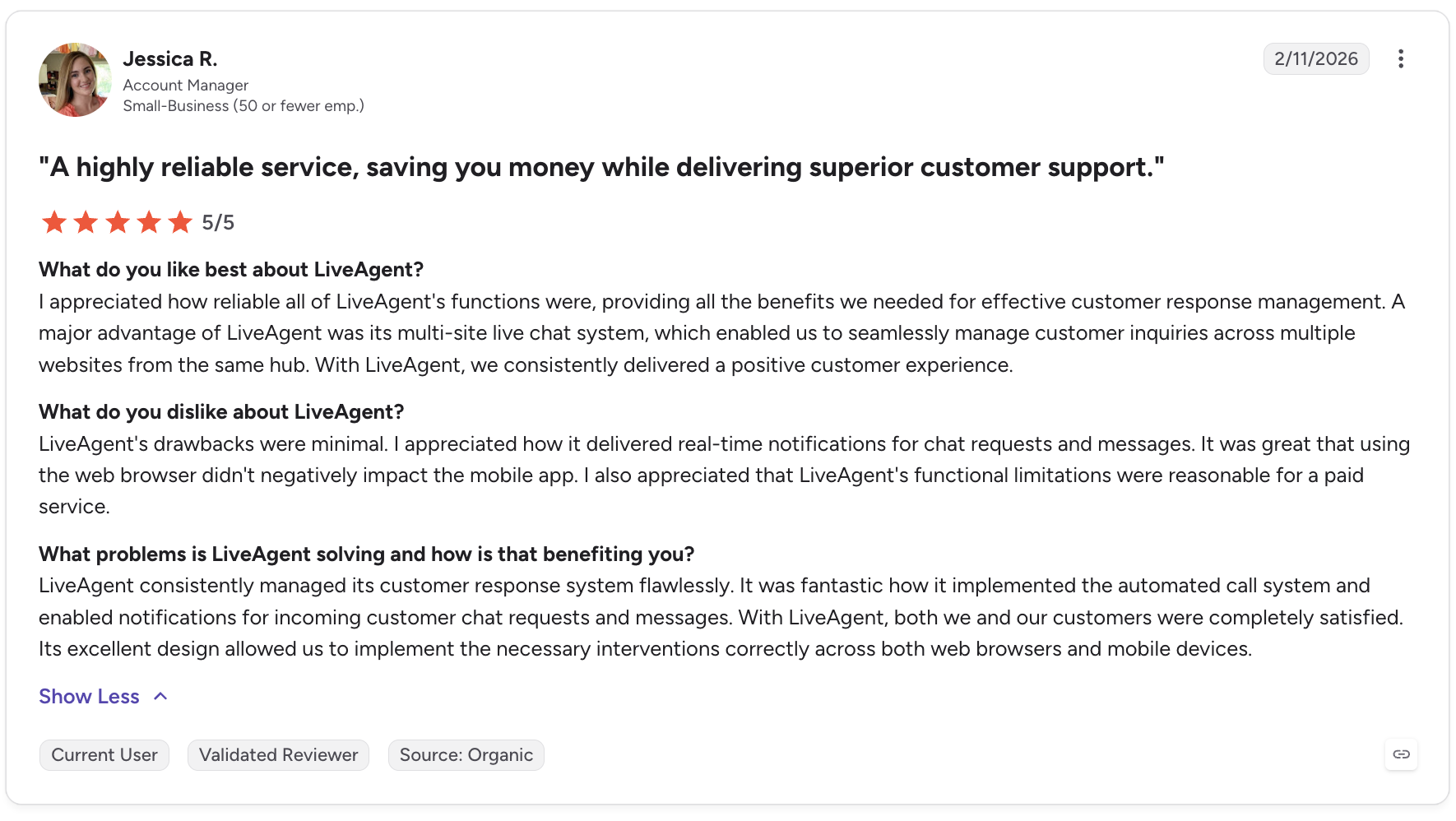
LiveAgent is built around speed — both in how fast you can respond to customers and how quickly you can get the platform running. Its hybrid ticket stream combines emails, chats, calls, and social messages into a single, unified feed so agents never need to check separate inboxes. The platform is particularly strong for call-center-style support teams that need tickets, live chat, voice, and email all flowing through one place without enterprise complexity or price.
Who Is LiveAgent Best For?
SMB and mid-market teams that need every channel — chat, email, calls, social — unified in one affordable platform, and want to get live quickly without a lengthy implementation. CloudTalk's integration with LiveAgent makes it a strong combination: LiveAgent handles the helpdesk and chat layer while CloudTalk adds AI Voice Agents and call intelligence on top of the voice channel.
Key Features
- Hybrid ticket stream: Emails, chats, calls, and social messages combine into a single, continuously updated ticket feed — agents work one queue, not multiple channels.
- Fastest live chat widget: LiveAgent's chat widget is independently tested as the fastest on the market — 2.6-second average load time, improving first response times.
- Built-in call center: Native VoIP calling included from the Small plan — inbound and outbound, IVR, call recording, and routing without a separate telephony subscription.
- CloudTalk integration: Connect CloudTalk to add AI Voice Agents, Parallel Dialer, and AI Conversation Intelligence on top of LiveAgent's native calling — via the LiveAgent + CloudTalk integration.
What Are LiveAgent's Pros & Cons?
| Pros | Cons |
|---|---|
| All channels in one affordable platform — tickets, chat, calls, and social from $15/agent/month with no per-channel add-ons | AI features are less advanced than competitors — LiveAgent's AI capabilities don't match Intercom Fin or Zendesk AI for autonomous ticket resolution |
| Fastest live chat widget on the market — independently verified 2.6-second average load time; meaningful for teams where response speed is a service differentiator | Interface feels dated — functional but less modern than Intercom or Help Scout; onboarding new agents takes more time |
| 30-day free trial — the longest trial on this list; enough time to evaluate the platform under real support volume | Reporting is basic on lower tiers — advanced analytics and custom reports require the Large plan at $49/agent/month |
What Is LiveAgent's Pricing?
Free forever plan: 1 agent, basic chat and ticketing, limited history.
Small: $15/agent/month — full ticketing, live chat, email, call center, social media, and knowledge base.
Medium: $29/agent/month — everything in Small plus advanced reporting, time tracking, and audit log.
Large: $49/agent/month — everything in Medium plus custom reports, advanced automation, and priority support.
Enterprise: Custom pricing — dedicated key account manager, priority support, custom billing, and assisted integrations. No annual contract required — month-to-month billing. Source: liveagent.com/pricing
How to Choose the Right AI Customer Service Software
Before evaluating platforms, align on five criteria that eliminate most wrong options before you spend time on demos.
- 01AI depth — assisted or autonomous?If your goal is to reduce ticket volume by 50%+ through autonomous AI resolution, prioritize Intercom (Fin), Zendesk AI, or Freshdesk (Freddy AI Agent). If you want AI to help agents respond faster without removing humans from conversations, Help Scout or Zoho Desk (Zia) are better fits. Define your target deflection rate before choosing a platform.
- 02Primary support channelsEmail and chat teams can start with almost any platform on this list. Ecommerce brands on Shopify should evaluate Gorgias first — its native integrations are unmatched. Teams with heavy phone call volume need a dedicated voice AI layer alongside their helpdesk; CloudTalk AI Voice Agents handle this regardless of which helpdesk you choose. For a full breakdown of how omnichannel and multichannel support differ in practice, see our guide to omnichannel vs. multichannel customer service.
- 03Team size and budgetUnder 5 agents: Tidio (free plan), Zoho Desk (free plan), or LiveAgent Small ($15/agent). 5–50 agents: Freshdesk Growth ($15/agent), Help Scout Standard ($25/user), or Zoho Desk Professional ($23/agent). 50+ agents: Zendesk Suite, Intercom Advanced, or Kustomer Enterprise.
- 04CRM and ecosystem fitSalesforce teams should start with Agentforce. Zoho CRM teams get the best value from Zoho Desk. HubSpot CRM teams can add AI-powered calling via CloudTalk without switching helpdesks. Teams without a CRM preference should look at Kustomer (built-in CRM) or Freshdesk (Freshsales integration).
- 05Compliance requirementsHIPAA compliance is available on Help Scout Plus/Pro, Zendesk Suite Professional+, and Salesforce Service Cloud. For teams in healthcare, financial services, or legal, verify compliance availability before shortlisting. CloudTalk is HIPAA-compliant for call recording and storage — see our guide to HIPAA-compliant VoIP for everything this covers.
Frequently asked questions
AI customer service software uses machine learning, natural language processing, and generative AI to automate and improve customer support. It ranges from AI-assisted tools that suggest replies to human agents, to fully autonomous AI agents that resolve customer conversations end-to-end without human involvement — across chat, email, voice, and social channels. Modern platforms also apply AI to QA and coaching: scoring agent calls, detecting customer sentiment, and surfacing coaching opportunities automatically. If you're looking to understand the full scope of automation available today, see our guide to how to automate customer service. For a broader look at how AI is reshaping support operations, see our guide to AI in customer service.
A traditional chatbot follows pre-defined decision trees — it can only answer questions its rules were explicitly programmed to handle. An AI customer service agent uses large language models to understand natural language, access real-time data from connected systems (CRM, order management, knowledge base), and take multi-step actions like processing a refund or updating an account — without a human in the loop. The distinction matters because AI agents handle genuinely complex queries, not just FAQs. For teams evaluating how AI agents work in a call center context specifically, see our guide to AI call center technology.
For small businesses, Tidio is the fastest to set up and the easiest to manage — its free plan includes basic chat and 50 one-time AI conversations, and paid plans start at $29/month. Freshdesk's free plan (up to 2 agents for 6 months) is the best entry point for email-first teams. Zoho Desk offers a permanent free plan for up to 3 agents with basic ticketing. For small businesses that also handle significant call volume, pairing any of these with CloudTalk's AI Voice Agents means inbound calls get answered 24/7 — see our guide to AI customer service for growing businesses for a full stack breakdown.
Most AI customer service platforms handle chat, email, and tickets well — but phone calls remain the channel they handle least effectively. Intercom Fin now supports voice, and Zendesk has a Contact Center add-on, but neither matches a dedicated voice AI platform. CloudTalk AI Voice Agents are purpose-built for inbound phone calls: they answer autonomously 24/7, resolve FAQs, schedule appointments, collect information, and route complex calls to the right human agent with full context. For teams that also want AI coaching on calls that do reach agents, CloudTalk's Conversation Intelligence layer provides automatic summaries, sentiment scoring, and call coaching. For a complete look at how AI is transforming call center operations, see our guide to AI call centers.
Most AI customer service platforms integrate with CRMs via native connectors or APIs. When connected, customer data from the CRM (purchase history, account status, previous interactions) flows into the helpdesk — so AI agents and human agents see full context without switching systems. The depth of integration varies significantly: Salesforce Agentforce and Kustomer have CRM built in natively; Intercom, Zendesk, and Freshdesk offer deep bidirectional sync with Salesforce, HubSpot, and others; Zoho Desk integrates natively with Zoho CRM. Building a truly omnichannel customer service stack typically means connecting your helpdesk, CRM, and voice platform so every channel shares the same customer record. For teams using Salesforce specifically, see our guide to Salesforce VoIP integration for how call data also flows into CRM records.
Costs vary significantly by platform type and team size. Entry-level platforms with free plans include Freshdesk, Zoho Desk, Tidio, and Help Scout. Mid-market platforms run $15–$55/agent/month — Freshdesk Growth ($15), Zoho Desk Professional ($23), LiveAgent Small ($15), and Help Scout Plus ($45). Enterprise platforms range from $55–$169/agent/month for Zendesk Suite to $89–$139/user/month for Kustomer. AI add-ons add cost on top of base plans: Intercom's Fin charges $0.99 per resolution, Help Scout AI Answers charges $0.75 per resolution, Zendesk AI resolutions cost $1.50–$2.00 each. Teams in regulated industries should also budget for compliance-grade calling — see our guide to HIPAA-compliant VoIP for what that involves. For a full breakdown of what customer service software actually costs teams of different sizes, see our guide to how much call center software costs.