11 Best Speech-to-Text AI Tools in 2026 (Compared)
Best Speech-to-Text AI: TL;DR
The best speech-to-text AI is the one that fits how you actually work, not the one with the lowest word error rate on a demo clip.
For business calls, CloudTalk pairs Whisper-grade accuracy with CRM sync and AI call insights. For raw transcription power, OpenAI Whisper, Deepgram, and AssemblyAI lead the engine pack, while Otter, Rev, Sonix, and Notta win as ready-to-use apps.
Here is the shortlist, with the right speech to text software for each job.
- 01CloudTalk — Best for business call transcription
- 02OpenAI Whisper — Best overall accuracy (open-source engine)
- 03Deepgram — Best for real-time voice agents
- 04AssemblyAI — Best for developers and audio intelligence
- 05Google Cloud Speech-to-Text — Best for multilingual coverage
- 06Microsoft Azure AI Speech — Best for Microsoft-ecosystem teams
- 07Otter.ai — Best for meeting notes
- 08Rev — Best for human-verified accuracy
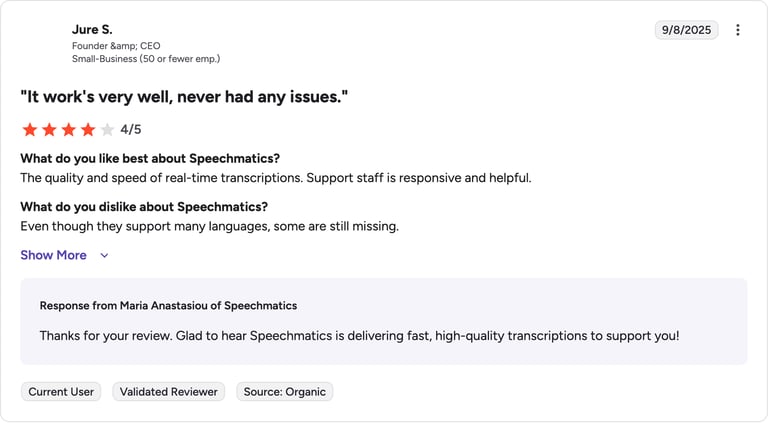
- 09Speechmatics — Best for accents and enterprise deployment
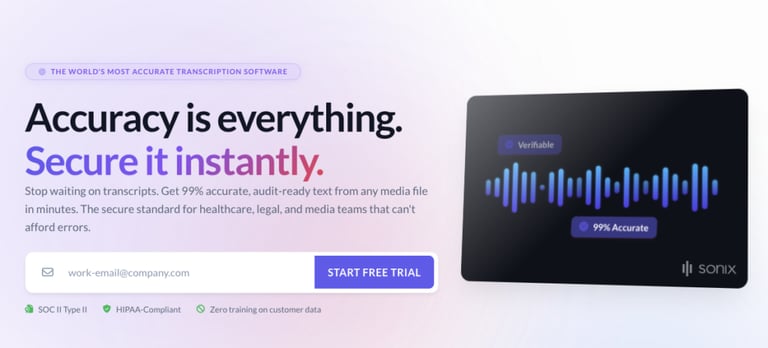
- 10Sonix — Best for multilingual media on a budget
- 11Notta — Best for budget multilingual transcription
See why thousands of teams trust CloudTalk to transcribe and analyze every business call

What Is Speech-to-Text AI?
Speech-to-text AI converts spoken words into written text using machine learning and natural language processing, turning calls, meetings, and recordings into something searchable and shareable. Modern speech to text software has quietly crossed a line: the leading models now sit near human accuracy on clean audio, so the question is no longer whether AI can transcribe, it is which tool fits how you actually work.
That waste is real. McKinsey Global Institute found that employees spend about 1.8 hours a day searching for and gathering information; turning conversations into structured, searchable text claws some of that time back.
Real-Time vs. Batch Transcription
- Real-time transcription — text appears as people speak. Built for live meetings, call centers, captioning, and voice agents, where speed matters more than a perfect transcript.
- Batch (post-call) transcription — audio is processed after the fact for higher accuracy and clean editing. Better for recorded interviews, podcasts, legal, and post-call analysis.
How Does Speech-to-Text AI Work?
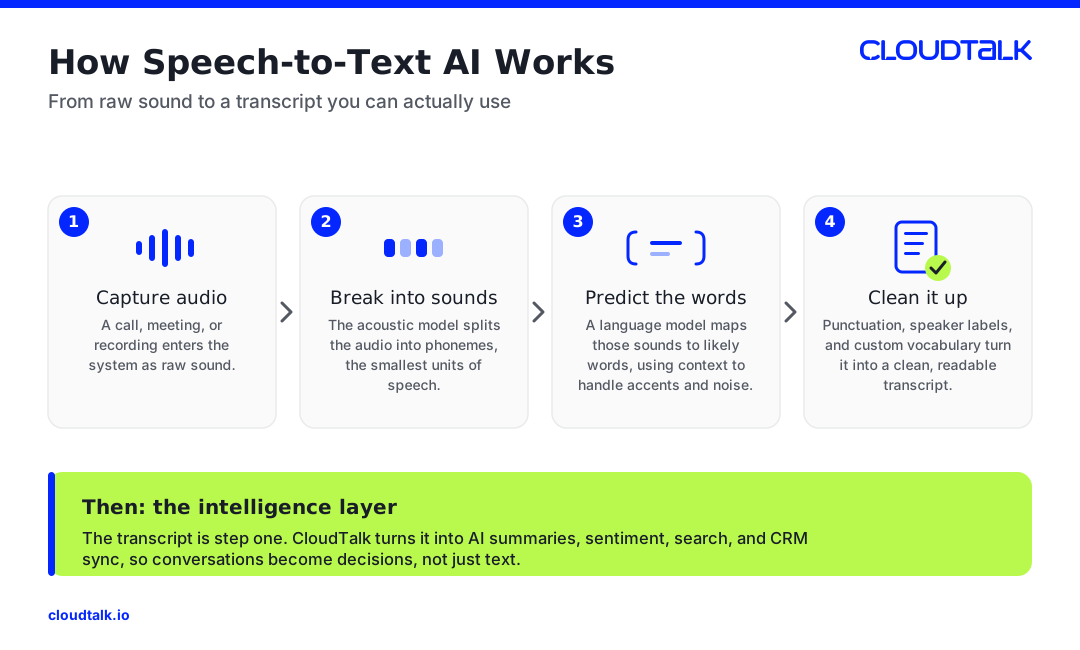
The model breaks audio into small sound units, maps them to likely words, then uses context to clean up errors from accents, crosstalk, and background noise. The best AI transcription tools layer extras on top of the raw transcript: speaker labels (diarization), punctuation, custom vocabulary, and summaries. For business calls, that extra layer is the point. CloudTalk turns each call into a transcript plus AI notes, sentiment, and call scoring, not just a wall of text.
Best Speech-to-Text AI: Quick Comparison Table
| Tool | Best For | Real-Time or Batch | Starting Price | G2 Rating |
|---|---|---|---|---|
| CloudTalk | Business call transcription | Batch (post-call) | From $19/user/mo | 4.4/5 |
| OpenAI Whisper | Overall accuracy (open-source) | Batch (real-time via API) | Free self-host / $0.006/min API | 4.6/5 |
| Deepgram | Real-time voice agents | Real-time & batch | From ~$0.26/hr (pay-as-you-go) | 4.4/5 |
| AssemblyAI | Developers & audio intelligence | Real-time & batch | From $0.15/hr | 4.8/5 |
| Google Cloud Speech-to-Text | Multilingual (125+ languages) | Real-time & batch | From $0.016/min (60 free min/mo) | 4.4/5 |
| Microsoft Azure AI Speech | Microsoft-ecosystem teams | Real-time & batch | $1/hr standard (5 free hrs/mo) | 4.4/5 |
| Otter.ai | Meeting notes | Real-time | Free / $16.99/mo Pro | 4.5/5 |
| Rev | Human-verified accuracy | Batch (AI + human) | $0.25/min AI / $1.99/min human | 4.6/5 |
| Speechmatics | Accents & enterprise deployment | Real-time & batch | Free 8 hrs/mo / from $1.25/hr | 4.6/5 |
| Sonix | Multilingual media on a budget | Batch | From $10/audio hr | 4.7/5 |
| Notta | Budget multilingual transcription | Real-time | Free / $13.99/mo Pro | 4.5/5 |
Whisper is an open-source model that also powers many tools on this list, CloudTalk included. Tool pricing and G2 ratings were verified from each vendor's pricing page and G2.com in 2026; rates change, so confirm current numbers before relying on them.
How We Chose the Best Speech-to-Text AI
We weighed accuracy across accents and noisy audio, language coverage, real-time vs. batch fit, integrations, and transparent pricing, then sanity-checked each tool against verified G2 ratings. We dropped tools that are no longer maintained. See how we maintain our content integrity and our review methodology.
The 11 Best Speech-to-Text AI Tools Reviewed
1. CloudTalk — Best Speech-to-Text AI for Business Calls
What Is CloudTalk?
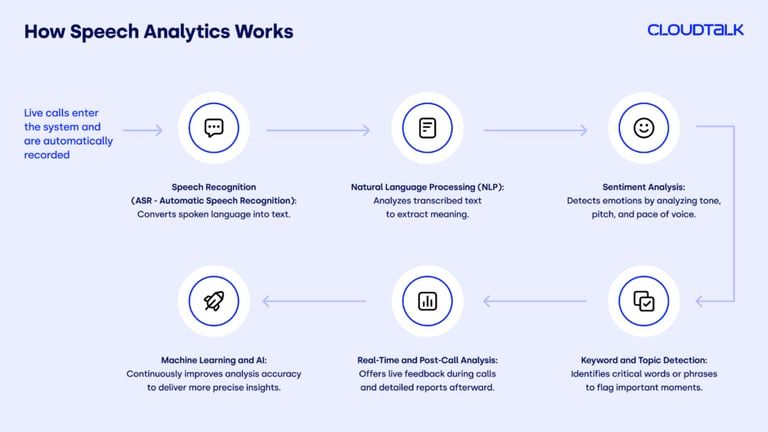
CloudTalk is an AI-powered business phone system that transcribes every call and turns it into usable insight. It runs OpenAI's Whisper model under the hood for accuracy, then layers on what a generic transcription engine cannot: automatic CRM sync, AI summaries, sentiment, and call scoring. If your transcripts are mostly customer and sales calls, a dedicated call transcription tool beats a standalone engine, because the transcript is only step one.
Key Features of CloudTalk
- Whisper-powered transcription — multilingual, post-call transcripts for every conversation
- AI conversation intelligence — summaries, sentiment analysis, and call scoring
- AI Notes — key takeaways and action items pushed straight to your CRM
- Transcript search — find any moment across thousands of calls by keyword
- 160+ country coverage — local numbers and crystal-clear calls worldwide
What Is CloudTalk's Pricing?
CloudTalk starts at $19/user/month with a 14-day free trial and no credit card required. AI features are available as an add-on from $9/user/month. For a full breakdown of what calling and transcription software costs, see the call center software cost guide.
- Lite: $19/user/month (NA & LATAM)
- Starter: $25/user/month
- Essential: $29/user/month
- Expert: $49/user/month
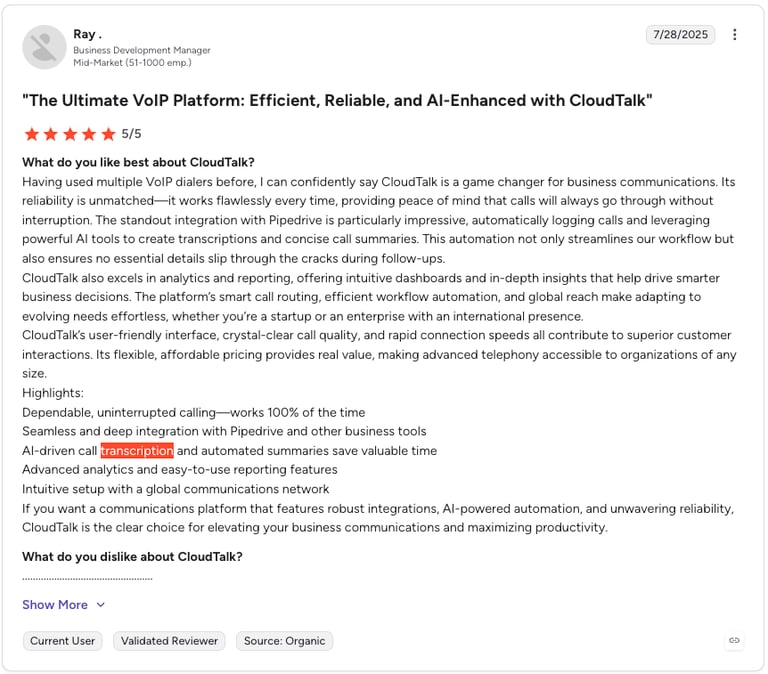
CloudTalk G2 Reviews
G2 reviewers give CloudTalk 4.4/5.
| Pros | Cons |
|---|---|
| More than a transcript — summaries, sentiment, and CRM sync built in | Built for calls — not aimed at podcast or media transcription |
| Flat-rate pricing — no per-minute transcription charges | Full AI on higher tiers — richest features sit on Expert + AI add-on |
| Whisper accuracy — without the DIY setup | Post-call focus — transcription is post-call, not live captioning |
Turn every call into searchable insight
2. OpenAI Whisper — Best Speech-to-Text AI for Overall Accuracy
What Is OpenAI Whisper?
Whisper is OpenAI's open-source speech recognition model, trained on roughly 680,000 hours of audio and widely treated as the accuracy benchmark for the category. It is the engine behind a lot of the tools on this list, CloudTalk included. You can self-host it for free or call it through OpenAI's API. It excels at multilingual batch transcription; it is not a plug-and-play app, so you bring your own interface.
Key Features of OpenAI Whisper
- Industry-leading accuracy — low word error rate across clean and noisy audio
- 99+ languages — broad multilingual transcription in one model
- Open-source (MIT) — self-host for free and fine-tune to your needs
- Newer GPT-4o models — gpt-4o-transcribe and a cheaper mini variant add speaker labels
What Is OpenAI Whisper's Pricing?
The Whisper model is free to self-host under an MIT license; your only cost is GPU time. Through OpenAI's API, whisper-1 and gpt-4o-transcribe run at $0.006/minute ($0.36/hour), and gpt-4o-mini-transcribe drops to $0.003/minute. There is no free API tier, but new accounts get a small starter credit.
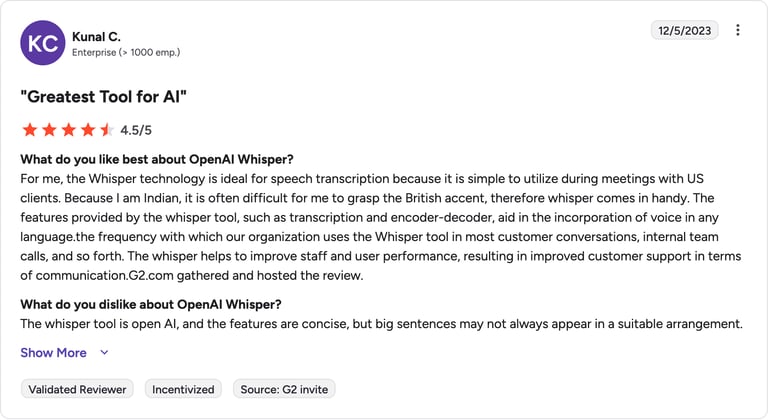
OpenAI Whisper G2 Reviews
G2 reviewers give OpenAI Whisper 4.6/5.
| Pros | Cons |
|---|---|
| Top-tier accuracy — the model others are measured against | No interface — you build the app around it |
| Free to self-host — open-source with no per-minute fee | Batch-first — base Whisper is not built for live streaming |
3. Deepgram — Best Speech-to-Text AI for Real-Time Voice Agents
What Is Deepgram?
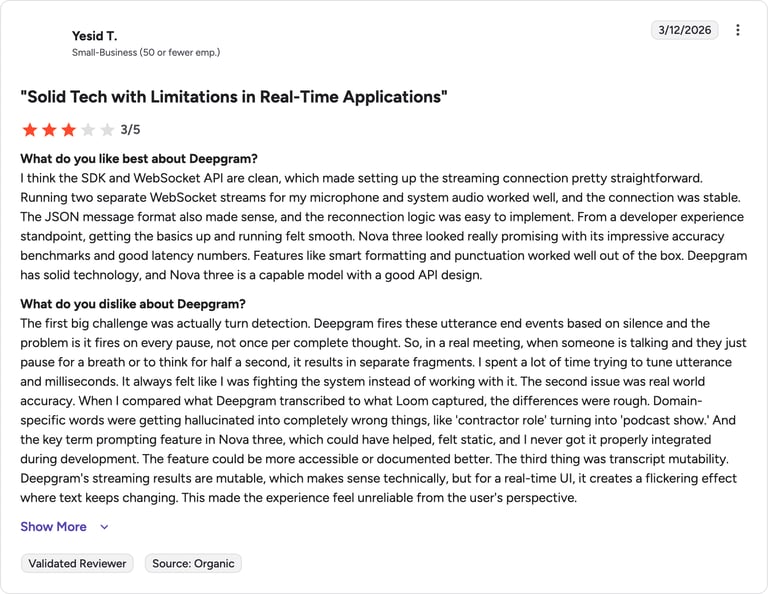
Deepgram is a developer-first speech API built for speed. Its Nova models are tuned for low-latency streaming, which makes Deepgram a default choice for voice agents and live captioning where a half-second delay breaks the conversation. It bills per second with no rounding, a real saving on short, high-volume clips.
Key Features of Deepgram
- Ultra-low latency — built for real-time streaming and voice agents
- Per-second billing — no rounding up on short audio
- 45+ languages — with diarization, smart formatting, and keyterm prompting
- Self-hosted option — rare in this space, available for enterprise
What Is Deepgram's Pricing?
Deepgram is usage-based with a $200 free credit and no card required. Nova-3 pre-recorded transcription starts around $0.0043/minute (~$0.26/hour); real-time streaming is higher. The Growth plan unlocks discounts but requires a $4,000 annual minimum, and intelligence add-ons are billed separately.
Deepgram G2 Reviews
G2 reviewers give Deepgram 4.4/5.
| Pros | Cons |
|---|---|
| Fastest streaming — the standard for real-time voice | Add-ons cost extra — diarization and summaries stack up |
| Fair billing — per-second, no rounding | Growth minimum — $4K/yr floor to unlock discounts |
4. AssemblyAI — Best Speech-to-Text AI for Developers
What Is AssemblyAI?
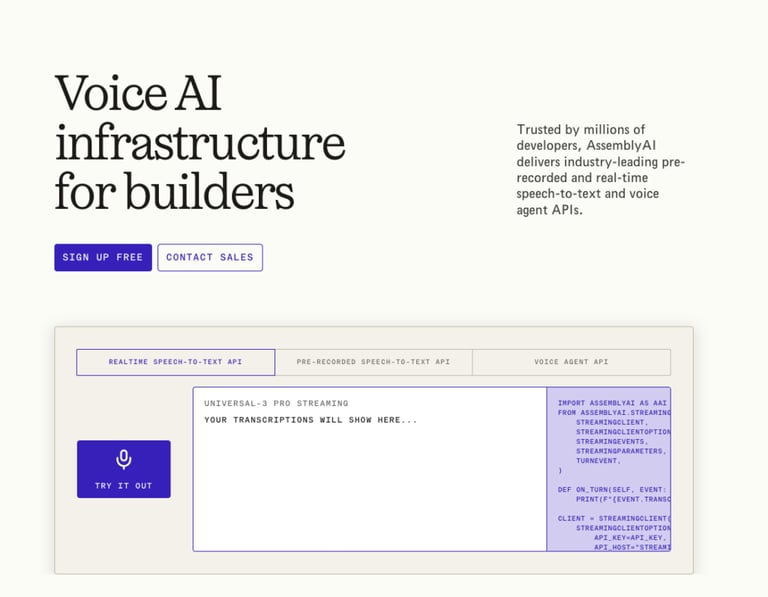
AssemblyAI is a speech-to-text and audio intelligence API that bundles transcription with conversation intelligence features, summaries, sentiment, topic detection, and an LLM gateway, behind one clean interface. Developers consistently praise its documentation and setup speed, and its Universal models are strong on accented English.
Key Features of AssemblyAI
- Unified API — transcription plus audio intelligence in one call
- 99 languages — on the Universal-2 model, with auto language detection
- LLM gateway — run Claude, GPT, or Gemini over transcripts
- Fast setup — production-ready in hours, not days
What Is AssemblyAI's Pricing?
AssemblyAI is pay-as-you-go with a $50 free credit. Universal-2 runs at $0.15/hour ($0.0025/minute) across 99 languages, and the higher-accuracy Universal-3 Pro is $0.21/hour. Audio intelligence add-ons (diarization, sentiment, entity and topic detection) are billed on top, so the effective rate climbs with a full feature stack.
AssemblyAI G2 Reviews
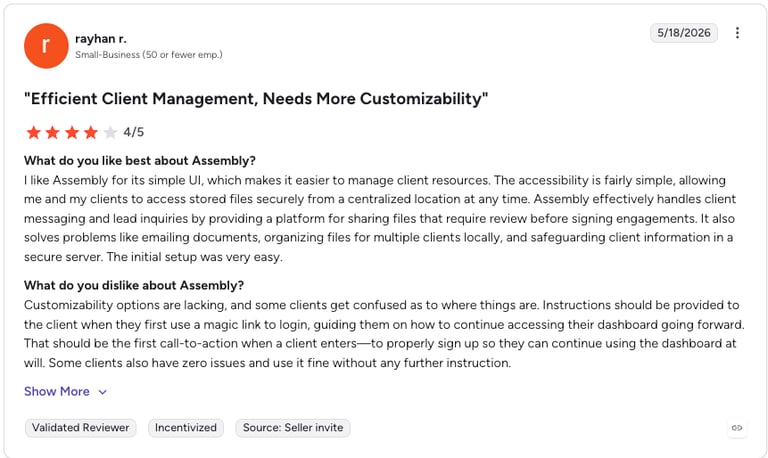
G2 reviewers give AssemblyAI 4.8/5.
| Pros | Cons |
|---|---|
| Best developer experience — top G2 score in the category | Feature stacking — add-ons can triple the base rate |
| Audio intelligence built in — summaries, sentiment, topics | Fewer streaming languages — real-time covers a narrower set |
5. Google Cloud Speech-to-Text — Best Speech-to-Text AI for Multilingual Coverage
What Is Google Cloud Speech-to-Text?
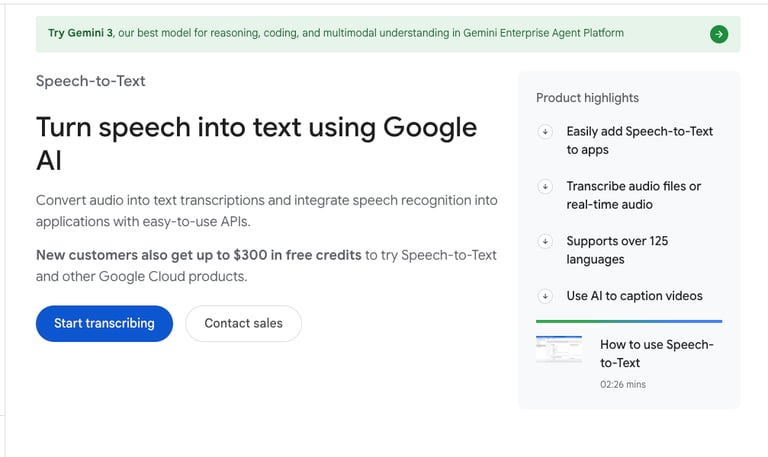
Google Cloud Speech-to-Text is the hyperscaler option, powered by Google's Chirp foundation models. Its headline strength is breadth: 125+ languages, the widest coverage in the market, plus specialized models for phone calls and medical audio. It is the natural pick for multilingual products already living on Google Cloud, though independent tests show it can trail specialist providers on real-time accuracy.
Key Features of Google Cloud Speech-to-Text
- 125+ languages — the broadest language coverage available
- Chirp models — plus tuned variants for phone, video, and medical audio
- GCP-native — plugs into Vertex AI and the rest of Google Cloud
- Built-in accuracy tool — upload audio and ground-truth to measure WER
What Is Google Cloud Speech-to-Text's Pricing?
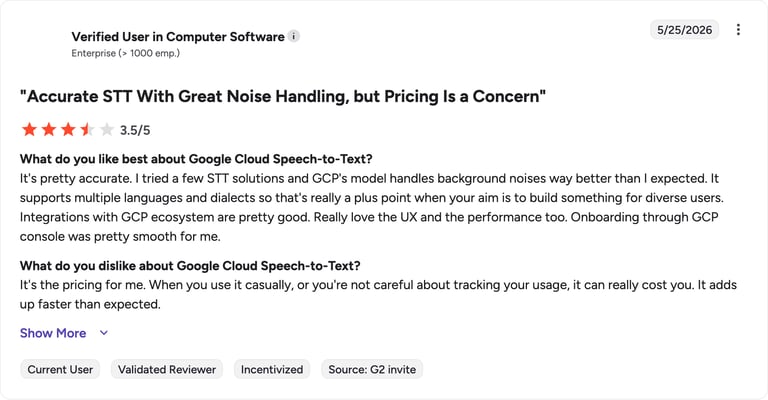
The Speech-to-Text v2 API charges from $0.016/minute on standard models, with volume discounts at higher tiers. The first 60 minutes each month are free, and new Google Cloud accounts get $300 in credits to test. Costs can climb fast for casual usage if you do not track volume.
Google Cloud Speech-to-Text G2 Reviews
G2 reviewers give Google Cloud Speech-to-Text 4.4/5.
| Pros | Cons |
|---|---|
| Widest language coverage — 125+ languages and dialects | Costs add up — casual usage can surprise you |
| GCP ecosystem fit — tight Vertex AI integration | Accuracy trade-off — specialists often edge it on real-time |
6. Microsoft Azure AI Speech — Best Speech-to-Text AI for Microsoft-Ecosystem Teams
What Is Microsoft Azure AI Speech?
Azure AI Speech is Microsoft's voice platform: speech-to-text, text-to-speech, translation, and speaker recognition under one API. Its draw is ecosystem fit and deployment flexibility, with cloud, on-prem container, and on-device options, plus Custom Speech for training on your own vocabulary. If your stack already runs on Microsoft 365, Teams, and Azure, it is the path of least resistance.
Key Features of Microsoft Azure AI Speech
- 100+ languages — for speech-to-text, plus speech translation
- Custom Speech — fine-tune models on domain-specific terminology
- Flexible deployment — cloud, on-prem containers, and on-device
- Microsoft-native — integrates across Teams, Dynamics, and Power Platform
What Is Microsoft Azure AI Speech's Pricing?
Azure's free tier includes 5 audio hours per month. Pay-as-you-go standard real-time speech-to-text is $1/audio hour ($0.0167/minute), and batch transcription is far cheaper at roughly $0.18/hour. Commitment tiers cut the rate at high volume, and real production deployments often carry extra Azure infrastructure costs.
Microsoft Azure AI Speech G2 Reviews
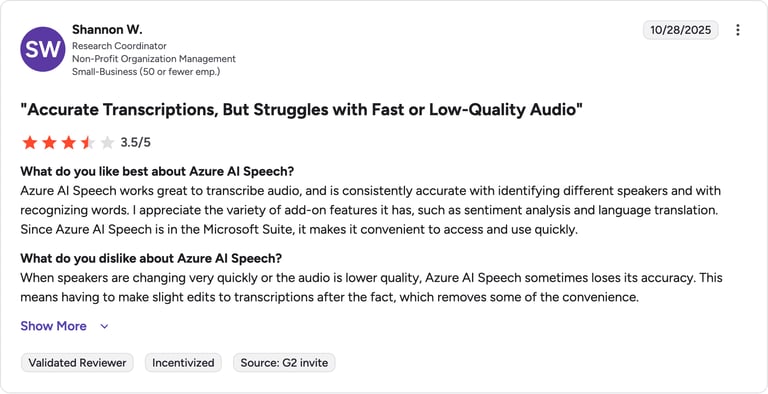
G2 reviewers give Microsoft Azure AI Speech 4.4/5.
| Pros | Cons |
|---|---|
| Deployment flexibility — cloud, on-prem, and on-device | Setup complexity — needs Azure expertise to run well |
| Custom Speech — train on your own vocabulary | Hidden infra costs — the $1/hr rate is rarely the full bill |
7. Otter.ai — Best Speech-to-Text AI for Meeting Notes
What Is Otter.ai?
Otter.ai is the best-known meeting transcription app. Its bot joins Zoom, Google Meet, and Teams calls, transcribes in real time, and spits out summaries and action items, the closest mainstream rival to CloudTalk's AI Notes for meeting-heavy teams. It is polished and easy, with the caveat that its language support is narrow and its free plan is tight.
Key Features of Otter.ai
- Live meeting bot — auto-joins Zoom, Meet, and Teams
- AI summaries — recaps and action items after every call
- OtterPilot for Sales — deal insights and CRM sync on Enterprise
- Speaker ID — diarization and a searchable conversation library
What Is Otter.ai's Pricing?
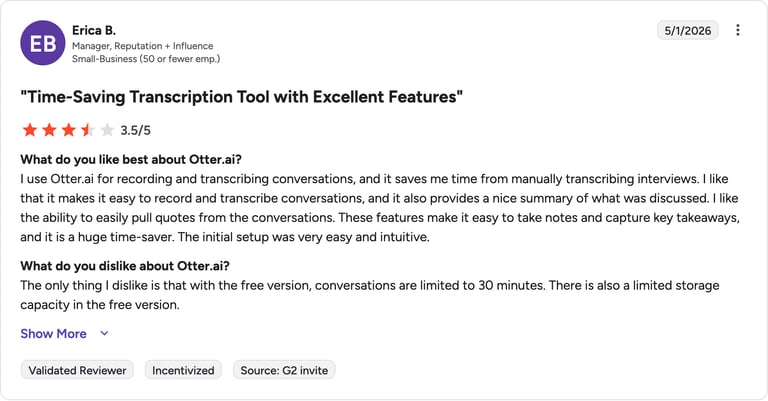
Otter's Basic plan is free with 300 transcription minutes per month. Pro is $16.99/month ($8.33/month billed annually) for 1,200 minutes, Business is $30/user/month ($19.99 annual), and Enterprise is custom. Watch the caps: Pro's minute allowance was cut without a matching price drop, and the platform supports only English, French, and Spanish.
Otter.ai G2 Reviews
G2 reviewers give Otter.ai 4.5/5.
| Pros | Cons |
|---|---|
| Great for meetings — easy live capture and summaries | Only 3 languages — English, French, Spanish |
| Free tier — enough to test the workflow | Tight minute caps — heavy users hit limits fast |
8. Rev — Best Speech-to-Text AI for Human-Verified Accuracy
What Is Rev?
Rev is the rare platform that offers both AI and human transcription from one interface. The AI tier is cheap and fast; the human tier guarantees 99%+ accuracy for the high-stakes work, depositions, compliance, anything where a misheard word has consequences. After acquiring SmartDepo, Rev has leaned hard into the legal vertical.
Key Features of Rev
- AI + human in one place — route critical files to human review
- 99%+ human accuracy — guaranteed on the human tier
- Legal tooling — deposition and testimony analysis via SmartDepo
- Captions & subtitles — plus an AI notetaker for Zoom, Meet, and Teams
What Is Rev's Pricing?
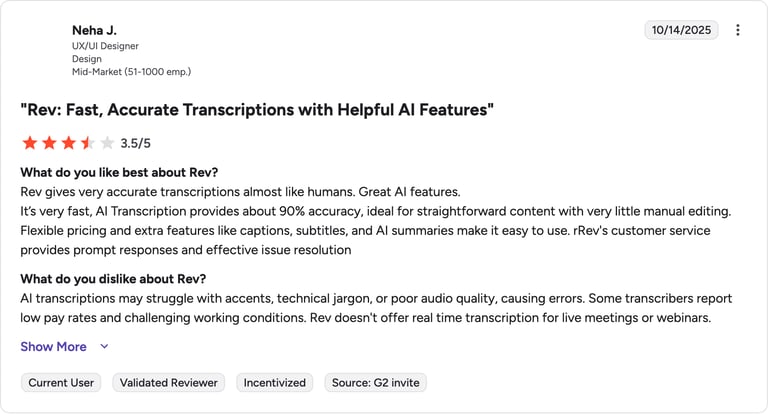
Rev's pay-as-you-go rates are $0.25/minute ($15/hour) for AI transcription and $1.99/minute for human transcription. Subscriptions add a free tier (45 minutes/month), Essentials at $29.99/month (5,000 AI minutes), and Pro at $59.99/month (10,000 AI minutes, 37+ languages). Human transcription is accurate but expensive at volume.
Rev G2 Reviews
| Pros | Cons |
|---|---|
| Human option — 99%+ accuracy when it has to be right | Human cost — $1.99/min adds up fast |
| Legal-grade — deposition and testimony workflows | Everything metered — per-minute model on top of subscriptions |
9. Speechmatics — Best Speech-to-Text AI for Accents and Enterprise Deployment
What Is Speechmatics?
Speechmatics is a UK enterprise speech engine with a reputation for accuracy across accents, dialects, and difficult audio, the kind of robustness that matters in call centers and contact-center analytics. It offers real-time and batch transcription with flexible cloud, on-prem, and hybrid deployment for teams with strict data-residency needs.
Key Features of Speechmatics
- Accent robustness — strong accuracy across dialects and noisy audio
- 55+ languages — plus a Melia model for mixed-language conversations
- Flexible deployment — cloud, on-premises, or hybrid
- Real-time & batch — with speaker diarization for call analysis
What Is Speechmatics' Pricing?
Speechmatics offers a free tier of 8 hours per month. The Pro pay-as-you-go tier runs batch transcription from $1.25/hour (Standard) or $1.90/hour (Enhanced), with real-time at $1.65 to $2.15/hour. Enterprise pricing is custom with a 200-hour monthly minimum, and volume discounts kick in above 500 hours.
Speechmatics G2 Reviews
G2 reviewers give Speechmatics 4.6/5.
| Pros | Cons |
|---|---|
| Accent accuracy — handles dialects competitors miss | Enterprise minimums — 200 hrs/mo to reach custom pricing |
| Deployment control — on-prem and hybrid options | Pricier per hour — reflects the enterprise focus |
10. Sonix — Best Speech-to-Text AI for Multilingual Media on a Budget
What Is Sonix?
Sonix is a browser-based transcription platform built for media, research, and content teams. It pairs accurate automated transcription with a slick in-browser editor that stitches text to audio, plus subtitles, search, and translation across 53+ languages. Its pay-as-you-go model makes it a favorite for project-based work without a subscription commitment.
Key Features of Sonix
- 53+ languages — transcription and translation in one platform
- In-browser editor — synced text-and-audio editing with timestamps
- Subtitles & captions — plus dozens of export formats
- Pay-as-you-go — no subscription required for one-off projects
What Is Sonix's Pricing?
Sonix runs a hybrid model: Standard is pay-as-you-go at $10/audio hour with no subscription, while Premium is $5/audio hour plus a $22/seat/month subscription, which only pays off above roughly 22 hours/month per team. Enterprise is custom, and a free 30-minute trial needs no card.
Sonix G2 Reviews
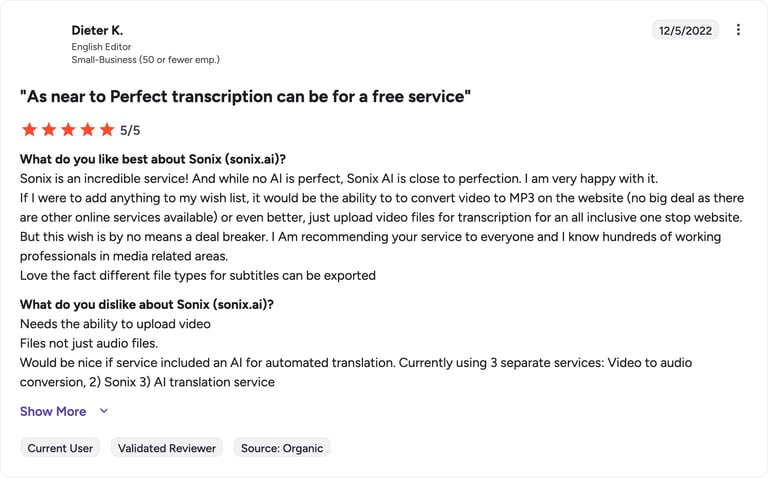
G2 reviewers give Sonix 4.7/5.
| Pros | Cons |
|---|---|
| Great editor — synced text-and-audio editing | Hybrid pricing — subscription plus per-hour can confuse |
| Multilingual value — 53+ languages at $5–$10/hr | No mobile app — browser-first workflow |
11. Notta — Best Speech-to-Text AI for Budget Multilingual Transcription
What Is Notta?
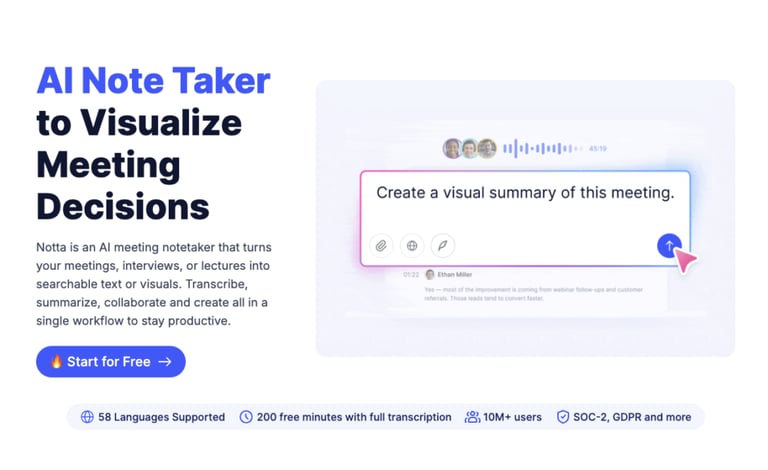
Notta is a meeting assistant and transcription app that punches above its price. It records and transcribes across Zoom, Meet, Teams, and Webex, offers real-time transcription in 58 languages, and generates AI summaries, while costing meaningfully less than Otter at the entry tier. The catch is a restrictive free plan and a much weaker mobile experience.
Key Features of Notta
- 58 languages — real-time transcription with strong multilingual support
- AI summaries — plus an infographic generator for meeting recaps
- CRM integrations — syncs to Salesforce, HubSpot, and more on Business
- Budget-friendly — Pro undercuts most meeting-transcription rivals
What Is Notta's Pricing?
Notta's free plan offers 120 minutes/month (with a tight 3-minute cap per recording). Pro is $13.99/month ($8.17/month billed annually) for 1,800 minutes, Business is $27.99/seat/month ($16.67 annual), and Enterprise is custom. Real-time translation and bilingual transcription are paid add-ons.
Notta G2 Reviews
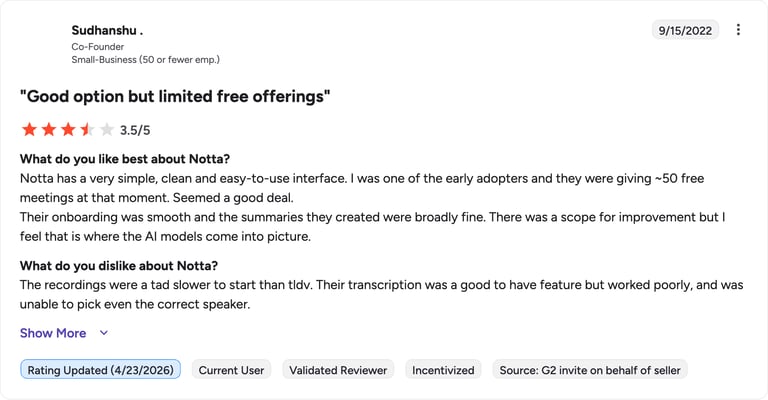
G2 reviewers give Notta 4.5/5.
| Pros | Cons |
|---|---|
| Best value — 58 languages at a low entry price | 3-min free cap — free plan is barely usable for meetings |
| CRM depth — more native CRM integrations than Otter | Weak mobile — app experience lags the web version |
How to Choose the Best Speech-to-Text AI for Your Needs
The right speech to text software depends on your workflow, not a leaderboard. Match the tool to the job:
- Accuracy (WER) — a lower word error rate means fewer fixes, but accents, crosstalk, and noise all move the number. Whisper, AssemblyAI, and Speechmatics lead on difficult audio.
- Real-time vs. batch — need live captions or a voice agent? Choose a streaming-first engine like Deepgram. Transcribing recordings? Batch tools deliver higher accuracy for less.
- Languages — Google (125+) and Azure (100+) lead on coverage; Notta and Sonix offer strong multilingual support at app-level prices.
- Integration — a transcript is only step one. If your audio is business calls, a tool like CloudTalk that syncs transcripts, summaries, and sentiment to your AI call center stack beats exporting text from a standalone engine.
Why CloudTalk Is the Best Speech-to-Text AI for Business Calls
If your conversations are customer and sales calls, the winner is not the engine with the lowest word error rate, it is the tool that does something with the transcript. CloudTalk runs Whisper-grade accuracy and then turns every call into AI notes, sentiment, call scoring, and CRM-ready records, no DIY pipeline required. The standalone engines on this list are excellent at producing text; CloudTalk is built to produce decisions. Compare plans on the pricing page.
Join 4,000+ teams turning calls into insight with CloudTalk
Sources
- McKinsey Global Institute, The social economy: Unlocking value and productivity through social technologies (the 1.8 hours/day figure).
- Tool pricing, language coverage, and G2 ratings were verified from each vendor's official pricing page and G2.com in 2026.
FAQs: Best Speech-to-Text AI
It depends on the job. For business calls, CloudTalk is best because it adds summaries, sentiment, and CRM sync. For raw accuracy, OpenAI Whisper leads the engines; for real-time voice agents, Deepgram; and for meetings, Otter.ai.
OpenAI Whisper sets the accuracy benchmark for AI transcription, with AssemblyAI and Speechmatics close behind on accented and noisy audio. For guaranteed near-perfect transcripts, Rev's human transcription tier reaches 99%+ accuracy at a higher cost.
Yes. OpenAI Whisper is open-source and free to self-host. Most apps also offer free tiers: Otter (300 min/month), Notta (120 min/month), and Speechmatics (8 hours/month), while Deepgram and AssemblyAI give free starter credits.
For live captions and voice agents, Deepgram is the go-to for ultra-low latency, with Google Cloud and Azure as strong real-time options. Otter and Notta handle live meeting captions well at the app level.
Some can. OpenAI Whisper runs locally if you self-host it, and Azure AI Speech offers on-device and disconnected-container deployment. Most cloud apps, however, require an internet connection to process audio.