12 Best Copper Integrations for Business in 2026
Best Copper Integrations for 2026: Quick Answer
The best Copper integrations for 2026 cover four jobs: calling and VoIP, CRM and pipeline, support and shared inbox, and collaboration and reporting.
- CloudTalk — calling and VoIP: auto-log calls, surface contact history, trigger follow-ups
- HubSpot — CRM and marketing: two-way sync of contacts, deals, and campaigns
- Intercom — customer messaging: log live chats and route conversations
- Front — shared inbox: unify email, chat, and SMS against CRM records
- Google Sheets — reporting: export deal and activity data into live dashboards
- Pipedrive — sales CRM: align pipelines and enrich deals with call activity
- Salesforce — enterprise CRM: connect enterprise data and call records
- Zoho CRM — CRM: sync leads and deals with full call context
- Zendesk — support platform: tie ticket history to CRM records
- ActiveCampaign — marketing automation: trigger campaigns from CRM activity
- Microsoft Teams — collaboration: surface CRM alerts and assign tasks in chat
- Monday.com — project management: turn CRM activity into trackable work
In this guide, we’ve handpicked 12 of the best Copper integrations based on their real-world impact, user demand, and how well they solve common bottlenecks in customer support, sales enablement, and workflow automation.
No more tab-switching. Just seamless workflows.

What Is a Copper Integration?
Think of Copper as your lightweight CRM for Google Workspace—simple, intuitive, and built for fast-moving teams. But without integrations, even the most intuitive platform can fall short. Customer data gets siloed, tasks go unassigned, and calls get logged in the wrong place—if at all.
That’s where Copper integrations come in.
Copper integrations, often called Copper CRM integrations, connect your CRM to the rest of your business stack—email platforms, calling tools, marketing automation, and scheduling apps—so your team works from one source of truth, not twenty browser tabs.
Here’s what Copper integrations actually do behind the scenes:
- Automate workflows between your CRM and the rest of your tech stack
- Sync data like contact records, deal activity, or user updates in real time
- Trigger actions across platforms—like alerts, escalations, or follow-up tasks
Take CloudTalk’s Copper integration for example. It allows you to:
- Auto-log every call and voicemail into the correct Copper record
- Instantly display caller info and past interactions during live conversations
- Give sales and support teams full customer context—without switching platforms
In short: Copper integrations don’t just make your CRM smarter. They make your entire workflow seamless.
Why does this matter? Because companies that integrate their CRM with calling, ticketing, or email platforms report up to 30% faster customer response times and a 40% drop in manual data entry, according to recent workflow automation surveys 1.
Want Copper to talk to your dialer, VoIP, and helpdesk?
Best Copper Integrations: Comparison Table
Copper is designed to feel like part of Google Workspace—but when it’s integrated with the rest of your tech stack, it becomes much more than a lightweight CRM. It becomes the engine room for your entire customer experience.
Here’s a quick look at the best Copper integrations for 2026 before we dig into the full reviews:
| Software | Category | G2 Rating | Key Benefit |
|---|---|---|---|
| CloudTalk | Calling & VoIP | 4.4 / 5 | Auto-log calls, view contact history, trigger workflows |
| HubSpot | CRM & Marketing | 4.4 / 5 | Sync deals, contacts, and automate campaigns |
| Intercom | Customer Messaging | 4.5 / 5 | Route chats to calls, log tickets with voice context |
| Front | Shared Inbox | 4.7 / 5 | Unify conversations across email, chat, and voice |
| Google Sheets | Reporting | 4.6 / 5 | Sync deal data or call logs for live dashboards |
| Pipedrive | Sales CRM | 4.3 / 5 | Align deal pipelines and enrich with call activity |
| Salesforce | CRM | 4.4 / 5 | Connect enterprise sales data and call records |
| Zoho CRM | CRM | 4.1 / 5 | Sync leads and deals with full call context |
| Zendesk | Support Platform | 4.3 / 5 | Track support tickets and add call context |
| ActiveCampaign | Marketing Automation | 4.5 / 5 | Trigger campaigns and sync engagement data with CRM contacts |
| Microsoft Teams | Collaboration | 4.4 / 5 | Collaborate across deals and log call activity |
| Monday.com | Project Management | 4.7 / 5 | Sync tasks and CRM triggers into collaborative workflows |
The 12 Best Copper Integrations, Reviewed
The integrations below help you sync data automatically, reduce manual tasks, and bridge the gap between conversations, pipelines, and operations—without ever switching tabs. Here’s a closer look at each of the best Copper integrations, what it does, what it costs, and what real users say about it.
1. CloudTalk
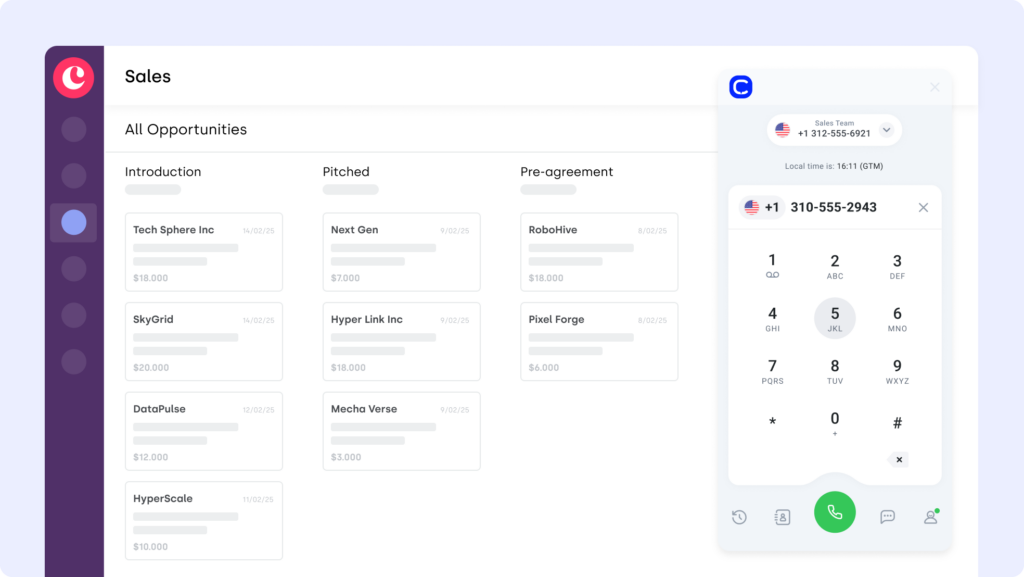
CloudTalk is a modern cloud-based phone system designed for sales and support teams that depend on voice to close deals and resolve issues quickly. The Copper CloudTalk integration embeds calling directly into your CRM—so every call, note, and recording is synced without ever leaving your workspace.
Use Case
Connect CloudTalk with Copper to automatically log calls, display contact history mid-conversation, and trigger follow-ups based on deal status or pipeline activity—ideal for keeping your reps focused and your CRM clean.
Benefits
- Improved agent productivity with automated call workflows
- Better customer experience through real-time access to caller data
- Eliminate tab-switching between phone and support tools
Key Features of CloudTalk
- Real-time call monitoring
- AI-Powered Conversation Intelligence
- Call recording and playback
- Sentiment Analysis
What Is the Pricing of CloudTalk?
CloudTalk pricing is built around flexible plans, with each tier offering more value than its competitors:
- Lite: $19/user/month (Americas)
- Starter: $25/user/month
- Essential: $29/user/month
- Expert: $49/user/month
- Custom: Pricing available upon request
CloudTalk Reviews
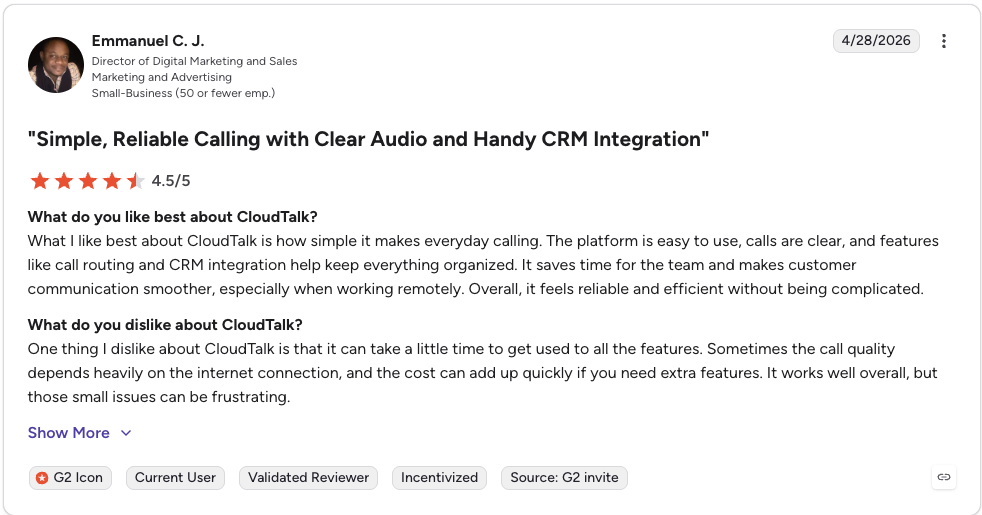
CloudTalk holds a 4.4/5 rating on G2, with reviewers consistently praising its ease of use, call quality, and CRM integrations.
CloudTalk: Pros and Cons
| Pros | Cons |
|---|---|
| Intuitive interface and fast setup | Billing can be inflexible (strict no-refund policy) |
| Strong CRM and helpdesk integrations | Mobile app reliability can lag |
| Reliable call quality plus power and parallel dialers | Advanced AI features sit on higher tiers |
2. HubSpot: A Core Copper CRM Integration
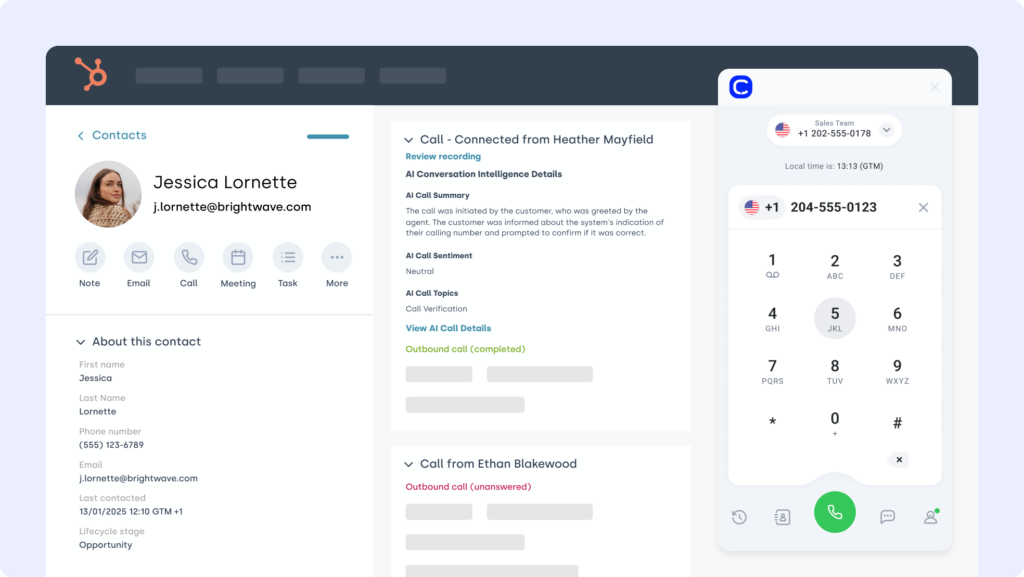
HubSpot is a leading CRM and marketing automation platform used by growth teams to manage contacts, deals, and customer journeys. The Copper HubSpot integration keeps sales and marketing data aligned—so your pipelines, emails, and deal updates flow seamlessly between systems.
Use Case
Integrate HubSpot with Copper to sync contact records, automate follow-ups based on deal stages, and trigger marketing workflows without re-entering data—ideal for aligning sales outreach with campaign engagement.
Benefits
- Unify sales and marketing data across both platforms
- Eliminate manual updates with two-way sync
- Trigger email campaigns or tasks based on Copper activity
Key Features of HubSpot
- Auto-sync contacts and deals between HubSpot and Copper
- Trigger HubSpot workflows from changes in Copper
- Track lifecycle stages and lead activity in real time
What Is the Pricing of HubSpot?
HubSpot offers a free CRM plan, with paid tiers depending on your team’s size and needs. See HubSpot pricing for details.
HubSpot Reviews
HubSpot Sales Hub holds a 4.4 / 5 rating on G2, with users highlighting its all-in-one platform and quality of support.
HubSpot: Pros and Cons
| Pros | Cons |
|---|---|
| Genuinely useful free tier | Costs climb quickly as you scale |
| Unified sales and marketing in one platform | Best automation sits behind higher tiers |
| Strong reporting, automation, and ecosystem | Per-seat and contract costs add up for larger teams |
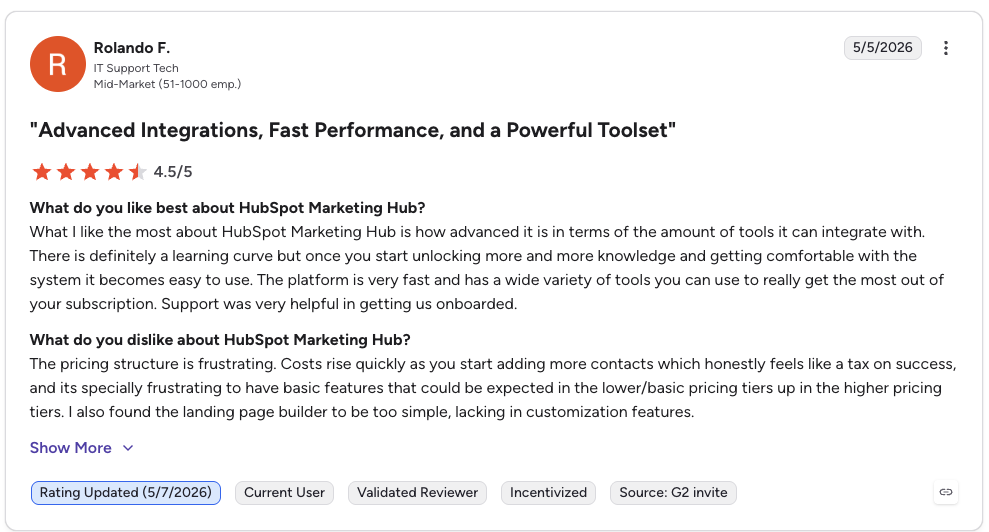
G2 reviewers give HubSpot Marketing Hub 4.4/5.
3. Intercom
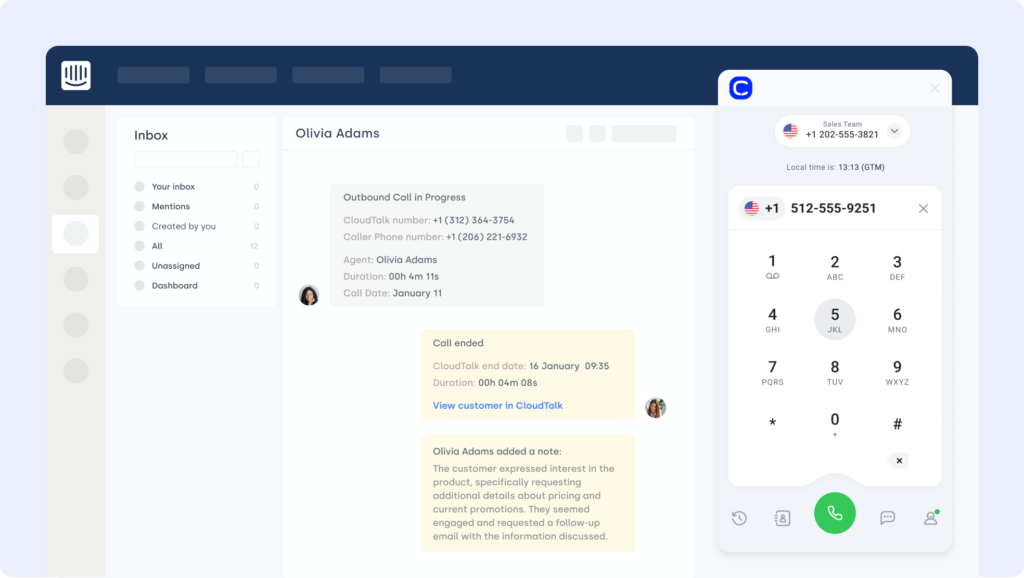
Intercom is a powerful customer messaging platform designed to streamline live chat, automation, and support workflows. The Copper Intercom integration brings real-time conversations into your CRM, helping teams respond faster, personalize interactions, and keep records aligned.
Use Case
Use Intercom with Copper to log chats to contact records, trigger internal assignments, and personalize support without switching systems.
Benefits
- Drive faster resolutions by syncing live chat with Copper records
- Personalize outreach by combining chat, CRM, and call history
- Keep sales, support, and success teams in sync on every customer interaction
Key Features of Intercom
- Sync Intercom conversations to Copper records
- Auto-update CRM fields based on chat activity
- Route tickets or tasks by deal stage or priority
What Is the Pricing of Intercom?
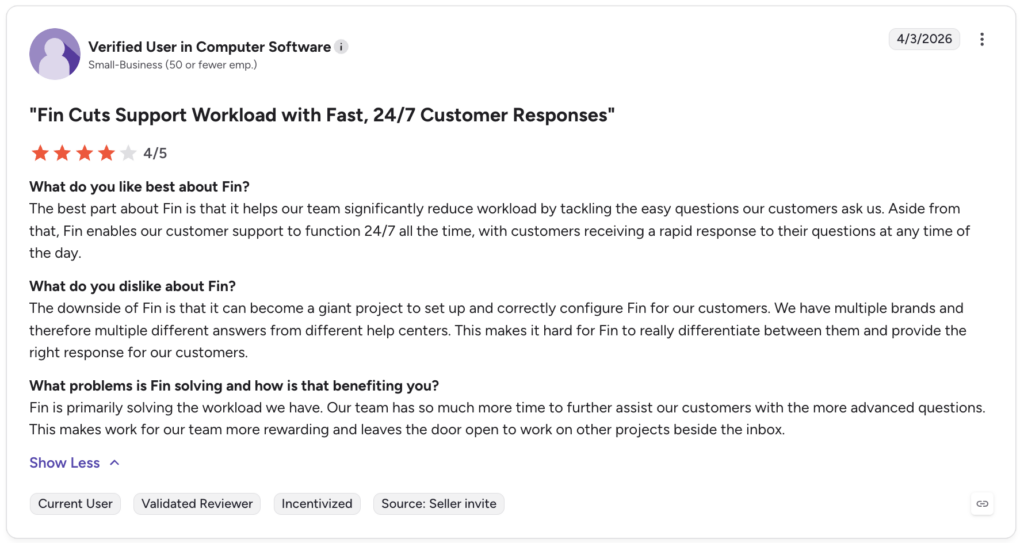
Intercom pricing is seat-based, billed annually for the best rate, with Fin AI charged separately at $0.99 per resolution:
- Essential: $29/seat/month
- Advanced: $85/seat/month
- Expert: $132/seat/month
Intercom Reviews
Intercom holds a 4.5 / 5 rating on G2, with reviewers praising its modern messenger and AI capabilities.
Intercom: Pros and Cons
| Pros | Cons |
|---|---|
| Polished, intuitive messenger widget | Pricing structure is complex and opaque |
| Strong AI support agent (Fin) | $0.99 per Fin resolution adds up at volume |
| Solid omnichannel coverage | Total cost scales fast with seats and usage |
4. Front (Shared Inbox Platform)
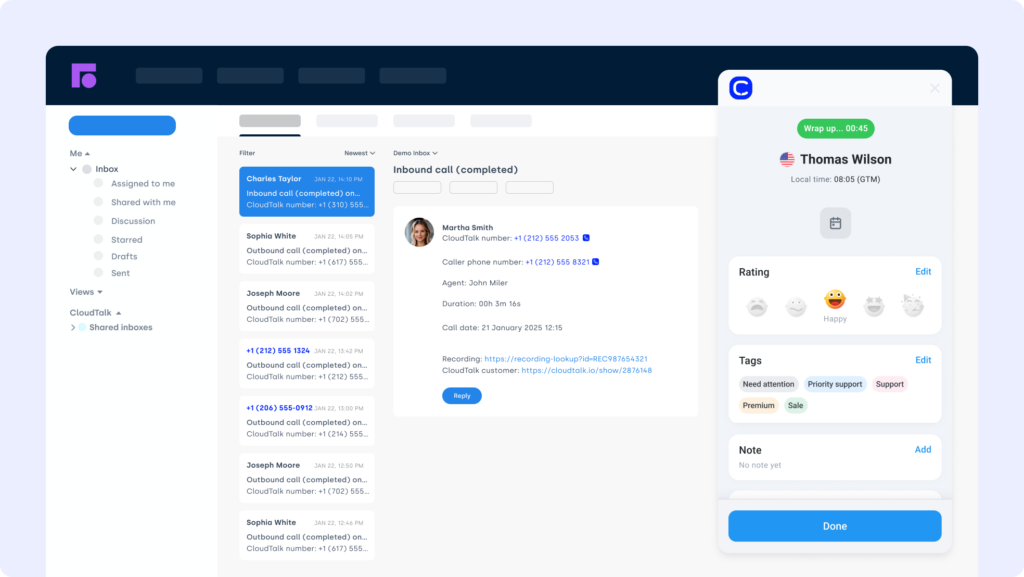
Front is a collaborative inbox platform that brings email, chat, and SMS into one unified workspace. The Copper Front integration connects your CRM to customer conversations—so sales and support teams can respond faster, stay organized, and log activity without tab overload.
Use Case
Integrate Front with Copper to auto-log email threads, assign follow-ups based on deal stage or priority, and sync conversation history to CRM records.
Benefits
- Centralize communication across channels directly into Copper
- Improve visibility by linking messages to contacts and deals
- Coordinate faster across support, sales, and account management
Key Features of Front
- Sync emails and messages to Copper contact records
- Assign or tag conversations based on CRM fields
What Is the Pricing of Front?
Front pricing is per seat, billed annually:
- Starter: $25/seat/month
- Professional: $65/seat/month
- Enterprise: $105/seat/month
Front Reviews
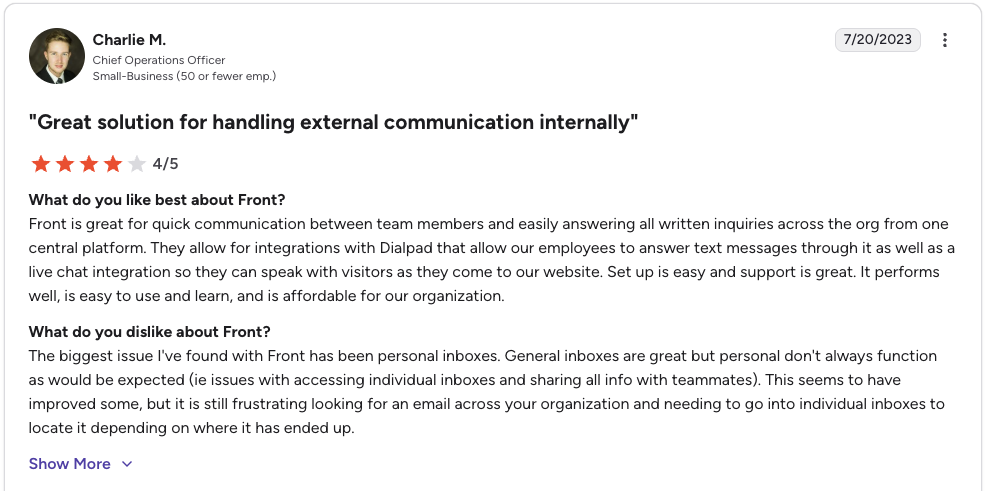
Front holds a 4.7 / 5 rating on G2, one of the highest scores among shared inbox platforms.
Front: Pros and Cons
| Pros | Cons |
|---|---|
| Excellent shared-inbox collaboration | Per-seat cost scales steeply for large teams |
| Easy to use and quick to adopt | Seat minimums apply on higher tiers |
| Strong omnichannel coverage | AI features are paid add-ons on lower plans |
G2 reviewers give Front 4.7/5.
5. Google Sheets
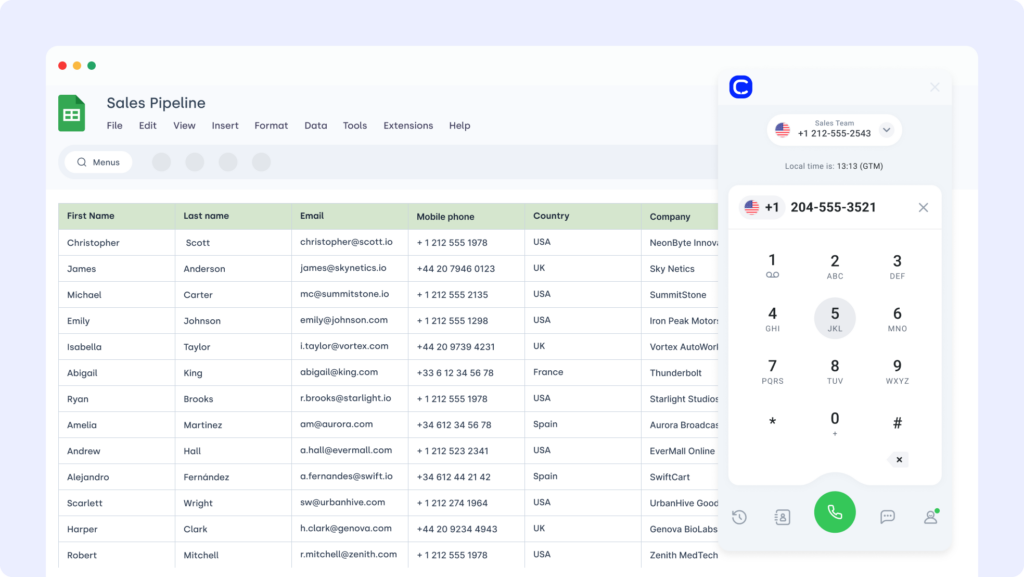
Google Sheets is a go-to tool for collaborative data tracking and lightweight reporting. The Copper Google Sheets integration lets teams export deal, contact, or activity data directly into spreadsheets—perfect for building dashboards, tracking progress, or sharing performance metrics across teams.
Use Case
Automatically sync Copper data—like pipeline status, lead activity, or revenue forecasts—into Google Sheets for real-time visibility and custom reporting.
Benefits
- Eliminate manual exports with scheduled data sync
- Build custom dashboards tailored to your sales process
- Make reporting more accessible across teams and stakeholders
Key Features of Google Sheets
- Scheduled or trigger-based data exports from Copper
- Filtered sync by deal stage, owner, or custom field
- Real-time updates for shared reporting docs
What Is the Pricing of Google Sheets?
Google Sheets is free with a Google Workspace subscription. Advanced syncing may depend on add-ons or automation tools.
Google Sheets Reviews
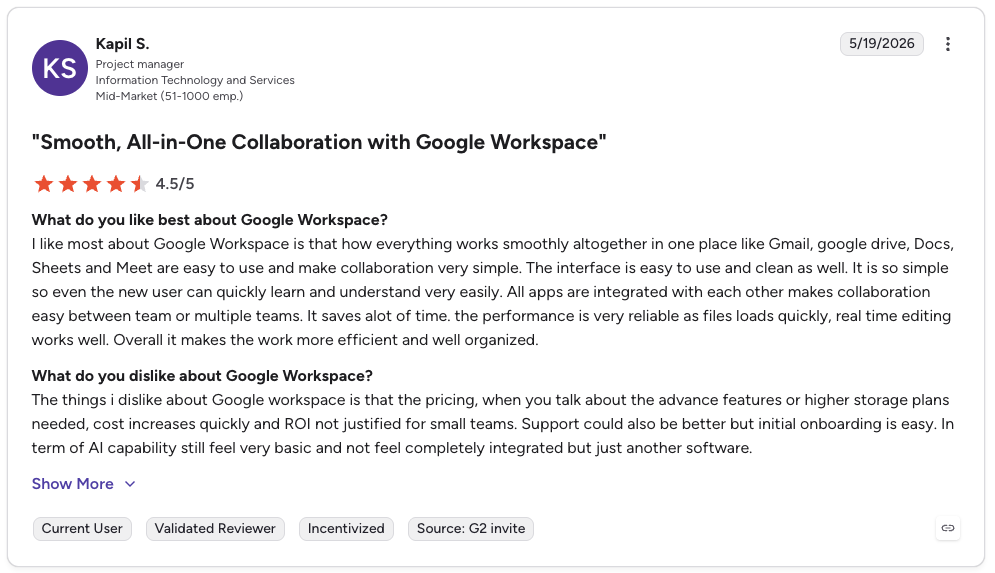
Google Workspace (which includes Google Sheets) holds a 4.6 / 5 rating on G2, with users praising its collaboration and ease of use.
Google Sheets: Pros and Cons
| Pros | Cons |
|---|---|
| Free with Google Workspace and familiar to everyone | Not a CRM; no native two-way Copper sync |
| Flexible for custom dashboards and reporting | Advanced syncing needs a connector or automation tool |
| Real-time collaboration and sharing | Performance limits with very large datasets |
G2 reviewers give Google Sheets 4.6/5.
6. Pipedrive (CRM)
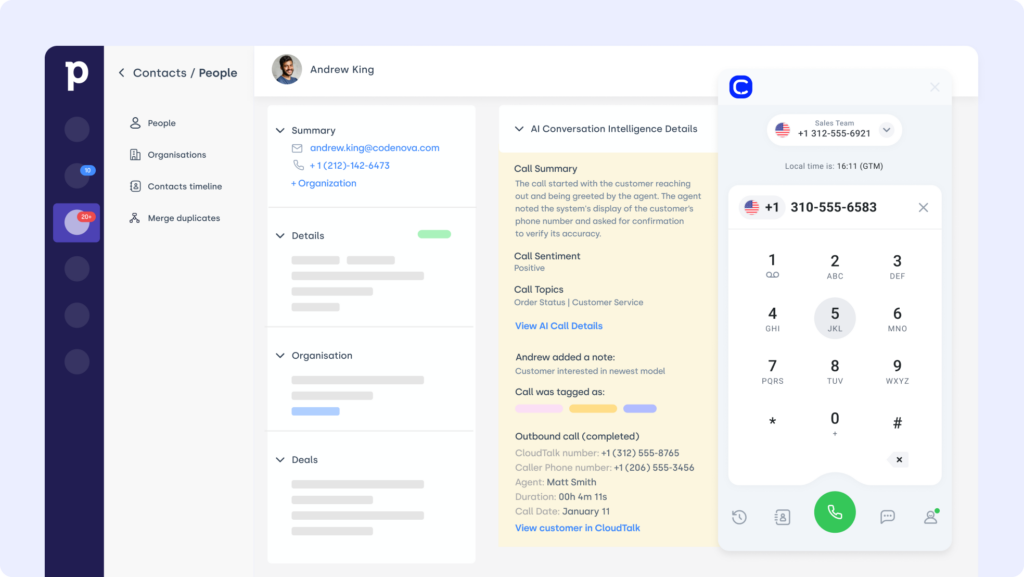
Pipedrive is a visual, sales-driven CRM built to help teams manage pipelines and close deals faster. The Copper Pipedrive integration allows businesses using both platforms to align workflows, sync records, and streamline handoffs across sales stages.
Use Case
Use Pipedrive alongside Copper to sync contacts, share deal updates between teams, or migrate pipeline data during transitions—ideal for companies operating hybrid CRM environments or scaling beyond a single system.
Benefits
- Eliminate double data entry between CRMs
- Keep pipelines aligned and up to date
- Automate deal updates and activity tracking across platforms
Key Features of Pipedrive
- Sync contacts and deal stages between Copper and Pipedrive
- Log notes, activities, and custom field data across both systems
- Trigger automations from updates made in either CRM
What Is the Pricing of Pipedrive?
Pipedrive pricing offers five tiers, billed annually:
- Essential: $14/user/month
- Advanced: $29/user/month
- Professional: $59/user/month
- Power: $69/user/month
- Enterprise: $99/user/month
Pipedrive Reviews
G2 reviewers give Pipedrive 4.2/5.
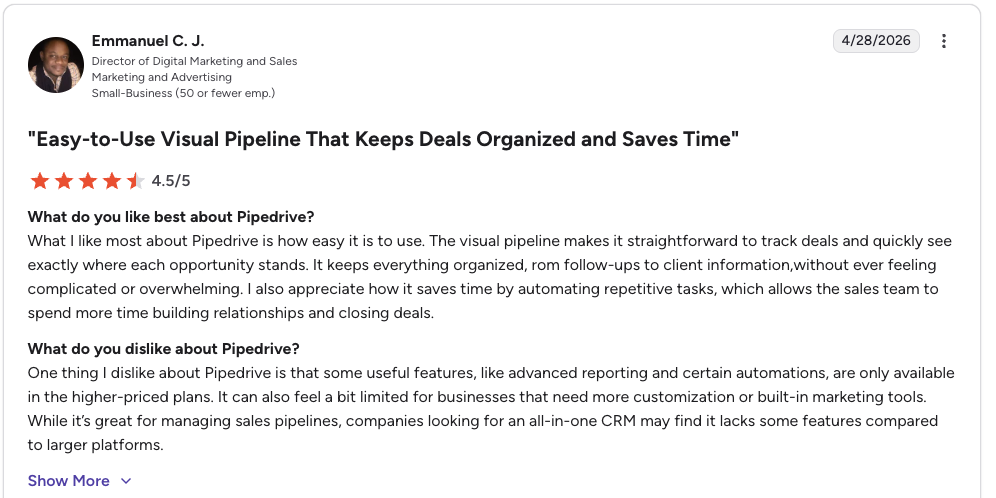
Pipedrive holds a 4.3 / 5 rating on G2, with reviewers ranking its visual pipeline among the easiest to use in the category.
Pipedrive: Pros and Cons
| Pros | Cons |
|---|---|
| Cleanest visual pipeline in the category | Limited built-in email and marketing without add-ons |
| Fast adoption and broad integrations | Reporting depth trails enterprise CRMs |
| Affordable entry tiers | Useful extras (LeadBooster, Smart Docs) cost more |
7. Salesforce (CRM)
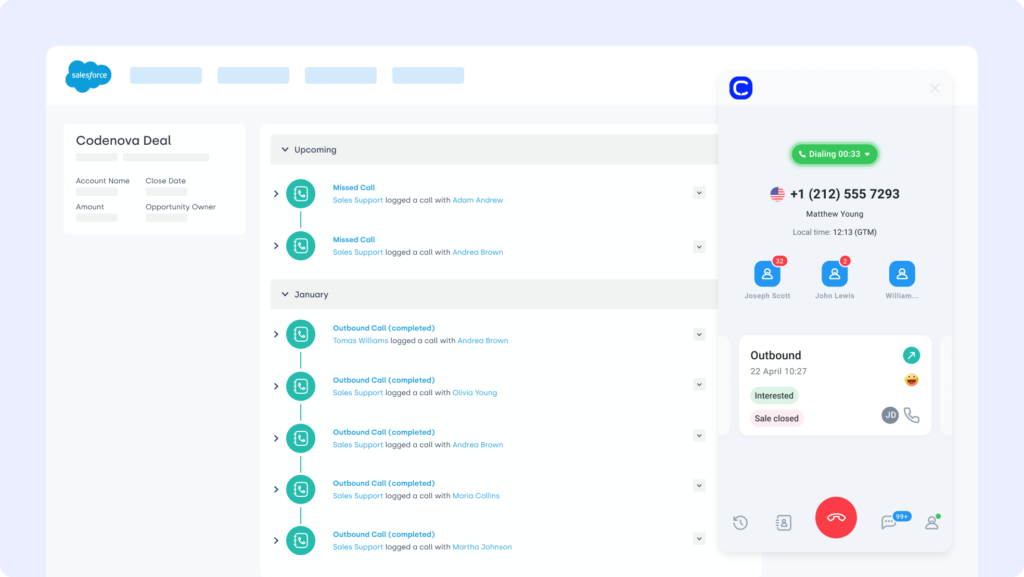
Salesforce is a leading enterprise CRM platform trusted by sales, support, and operations teams to manage complex customer relationships at scale. The Copper Salesforce integration bridges the gap between lightweight simplicity and enterprise-level data, making it easier to align efforts across tools and teams.
Use Case
Use Salesforce alongside Copper to sync contact and deal records, ensure real-time visibility across both platforms, and coordinate customer activity without duplicate entry or data loss.
Benefits
- Align enterprise and SMB teams with unified customer data
- Cut manual CRM entry with automated syncing
- Improve collaboration across multiple departments and pipelines
Key Features of Salesforce
- Sync contacts, accounts, and opportunities across CRMs
- Auto-update fields and activity logs in real time
- Customize data mapping for clean, consistent records
What Is the Pricing of Salesforce?
Salesforce pricing for Sales Cloud spans several tiers, billed annually:
- Starter Suite: $25 per user/month
- Pro Suite: $100 per user/month
- Enterprise: $175 per user/month
- Unlimited: $350 per user/month
Salesforce Reviews
G2 reviewers give Salesforce Sales Cloud 4.4/5.
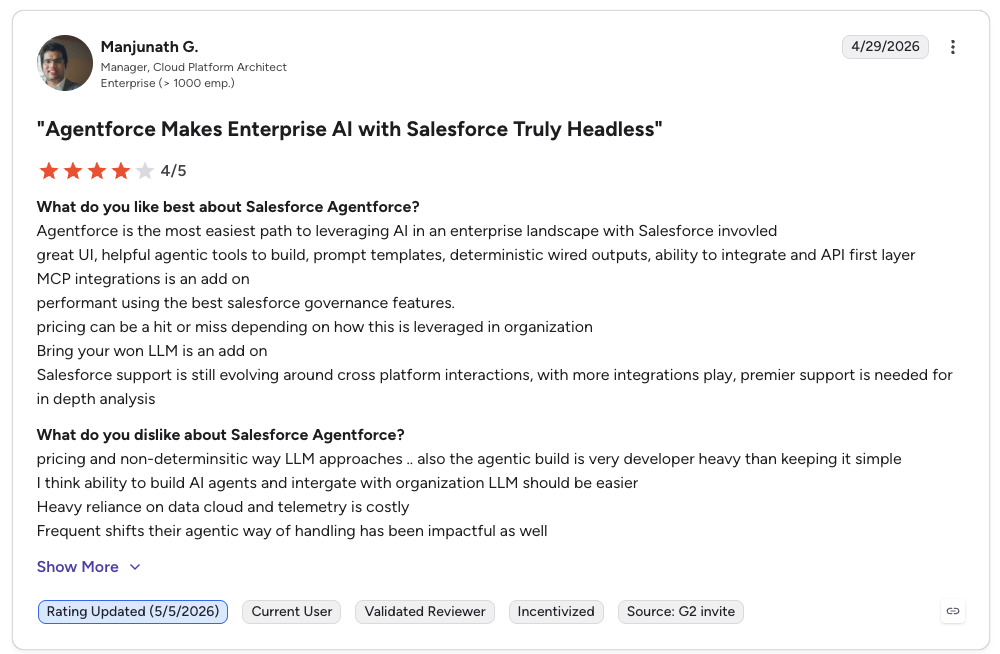
Salesforce Sales Cloud holds a 4.4 / 5 rating on G2 across more than 25,000 reviews, making it one of the most-reviewed B2B products anywhere.
Salesforce: Pros and Cons
| Pros | Cons |
|---|---|
| Deep customization and enterprise-grade scalability | Steep learning curve; often needs dedicated admins |
| Massive AppExchange ecosystem (7,000+ apps) | High total cost of ownership beyond licenses |
| Robust reporting and forecasting | Interface can feel dated and complex |
8. Zoho CRM
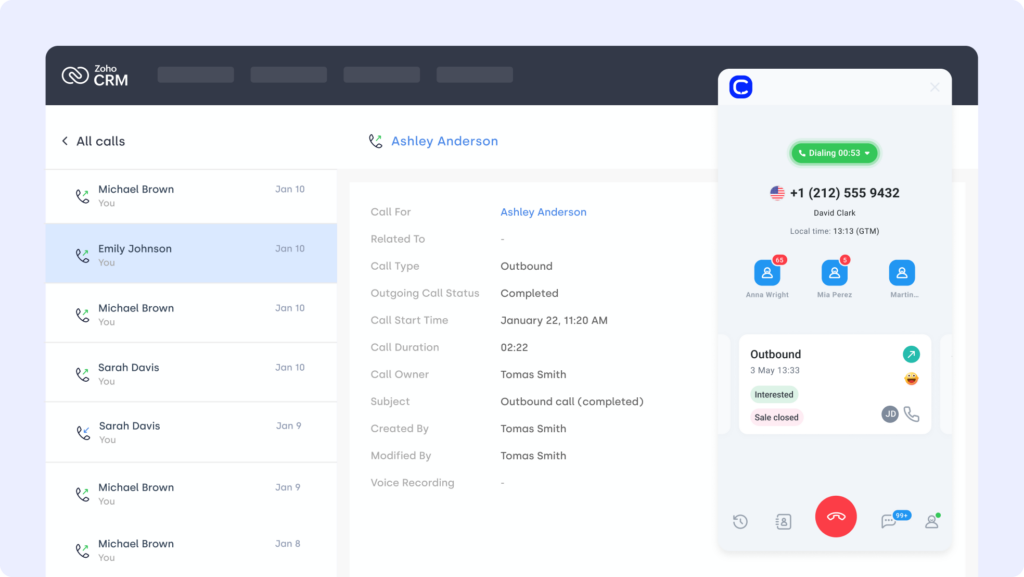
Zoho CRM is a versatile platform used by sales, marketing, and support teams to manage leads, deals, and customer interactions across the funnel. The Copper Zoho CRM integration enables seamless data sharing between platforms—helping teams maintain a complete, real-time view of each customer.
Use Case
Integrate Zoho CRM with Copper to sync contact and deal data, trigger follow-up tasks based on CRM updates, and ensure all activity is tracked consistently—perfect for organizations coordinating across multiple teams or tools.
Benefits
- Keep deal and contact records aligned across platforms
- Share lead and activity data between teams in real time
- Reduce manual updates with automated CRM syncing
Key Features of Zoho CRM
- Sync contacts, leads, and deals between Copper and Zoho
- Auto-update CRM records based on activity or status changes
- Trigger workflows in Zoho based on Copper field updates
What Is the Pricing of Zoho CRM?
Zoho CRM pricing offers tiered plans for teams of all sizes, billed annually:
- Standard: $14/user/month
- Professional: $23/user/month
- Enterprise: $40/user/month
- Ultimate: $52/user/month
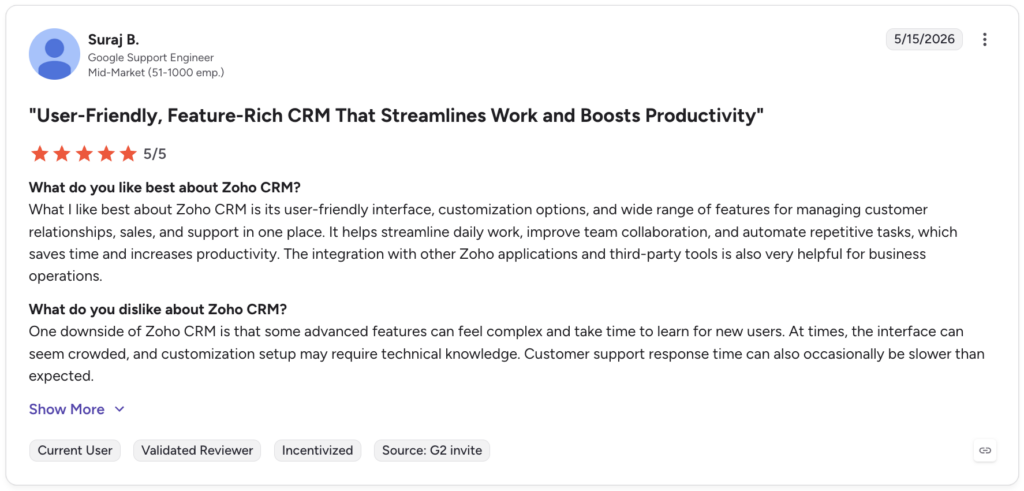
Zoho CRM Reviews
Zoho CRM holds a 4.1 / 5 rating on G2, with users citing strong value and flexibility for the price.
Zoho CRM: Pros and Cons
| Pros | Cons |
|---|---|
| Very affordable across all tiers | Steeper learning curve than rivals |
| Strong automation and customization for the price | Interface and navigation can feel clunky |
| Built-in Zia AI and broad Zoho ecosystem | Two licensing models add some confusion |
9. Zendesk (Support Platform)
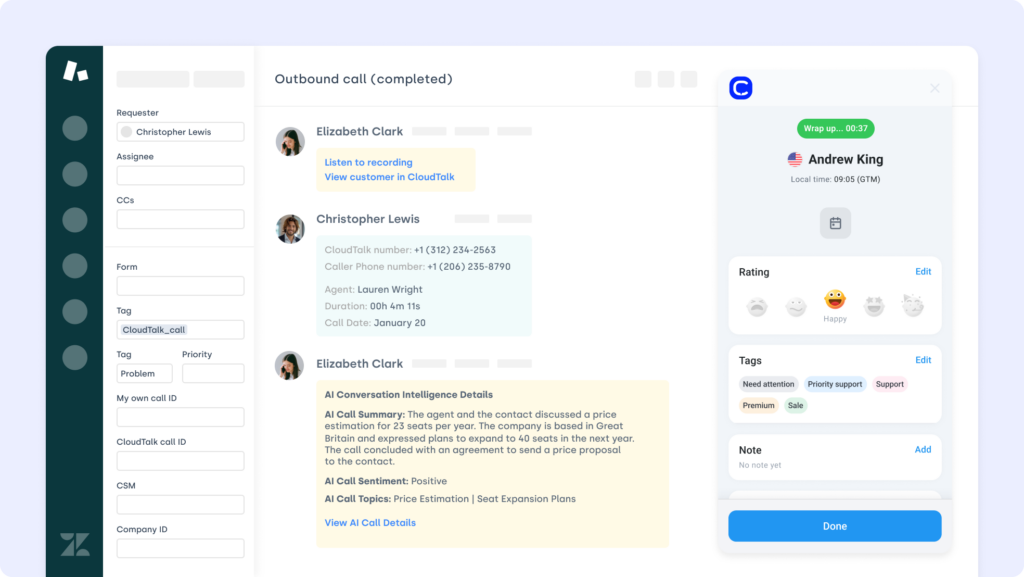
Zendesk is a widely used customer support platform that helps teams manage tickets, automate responses, and streamline resolution workflows. The Copper Zendesk integration brings support data into your CRM—so your sales and service teams stay aligned around the full customer journey.
Use Case
Connect Zendesk to Copper to sync ticket updates, add support history to CRM records, and give reps the full picture during follow-ups—ideal for teams handling both customer acquisition and retention.
Benefits
- Unify sales and support data for better customer context
- Reduce toggling between platforms during conversations
- Track ticket status and resolution history directly from your CRM
Key Features of Zendesk
- Sync ticket data to Copper contact or deal records
- Auto-update CRM fields based on ticket events
- Maintain a centralized view of open and resolved issues
What Is the Pricing of Zendesk?
Zendesk pricing centers on its Suite plans, billed annually (Advanced AI is a separate add-on):
- Suite Team: $55 per agent/month
- Suite Growth: $89 per agent/month
- Suite Professional: $115 per agent/month
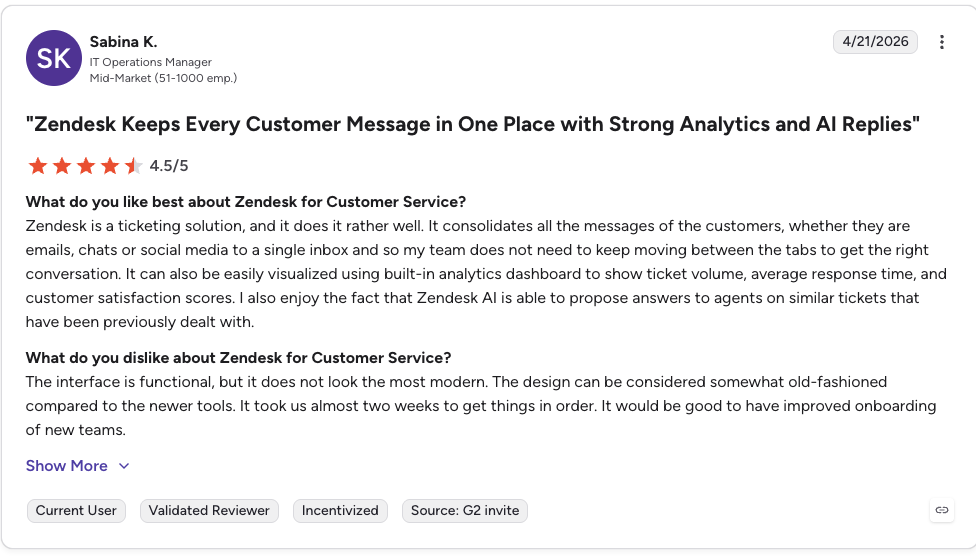
Zendesk Reviews
Zendesk holds a 4.3 / 5 rating on G2, with reviewers praising its omnichannel ticketing and automation.
G2 reviewers give Zendesk Support Suite 4.3/5.
Zendesk: Pros and Cons
| Pros | Cons |
|---|---|
| Robust omnichannel ticketing and routing | Expensive once add-ons stack up |
| Large app marketplace (1,500+ integrations) | Advanced AI is a costly add-on plus per-resolution fees |
| Scales well for growing support teams | Setup and pricing can get complex |
Recommended Reads
10. ActiveCampaign (Marketing Automation Platform)
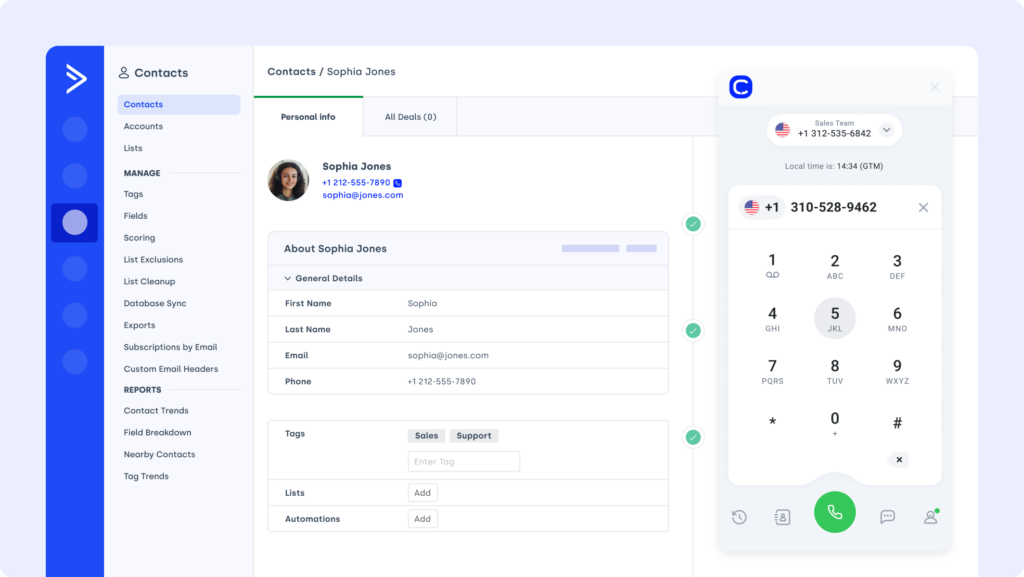
ActiveCampaign is a comprehensive platform for email marketing, CRM, and automation. The Copper ActiveCampaign integration allows teams to connect sales and marketing workflows—making it easier to personalize outreach and automate follow-ups based on real-time CRM activity.
Use Case
Integrate ActiveCampaign with Copper to trigger automations when deals progress, contacts are updated, or specific fields change—ideal for lead nurturing, re-engagement campaigns, or post-sale communications.
Benefits
- Automate marketing actions based on Copper CRM updates
- Keep contact and custom field data in sync across platforms
- Improve engagement by aligning campaign timing with deal activity
Key Features of ActiveCampaign
- Trigger email workflows from Copper record changes
- Sync contact details and tags across both tools
- Track campaign performance from within your CRM
What Is the Pricing of ActiveCampaign?
ActiveCampaign pricing is based on contact count; the rates below reflect 1,000 contacts, billed annually:
- Starter: $15/month
- Plus: $49/month
- Pro: $79/month
- Enterprise: $145/month
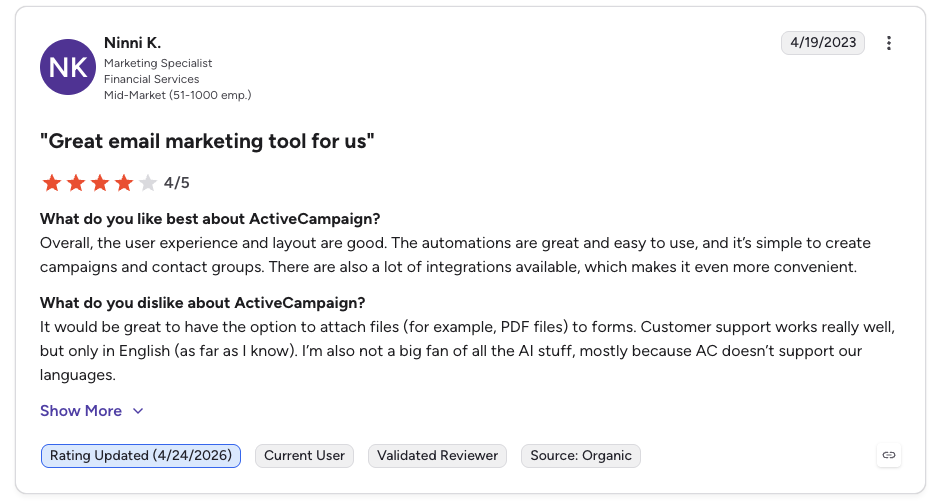
ActiveCampaign Reviews
ActiveCampaign holds a 4.5 / 5 rating on G2 across more than 13,000 reviews, with its automation builder a standout.
G2 reviewers give ActiveCampaign 4.5/5.
ActiveCampaign: Pros and Cons
| Pros | Cons |
|---|---|
| Best-in-class automation builder | Contact-based pricing scales sharply as lists grow |
| Strong segmentation and personalization | Learning curve for advanced features |
| Hundreds of integrations | CRM, SMS, and reporting often need paid add-ons |
11. Microsoft Teams
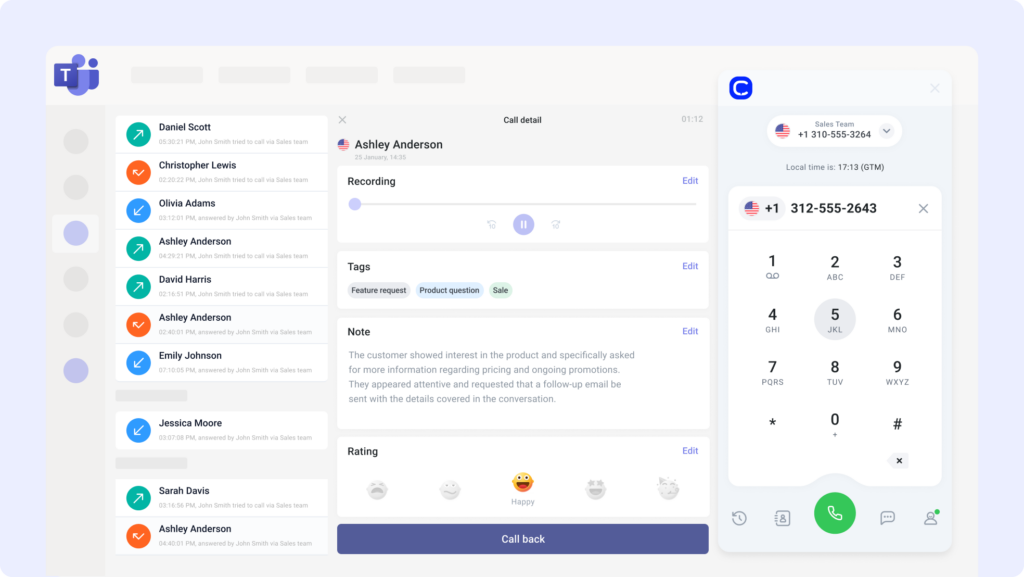
Microsoft Teams is a collaboration hub that brings together chat, meetings, and file sharing for hybrid and remote teams. The Copper Microsoft Teams integration helps streamline communication around deals, tasks, and updates—making CRM collaboration part of your everyday workflow.
Use Case
Integrate Microsoft Teams with Copper to receive real-time CRM notifications in chat, assign tasks based on deal activity, and keep team members aligned without switching platforms.
Benefits
- Improve deal collaboration with CRM alerts inside Teams
- Centralize sales updates in shared channels
- Reduce response lag by surfacing key activity in real time
Key Features of Microsoft Teams
- Push contact and deal updates from Copper to Teams
- Trigger task assignments based on CRM field changes
- Link CRM activity to chat threads for context-driven collaboration
What Is the Pricing of Microsoft Teams?
Microsoft Teams pricing is bundled with Microsoft 365 subscriptions:
- Plans start at $6/user/month (Business Basic), increasing to $7 as of July 1, 2026
- Business Standard is $12.50/user/month (rising to $14)
- Enterprise pricing available for larger orgs
Microsoft Teams Reviews
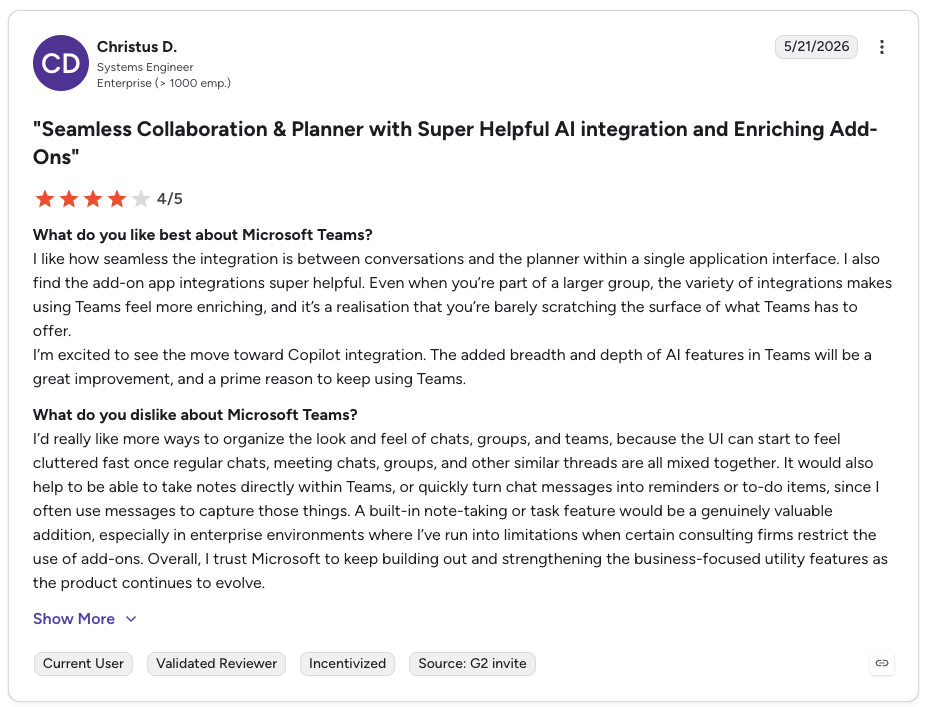
Microsoft Teams holds a 4.4 / 5 rating on G2 across more than 17,000 reviews, with strong marks for chat, video, and file sharing.
G2 reviewers give Microsoft Teams 4.3/5.
Microsoft Teams: Pros and Cons
| Pros | Cons |
|---|---|
| Included with Microsoft 365 and widely adopted | Not a CRM; it's a collaboration layer, not a data sync |
| Strong chat, video, and file sharing | Can feel heavy for smaller teams |
| Enterprise-grade security and admin controls | Connecting to Copper requires a connector or middleware |
12. Monday.com
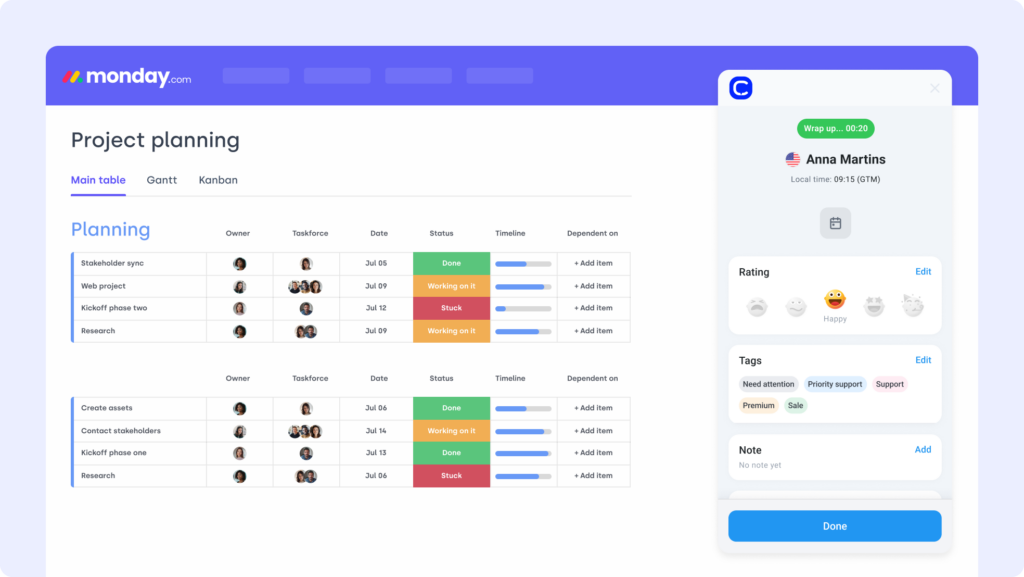
Monday.com is a flexible project management platform built to help teams organize tasks, track progress, and automate workflows. The Copper Monday.com integration allows sales, marketing, and operations teams to turn CRM activity into structured, trackable work—without relying on scattered spreadsheets or email chains.
Use Case
Connect Copper with Monday.com to auto-create tasks when deals move stages, assign follow-ups based on CRM updates, and track project execution across departments in one shared workspace.
Benefits
- Turn CRM activity into structured tasks automatically
- Improve accountability with real-time task visibility
- Reduce manual coordination across teams and tools
Key Features of Monday.com
- Trigger Monday tasks from deal or contact updates in Copper
- Link task status and owners to CRM pipeline activity
- Centralize updates, priorities, and team progress in shared boards
What Is the Pricing of Monday.com?
Monday.com pricing is per seat, billed annually, with a 3-seat minimum on paid plans:
- Basic: $9/seat/month
- Standard: $12/seat/month
- Pro: $19/seat/month
- Enterprise: Custom pricing
Monday.com Reviews
Monday.com holds a 4.7 / 5 rating on G2, one of the highest in the project management category.
Monday.com: Pros and Cons
| Pros | Cons |
|---|---|
| Flexible, visual boards with easy onboarding | 3-seat minimum on every paid plan |
| Strong automation and 200+ templates | Automation and integration limits on lower tiers |
| Scales from small teams to enterprise | Costs add up quickly as seats grow |
Workflows aren’t broken—they’re just disconnected. Reconnect them!
How to Choose the Best Copper Integration
Tailored for real-world Copper CRM users.
Identify Your Workflow Bottlenecks
Don’t start with features—start with friction. Are reps wasting time switching between tools? Are leads falling through because emails or calls aren’t tracked in real time? The right Copper integration should fix those pain points. For example, the Copper–CloudTalk integration auto-logs calls, updates contacts, and gives reps real-time visibility into conversations—so nothing slips through the cracks.
Prioritize Ease of Setup
If it takes weeks of dev time to get an integration working, it’s not saving time—it’s wasting it. Look for native Copper apps or simple plug-ins that launch in minutes. CloudTalk’s calling integration with Copper installs in just a few clicks, no custom code or IT support needed.
Think Long-Term, Not Just Launch Day
Copper is built for fast-moving teams. But as you scale, your integrations need to scale too. Will this tool still work when your pipeline doubles or your sales team grows across regions? Tools like CloudTalk’s customer service solution support high-volume teams without breaking workflows—no matter the size of your sales org.
Choose Tools That Secure Your Data
Every integration is a new access point to your customer data. Prioritize tools that support permission-based access, secure logging, and compliance with data regulations. The Copper–CloudTalk integration includes role-based access and audit logs to keep your CRM secure.
Partner With Vendors Who Actually Show Up
The real test isn’t setup—it’s when something breaks. Will your integration partner answer a ticket, or ghost you behind a chatbot? Choose vendors with real human support. CloudTalk’s support team helps you resolve issues quickly—with humans, not bots.
You Chose Copper for Simplicity. Now Make Your Copper Integrations Work Like a System
Copper was never meant to be just another CRM. It’s built to fade into the background—so your team can move fast, stay focused, and close without chaos.
But disconnected tools kill that momentum. Calls that don’t log. Emails that get missed. Pipelines that go silent.
The right Copper integrations flip the script. No more swivel-chairing between platforms. No more duct-taped workflows.
Just one clean system that talks to everything—and makes Copper feel effortless again.Start with the integration that makes the rest of your stack smarter.
Try CloudTalk for Copper and see how seamless selling is supposed to feel.
Setup shouldn’t be a separate project. We can help you!
Source:
Most Copper integrations use native apps or webhooks—setup takes minutes, especially with tools like Webhooks Copper integration.
Yes, the Copper Slack integration lets you get deal updates, assign tasks, and collaborate with your team in real time from any Slack channel.
Copper doesn’t natively integrate with Salesforce, but you can connect them using tools like Zapier or copper crm integrations.
Yes, the Copper LinkedIn integration helps you enrich leads, view profiles, and import contact data directly into your CRM.
Copper CRM is built for Google Workspace users to manage contacts, track pipelines, and automate workflows with minimal overhead.
Many copper software integrations are free or included in paid plans, though some third-party apps may require separate subscriptions.
Most copper crm integration setups take under 10 minutes using built-in apps or automation platforms like Zapier or Make.
Yes—Copper automation supports multiple integrations running at once to sync data, log activity, and trigger workflows.
Absolutely. Copper CRM is a full-featured CRM designed for ease of use, strong Gmail integration, and fast onboarding for sales teams.