The 10 Best Krisp Integrations to Power Business Automation in 2026
TL;DR:
Each tool here solves a specific workflow gap, from CRM updates to coaching feedback, with a setup that takes minutes and no dev work required. The result is less post-call admin, better customer experience, and a connected ecosystem where every call, ticket, and follow-up runs automatically.
Here's a list of the best Krisp integrations platforms:
- 01CloudTalk — Native calling, conversational AI, AI Voice Agents and call transcripts
- 02Salesforce — Sync clean transcripts, log call insights, automate follow-ups
- 03HubSpot — Auto-create deals from call data, feed AI summaries to CRM
- 04Google Sheets — Export call metrics, transcripts, and talk-time data
- 05Pipedrive — Log summaries into deals, enable cleaner sales conversations
- 06Slack — Share Krisp summaries and agent insights in real time
- 07Zoom — Boost call quality, transcribe meetings, and filter noise
- 08Microsoft Teams — Filter meeting audio, share summaries, support hybrid teams
- 09Intercom — Improve support call clarity, feed insights into chat threads
- 10Freshdesk — Add call logs to tickets, track agent talk-time
If your team is still switching tabs, searching inboxes, or asking “who last spoke to this customer?”—you’re losing time you can’t afford.
According to McKinsey, employees spend 1.8 hours per day—nearly 20% of their time—just looking for information or tracking down coworkers. In real terms? That’s almost a full workday lost every week 1.
Krisp integrations help you take that time back by combining noise-canceling clarity with smart automation. Krisp doesn’t just improve call quality — it unlocks more productive workflows across sales, support, and CX.
Whether you’re syncing CRM data, updating tickets, or logging call summaries, Krisp integrations eliminate distractions and manual busywork so your team can focus on what matters: the conversation.
In this guide, we’ve chosen each integration based on the real-world use case it solves—from pipeline tracking to helpdesk escalations. No fluff. Just the 10 smartest ways to make Krisp work harder for your business.
No more tab-switching. Just seamless workflows.

Why Trust CloudTalk?
For nearly 10 years, we’ve been helping more than 30,000 professionals with our solutions. Along the way, we’ve worked closely with experts across customer support, sales, and operations—listening to their challenges and following market trends.
To support better software decisions, we’ve reviewed over 200 software tools across industries. In the process, we’ve analyzed 5,500+ verified customer reviews from platforms like G2, Gartner, Capterra, and TrustRadius, plus real discussions on Reddit and Quora.
In the last year alone, we published over 1,000 articles—each one written by humans for humans, with care and a deep understanding of our customers’ needs. The reviews are based on trustworthy data, with one clear goal: to provide reliable insights and answers for you.
Learn how we keep our content integrity and our software review methodology.
What Is a Krisp Integration?
A Krisp integration connects Krisp’s AI-powered features—like noise cancellation, meeting transcription, accent conversion, and agent assist—with the tools your team already uses, such as CRMs, dialers, conferencing apps, and ticketing systems.
Instead of switching between apps or manually cleaning up call data, Krisp integrations automate audio enhancement and post-call workflows directly inside your core platforms.
Here’s what they do:
- Automate workflows: trigger emails, assign tasks, or update records when someone takes action
- Sync data: make sure contact info, deal status, and activity history stay up to date everywhere
- Trigger actions: set off alerts, create follow-ups, or move pipeline stages based on what happens in other tools
For example, CloudTalk’s Krisp integration lets teams improve voice clarity, auto-log call summaries, and provide real-time support coaching—all from a single platform.
Most Krisp integrations are powered by native apps, Zapier, or custom APIs—no dev team required.
Want Krisp to talk to your dialer, VoIP, and helpdesk?
The 10 Best Krisp Integrations to Automate Workflows in 2026
Krisp does more than mute barking dogs and background chatter—it unlocks a smarter way to work. By connecting Krisp with your core business tools, you can automate workflows, log clean call data, and improve performance across support, sales, and CX.
Below are the 10 best Krisp integrations for 2026, handpicked for their real-world impact on clarity, speed, and automation.
Krisp Integration Summary Table
| Software | Category | Why It’s Useful with Krisp |
|---|---|---|
| 1. CloudTalk | VoIP/AI | Native calling, conversational AI, AI Voice Agents and call transcripts |
| Salesforce | CRM | Sync clean transcripts, log call insights, automate follow-ups |
| HubSpot | CRM/Marketing | Auto-create deals from call data, feed AI summaries to CRM |
| Google Sheets | Reporting/Analytics | Export call metrics, transcripts, and talk-time data |
| Pipedrive | CRM/Sales | Log summaries into deals, enable cleaner sales conversations |
| Slack | Messaging/Comms | Share Krisp summaries and agent insights in real time |
| Zoom | Video Conferencing | Boost call quality, transcribe meetings, and filter noise |
| Microsoft Teams | Collaboration | Filter meeting audio, share summaries, support hybrid teams |
| Intercom | Customer Support | Improve support call clarity, feed insights into chat threads |
| Freshdesk | Helpdesk | Add call logs to tickets, track agent talk-time |
1. CloudTalk - Best native calling, conversational AI, AI Voice Agents, and call transcripts
What Is CloudTalk?
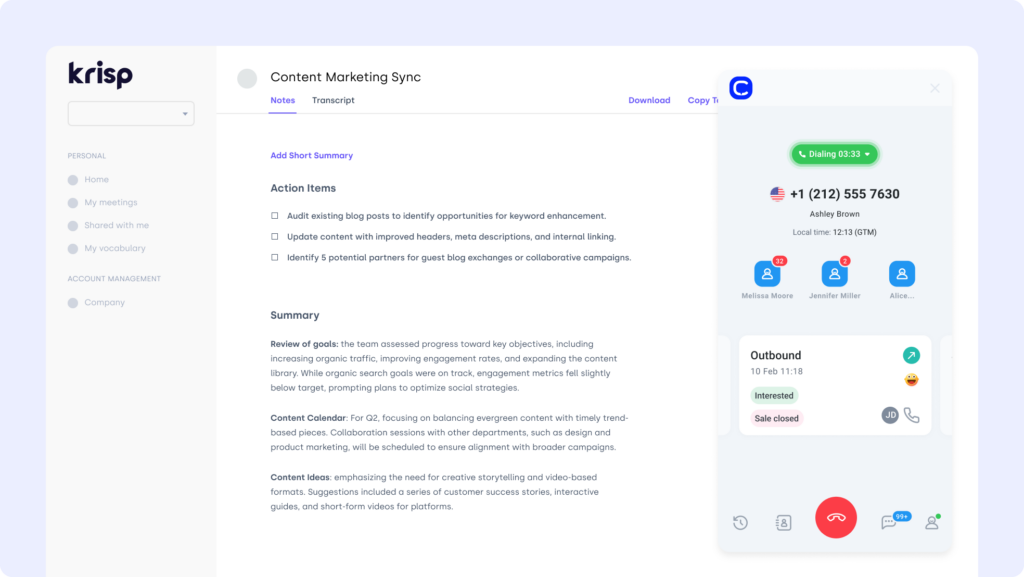
CloudTalk is a cloud-based phone system built for sales and support teams. Its Krisp integration enhances every call with real-time noise cancellation, sentiment analysis, and smart post-call summaries—so your reps stay focused and your CRM stays clean.
What Is CloudTalk For?
Connect CloudTalk with Krisp to automatically reduce background noise on both ends of a call, generate AI-powered transcripts, and feed summarized insights directly into agent workflows.
What Are CloudTalk's Benefits?
- Deliver clearer, distraction-free voice experiences for every customer
- Save hours with automated call summaries and CRM logging
- Boost agent productivity with AI-assisted workflows
What Are CloudTalk's Key Features?
- Real-time call monitoring
- AI-Powered Conversation Intelligence
- Call recording and playback
- Sentiment Analysis
What Is CloudTalk's Pricing?
CloudTalk offers flexible plans tailored to business needs. With each of its plans offering more value than its competitors:
- Lite: $19/user/month (Americas)
- Starter: $25/user/month
- Essential: $29/user/month
- Expert: $49/user/month
- Custom: Pricing available upon request
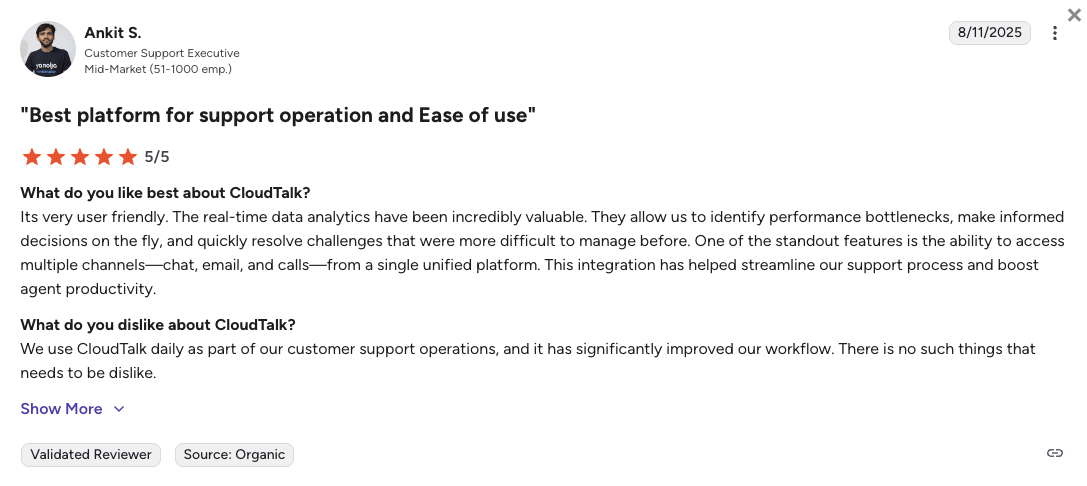
What Do Users Say About CloudTalk?
2. Salesforce (CRM) - Sync clean transcripts, log call insights, automate follow-ups
What Is Salesforce?
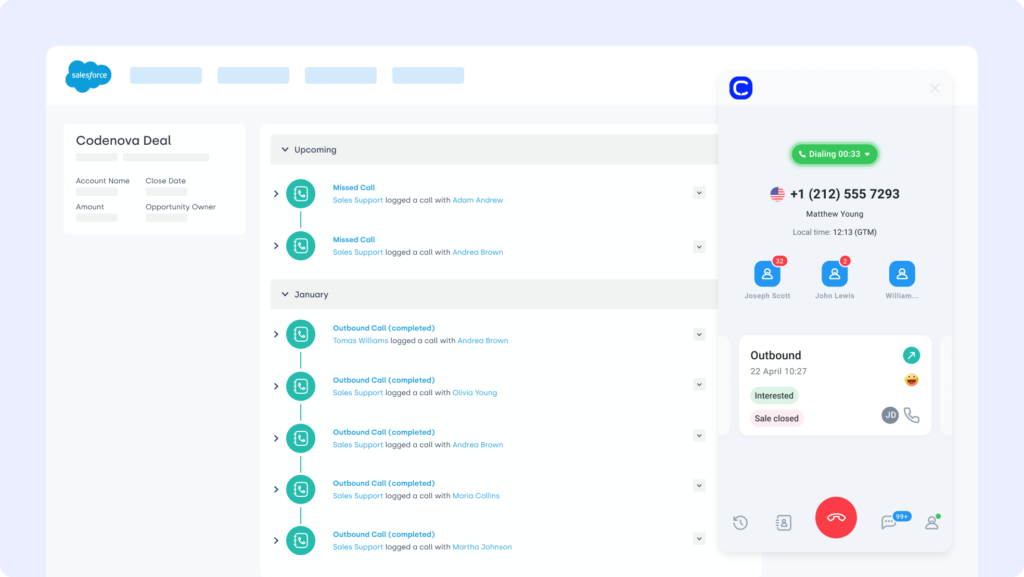
Salesforce is one of the most powerful CRMs available—built for complex sales, service, and support environments. The Krisp Salesforce integration ensures your reps hear (and log) only what matters—by syncing clean, summarized call data into every customer record.
What Is Salesforce For?
Combine Krisp’s noise removal and AI meeting assistant with Salesforce to transcribe calls, auto-log action items, and enrich customer profiles—without manual note-taking.
What Are Salesforce's Benefits?
- Give sales teams clean transcripts and meeting summaries instantly
- Improve data quality by syncing structured call insights to CRM
- Reduce post-call admin with automated log entries
What Are Salesforce's Key Features?
- Real-time voice filtering and transcription
- Auto-logging of notes, tasks, and follow-ups into Salesforce
- Agent performance insights (talk-time, silence, crosstalk)
What Is Salesforce's Pricing?
Salesforce offers various pricing tiers:
- Starter Suite: $25 per user/month
- Pro Suite: $100 per user/month
- Enterprise: $175 per user/month
- Unlimited: $350 per user/month
Salesforce dialer pricing guide: CRM plan, with paid tiers depending on your team’s size and needs.
3. HubSpot (CRM) - Auto-create deals from call data, feed AI summaries to CRM
What Is HubSpot?
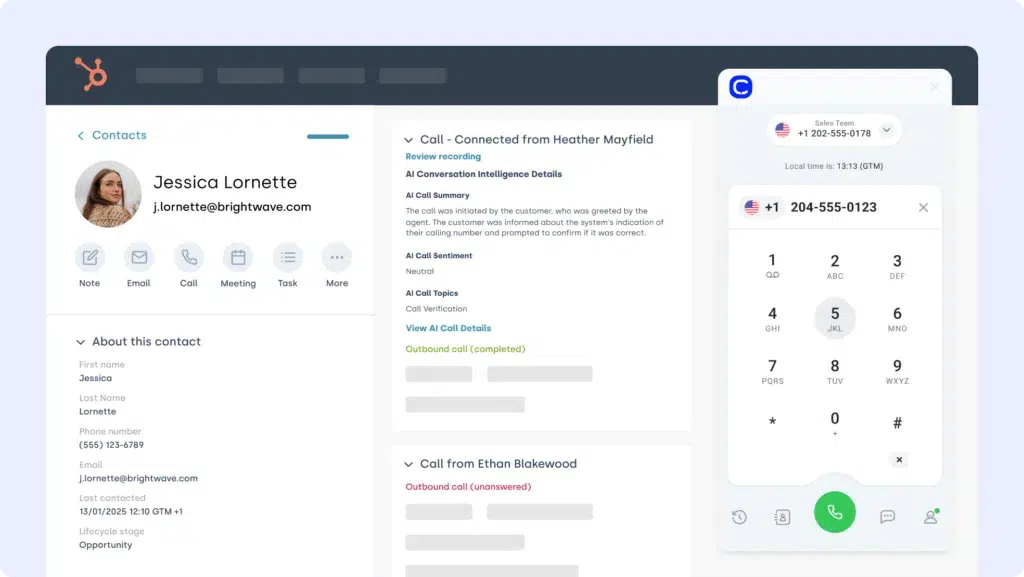
HubSpot is a popular all-in-one CRM for marketing, sales, and support teams. The Krisp HubSpot integration ensures crystal-clear calls and fully automated post-call workflows—perfect for teams who need clean data and fast follow-ups.
What Is HubSpot For?
Use Krisp to remove distractions during sales calls, then sync transcriptions, speaker summaries, and action items straight into HubSpot timelines and tasks.
What Are HubSpot's Benefits?
- Improve contact records with AI-enhanced call insights
- Trigger campaigns or follow-ups based on call content
- Reduce time spent on post-call notes and manual updates
What Are HubSpot's Key Features?
- Noise cancellation + echo reduction during HubSpot calls
- AI transcription and summary logs pushed to contact timelines
- Trigger HubSpot workflows from voice-based events
What Is HubSpot's Pricing?
HubSpot offers a free CRM plan, with paid tiers depending on your team’s size and needs. See HubSpot pricing for details.
- Free
- Starter: $7/seat/month
- Professional: $792/month
- Enterprise: $3300/month
4. Google Sheets - Export call metrics, transcripts, and talk-time data
What Is Google Sheets?
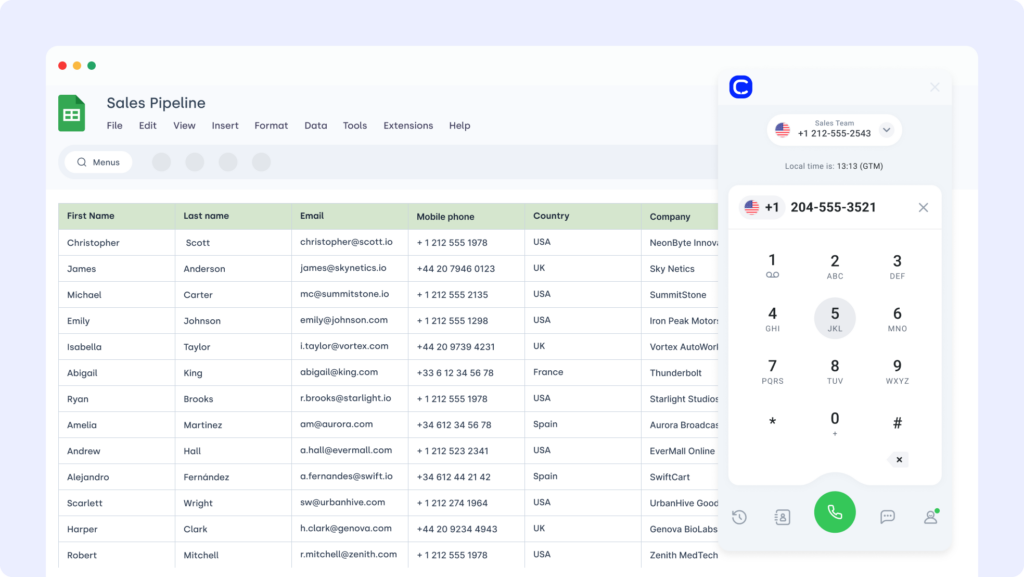
Google Sheets is a go-to tool for reporting, dashboards, and team collaboration. The Krisp Google Sheets integration lets you push live call metrics, transcriptions, and conversation summaries into a centralized spreadsheet for analysis.
What Is Google Sheets For?
Sync Krisp’s AI-generated transcripts and call data—like talk time, sentiment, and summary bullets—into Google Sheets for team tracking, QA, and coaching workflows.
What Are Google Sheets' Benefits?
- Build real-time coaching dashboards from call data
- Track voice performance metrics without manual entry
- Simplify reporting across teams using clean, structured exports
What Are Google Sheets' Key Features?
- Auto-sync call logs and talk-time metrics
- Export summaries and sentiment tags
- Filter by agent, team, or topic for easy reporting
What Is Google Sheets' Pricing?
Free with Google Workspace. Advanced features may depend on add-ons.
5. Pipedrive (CRM) - Log summaries into deals, enable cleaner sales conversations
What Is Pipedrive?
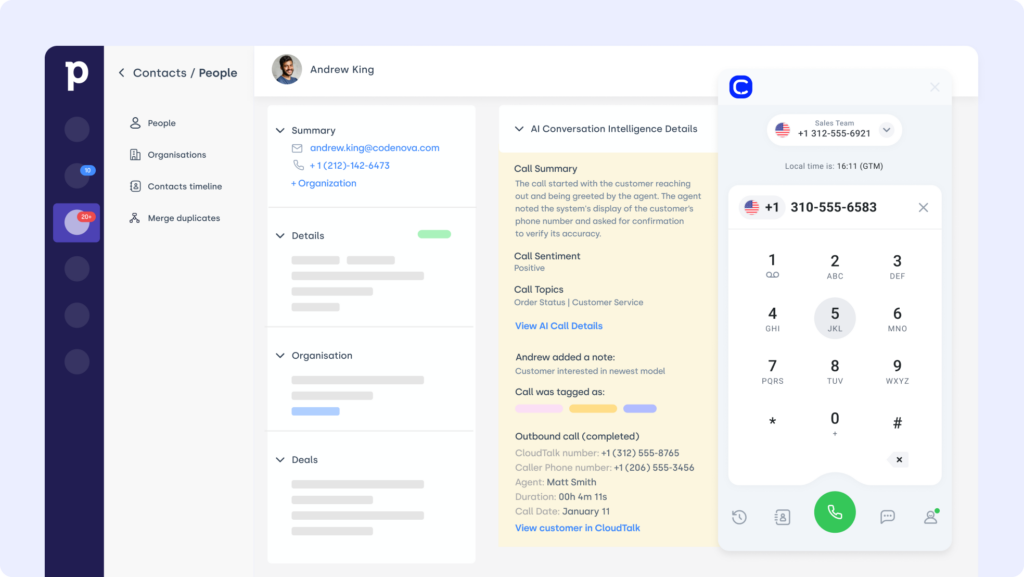
Pipedrive is a visual, pipeline-focused CRM built to move deals forward. The Krisp Pipedrive integration adds voice clarity, automated call summaries, and AI-generated follow-ups to your sales workflow—without slowing your reps down.
What Is Pipedrive For?
Use Krisp to clean up call audio, then automatically push transcripts and key takeaways into Pipedrive deal records to keep your pipeline moving with zero manual input.
What Are Pipedrive's Benefits?
- Improve sales call clarity to increase win rates
- Eliminate busywork with automatic logging and summaries
- Equip reps with call insights that drive next steps
What Are Pipedrive's Key Features?
- Real-time AI transcription and summary generation
- Sync meeting notes into Pipedrive contact and deal views
- Talk-time analytics and silence tracking per rep
What Is Pipedrive's Pricing?
Pipedrive offers flexible plans based on team size and needs:
- Lite: $14/user/month
- Growth: $39/user/month
- Premium: $59/user/month
- Ultimate: $79/user/month
6. Slack (Messaging Platform) - Share Krisp summaries and agent insights in real time
What Is Slack?
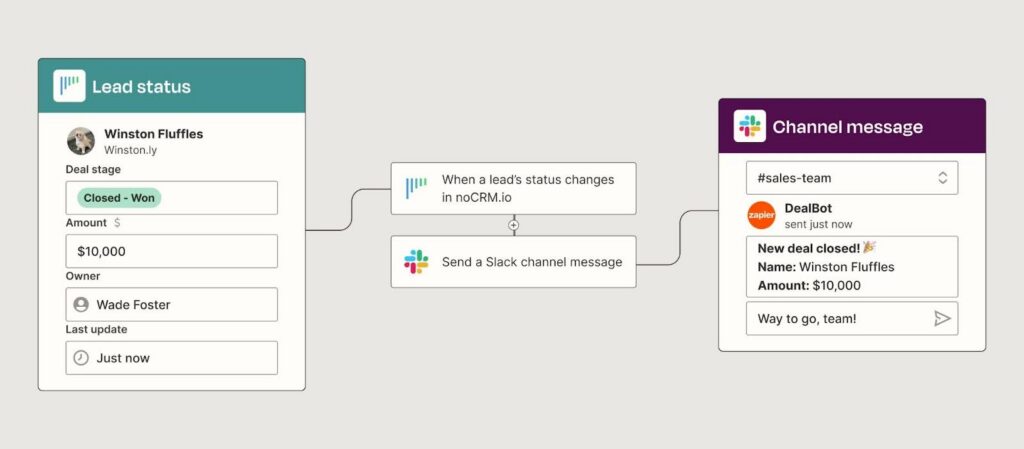
Slack is a leading team messaging platform that supports fast internal collaboration. The Krisp app integration makes it easy to share call summaries, flag issues, or drop AI-generated insights into Slack channels in real time.
What Is Slack For?
Push Krisp summaries and meeting action items into Slack to keep teammates aligned—without needing to send follow-up messages or transcribe manually.
What Are Slack's Benefits?
- Keep your team in the loop with real-time meeting recaps
- Share follow-ups or coaching points in context
- Reduce meeting overload with instant Slack briefings
What Are Slack's Key Features?
- Auto-post meeting summaries to chosen channels
- Integrate with Slack workflows to trigger alerts
- Link transcripts to CRM or task tools from Slack
What Is Slack's Pricing?
Slack offers the following plans:
- Free: $0/month
- Pro: $6.75/user/month
- Business+: $15/user/month
- Enterprise: Custom pricing
7. Zoom (Video Conferencing Platform) - Boost call quality, transcribe meetings, and filter noise
What Is Zoom?
Zoom is one of the most widely used tools for virtual meetings, webinars, and video calls. The Krisp Zoom integration enhances every meeting by filtering background noise, generating AI-powered transcripts, and summarizing discussions in real time.
What Is Zoom For?
Enable Krisp during Zoom calls to ensure crystal-clear audio for all participants, then automatically log meeting summaries and action items into your team’s preferred tools.
What Are Zoom's Benefits?
- Improve communication clarity on both ends of the call
- Save time with auto-generated summaries and transcripts
- Reduce meeting fatigue with structured insights and takeaways
What Are Zoom's Key Features?
- AI Noise Cancellation and Voice Enhancement
- Real-time meeting transcription and summarization
- Action item detection and integration with CRMs or docs
What Is Zoom's Pricing?
Zoom offers the following business plans:
- Basic: $0/month
- Pro: $14.16/month per user
- Business: $18.33/month per user
- Enterprise: Custom pricing
8. Microsoft Teams (Collaboration Platform) - Filter meeting audio, share summaries, support hybrid teams
What Is Microsoft Teams?
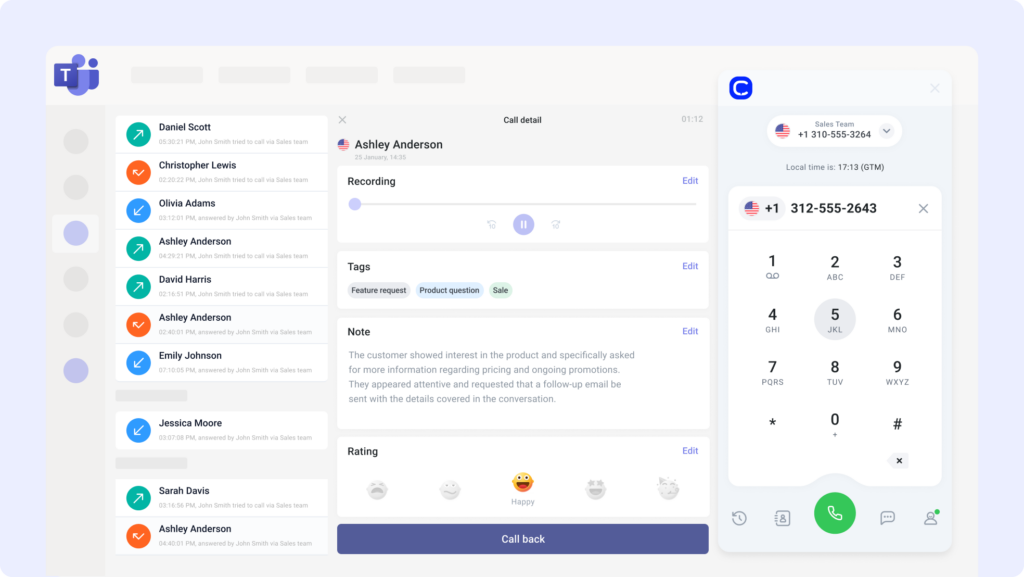
Microsoft Teams brings chat, calls, and collaboration into one place. The Krisp Microsoft Teams integration helps remote and hybrid teams reduce distractions, capture meetings automatically, and share key insights across departments.
What Is Microsoft Teams For?
Use Krisp to filter out background noise in Teams meetings, then push AI-generated summaries to OneNote, CRM tools, or Slack channels for async alignment.
What Are Microsoft Teams' Benefits?
- Eliminate noise disruptions in daily standups and sales calls
- Automatically capture meeting notes and follow-up tasks
- Improve cross-team collaboration with shared call insights
What Are Microsoft Teams' Key Features?
- Bi-directional noise suppression during live calls
- Meeting transcription + summary push to external tools
- Compatibility with Teams bots and workflows
What Is Microsoft Teams' Pricing?
Microsoft Teams offers a free plan, with premium features available in Microsoft 365 bundles:
- Microsoft 365 Business Essentials: $4/user/month
- Microsoft 365 Business Basic: $6/user/month
- Microsoft 365 Business Standard: $12.50/user/month
9. Intercom (Messaging Platform) - Improve support call clarity, feed insights into chat threads
What Is Intercom?
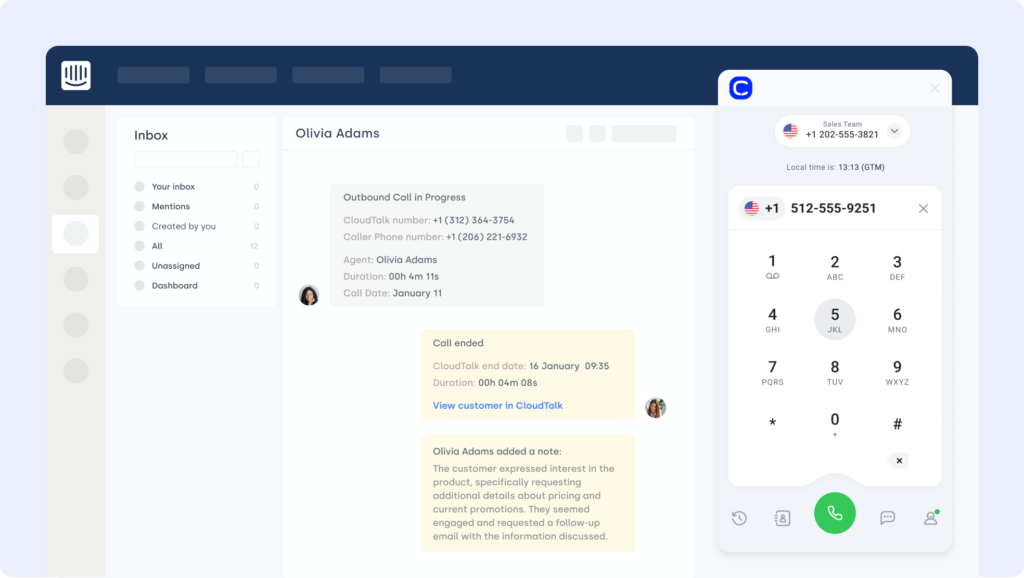
Intercom is built for live chat, onboarding, and proactive customer support. The Krisp Intercom integration enhances real-time conversations by ensuring clean voice quality and automatically logging call insights into support threads.
What Is Intercom For?
Use Krisp to power voice-based Intercom support sessions, then feed call transcriptions and action items directly into chat history for a complete customer view.
What Are Intercom's Benefits?
- Improve clarity during high-stakes support or onboarding calls
- Eliminate manual transcription with AI-generated summaries
- Keep messaging and voice history aligned in one timeline
What Are Intercom's Key Features?
- AI-powered call recording and transcription
- Noise suppression for customer-facing voice interactions
- Summary sync to Intercom user profiles and threads
What Is Intercom's Pricing?
Intercom offers pricing based on solution needs:
- Essential: $29/seat/month
- Advanced: $85/seat/month
- Expert: $132/seat/month
- Fin AI Agent: From $0.99
10. Freshdesk (Support Platform) - Add call logs to tickets, track agent talk-time
What Is FreshDesk?
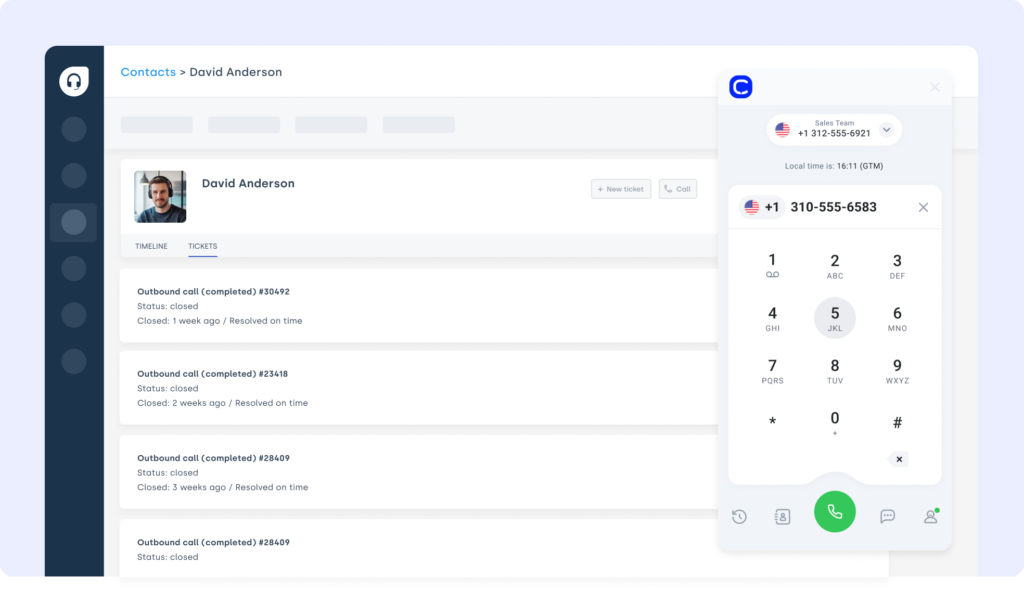
Freshdesk is a popular helpdesk platform used to manage tickets, SLAs, and multi-channel support. The Krisp Freshdesk integration ensures that every support call is clear, recorded, and summarized—then logged automatically to the right ticket.
What Is FreshDesk For?
Combine Krisp with Freshdesk to reduce noise on support calls, auto-log transcripts into tickets, and flag escalations based on conversation tone or keywords.
What Are FreshDesk's Benefits?
- Improve resolution speed with cleaner call insights
- Automate ticket updates with AI-powered transcriptions
- Track talk-time and sentiment for QA and coaching
What Are FreshDesk's Key Features?
- Voice enhancement + background noise filtering
- Auto-transcription pushed to ticket notes
- Conversation analytics for support performance tracking
What Is FreshDesk's Pricing?
Freshdesk offers multiple plans for growing support teams:
- Growth: $29/agent/month
- Pro: $75/agent/month
- Enterprise: $115/agent/month
Recommended Reads
Benefits of Krisp Integration
Integrating Krisp with your existing tech stack does more than clean up audio—it transforms how your teams work, communicate, and deliver results.
- Crystal-Clear Conversations, Every Time
Remove background noise, echo, and distractions from both ends of the call—so nothing gets lost in translation, even during remote or high-pressure moments. - Faster Post-Call Workflows
Skip the note-taking. Krisp auto-generates transcripts, summaries, and action items—then syncs them to your CRM, helpdesk, or project tool. - Smarter Coaching and QA
Track talk-time, silence, and interruptions to coach your agents with real data—not guesswork. Ideal for support centers and sales teams. - Cross-Tool Syncing That Just Works
From CRM updates to Slack notifications, Krisp integrations push clean data across your ecosystem—reducing manual work and improving visibility. - Improved Customer Experience at Scale
Clearer calls + faster follow-ups = happier customers. Krisp integrations make it easier to meet SLAs, personalize service, and close deals faster.
Workflows aren’t broken—they’re just disconnected. Reconnect them!
How to Choose the Right Krisp Integration for Your Business
Not all Krisp integrations are created equal. The best ones fit your workflow, scale with your team, and add real value without unnecessary complexity. Here’s how to evaluate your options.
Identify Your Business Needs
Start with the problem, not the tool. Are your agents struggling with noisy calls? Are meeting notes falling through the cracks? Choose integrations that solve these friction points. For example, CloudTalk’s Krisp integration is perfect for support and sales teams that live on the phone.
Prioritize Ease of Setup
If it takes a developer to install, it’s not saving you time. Look for Krisp integration tools that offer plug-and-play options through platforms like Zapier, or native support inside platforms like HubSpot.
Choose Scalable Integrations
You might be a 10-person team now—but will your tools still work at 50? Prioritize integrations that scale with your call volume, agent count, or automation needs. CloudTalk’s smart dialer is a great example of an integration-ready solution that works at any scale.
Assess Security and Compliance
Krisp already runs on-device for privacy, but your connected tools must be secure too. Look for integrations that support permissioning, SSO, and data encryption. This is essential for teams using CTI systems or handling sensitive customer data.
Evaluate Cost-Effectiveness
Some Krisp integrations are free; others live behind premium tiers. Always weigh the ROI of automation vs. the time saved. Even simple tools like Google Sheets integrations can drive value with minimal cost or setup.
Look for Ongoing Support
Integrations break. APIs change. When that happens, you need more than a help doc. Choose integration partners with responsive support, like CloudTalk’s inbound support center, which offers help when you need it most.
How to Connect Krisp with Your Favorite Tools
Setting up Krisp integrations is simple—no technical expertise required. Whether you're automating CRM workflows or pushing call data into a spreadsheet, Krisp offers flexible ways to connect.
Most integrations follow one of three paths:
- Native integrations: Use direct connections with platforms like CloudTalk or HubSpot to enable noise cancellation and AI summaries within your existing tools.
- Zapier or iPaaS platforms: Build no-code workflows that sync Krisp transcripts, meeting summaries, or call metrics with over 5,000 apps—ideal for tools like Slack, ClickUp, or Google Sheets.
- Custom API: For enterprise teams, Krisp also offers an API to create deep integrations tailored to internal systems or niche platforms.
Once connected, Krisp works in the background—cleaning audio, generating summaries, and pushing structured insights to wherever your team needs them.
Cut the Noise. Automate the Rest.
Every minute your team spends untangling messy call notes, repeating themselves on noisy lines, or logging data manually is time you’re losing.
Krisp integrations flip that script. They clean up your audio, automate the busywork, and sync insights across your tools—so your best people can stay focused, close deals faster, and support customers with confidence.
Why waste another call repeating “Can you hear me?”
Power up your stack with the CloudTalk + Krisp integration.
Setup shouldn’t be a separate project. We can help you.
Sources:
Frequently asked questions
Yes, the Krisp integration platform supports API access for custom workflows, including advanced use cases like Krisp CTI and analytics tools.
Some Krisp integrations are free via Zapier; premium features depend on your tool. See Krisp Zapier integration pricing for automation tiers.
Krisp software offers a free plan, with paid tiers unlocking advanced Krisp features like call summaries, voice analytics, and team dashboards.
Most Krisp app integration setups take under 10 minutes using Krisp integration tools or iPaaS like Zapier—no dev team required.
Yes! You can run Krisp phone integrations, CRM syncs, and automation together—perfect for using Krisp Salesforce integration and Slack alerts in parallel.